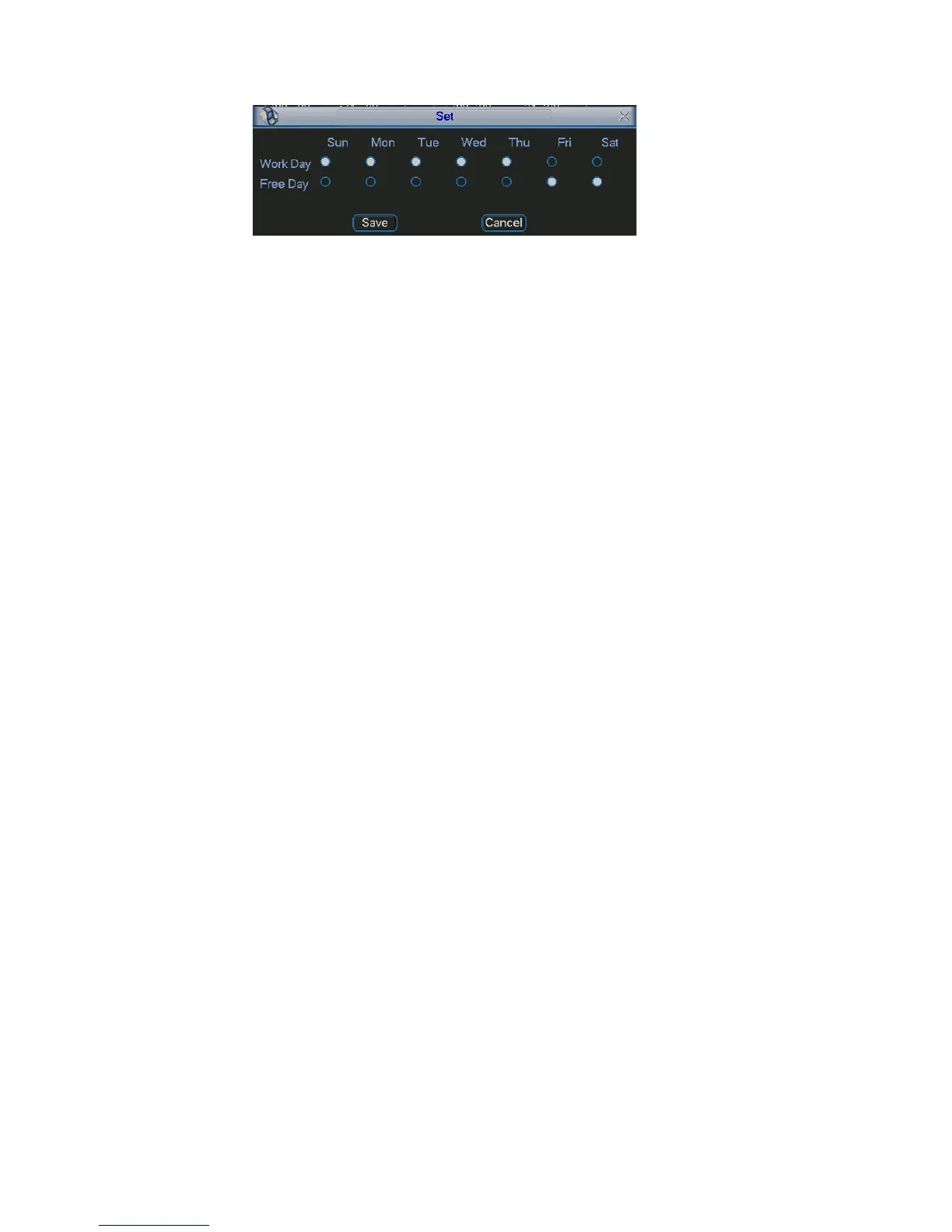
Figure 4-18
4.5.3 Video Loss
ct video loss from the type list. You can see the interface is
s
annel you want to enable lens shading alarm.
when video loss occurred.
curred.
in the local host
ail to alert you when alarm occurs.
h as go
face is shown as in Figure 4-17.
et
hest sensitivity.
es.
In Figure 4-14, sele
shown as in Figure 4-19.This function allows you to be informed when video los
phenomenon occurred. You can enable alarm output channel and then enable
show message function.
Channel: select the ch
Event type: please select video loss.
Channel: select the channel to record
Alarm output: activate peripheral alarm device when video loss oc
Latch: when motion detection complete, system auto delays detecting for a
specified time. The value ranges from 10-300(Unit: second)
Show message: System can pop up a message to alarm you
screen if you enabled this function.
Send email: System can send out em
PTZ activation: Here you can set PTZ movement when alarm occurs. Suc
to preset, tour & pattern when there is an alarm. Click “select” button, you can
see an interface is shown as in Figure 4-16.
Period: Click set button, you can see an inter
Here you can set for business day and non-business day. In Figure 4-17, click
set button, you can see an interface is shown as in Figure 4-18. Here you can s
your own setup for business day and non-business day.
Sensitivity: there are six levels. The sixth level has the hig
Alarm output: when alarm occurred, system enables peripheral alarm devic
Tour; Here you can enable tour function when alarm occurs. It is a one-window
tour. Please go to chapter 5.3.9 Display for tour interval setup.
Snapshot: System can snapshoot when alarm occurs.
45



 To Next Page