Modify
group
d.
nt please note:
nagement: group and user. No limit to group
management, there are two levels: admin and user.
can only
ted.
n
l
long to one group. User right can not exceed group right.
Afte ase click save button, system goes back to the previous menu.
Modify passwor
For account manageme
System account adopts two-level ma
or user amount.
For group or user
The user name and group name can consist of eight bytes. One name
be used once. There are four default users: admin/888888/666666 and hidden
user “default”. Except user 6666, other users have administrator right.
Hidden user “default” is for system interior use only and can not be dele
When there is no login user, hidden user “default” automatically login. You ca
set some rights such as monitor for this user so that you can view some channe
view without login.
One user should be
About reusable function: this function allows multiple users use the same
account to login.
r all the setups ple
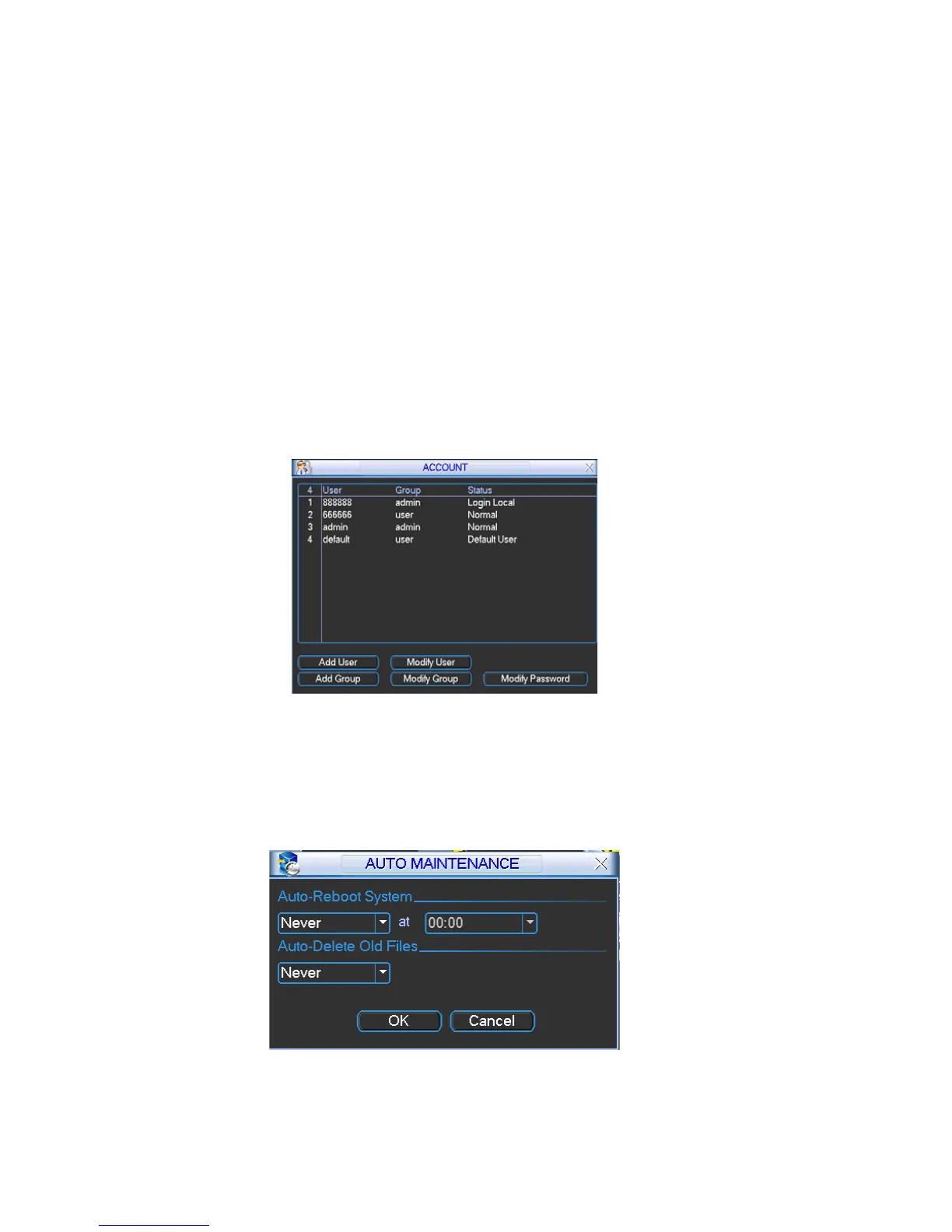
Figure 5-34
5.5.6 Auto Maintain
-reboot time and auto-delete old files setup. See Figure 5-35.
m goes back to the previous menu.
Here you can set auto
You can select proper setup from dropdown list.
After all the setups please click save button, syste
Figure 5-35
77



 To Next Page