Figure 7-48
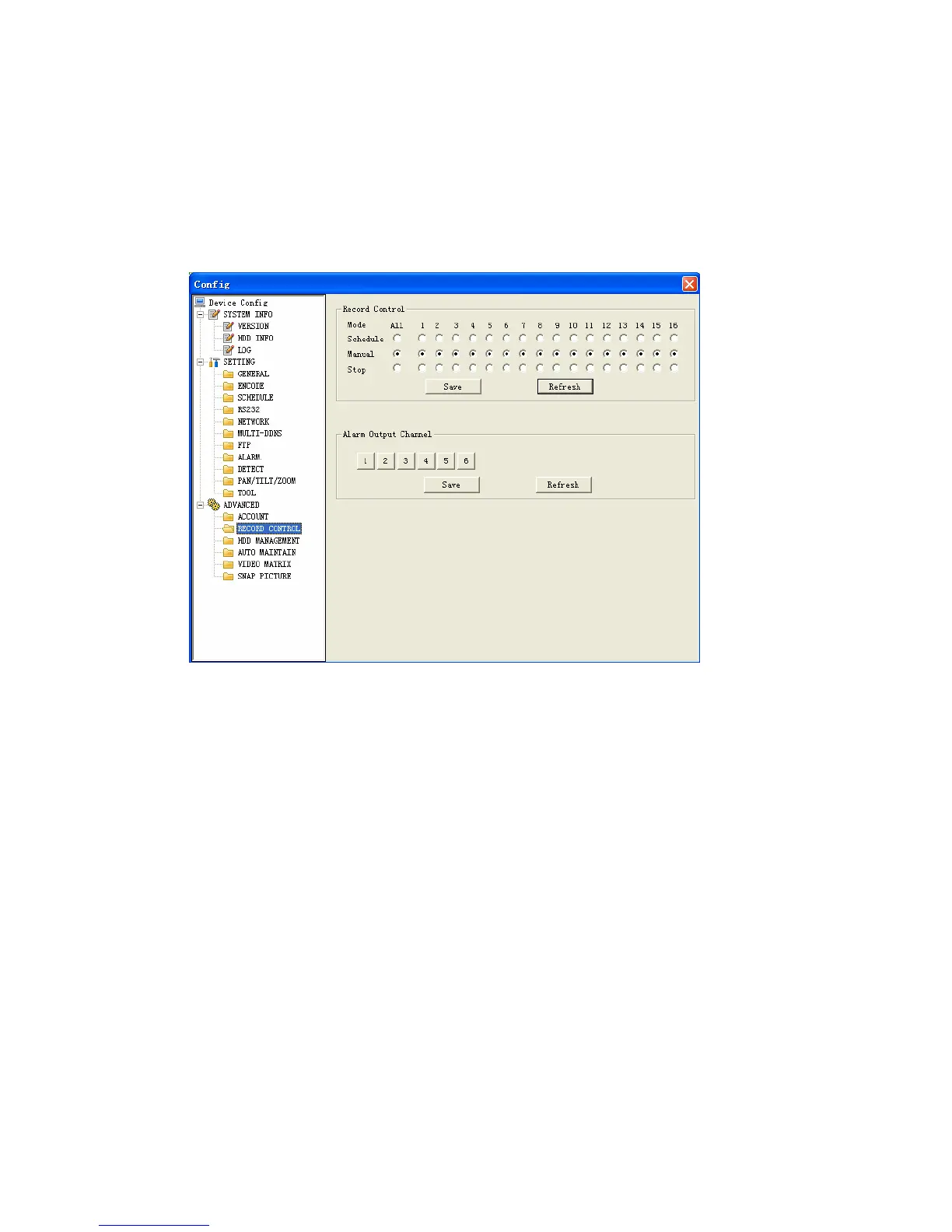
Record Control
Record control interface is shown as in Figure 7-49.
Record control: Here you can enable record status for corresponding channel.
Alarm output channel: Here you can select alarm output channel. DVR output
channel can not support large overload. (It shall be less than 1A). Too heavy current
may result in relay damage. Please use contactor if necessary.
Figure 7-49
HDD management
This function needs DVR device supported.
Please select the HDD first and then you can see the items on your right become
valid. You can check the corresponding item here. See Figure 7-50.
After you completed setup, please click control HDD button, you can see the DVR
begins restarting.
120



 To Next Page