6 About Auxiliary Menu
6.1 Go to Pan/Tilt/Zoom Menu
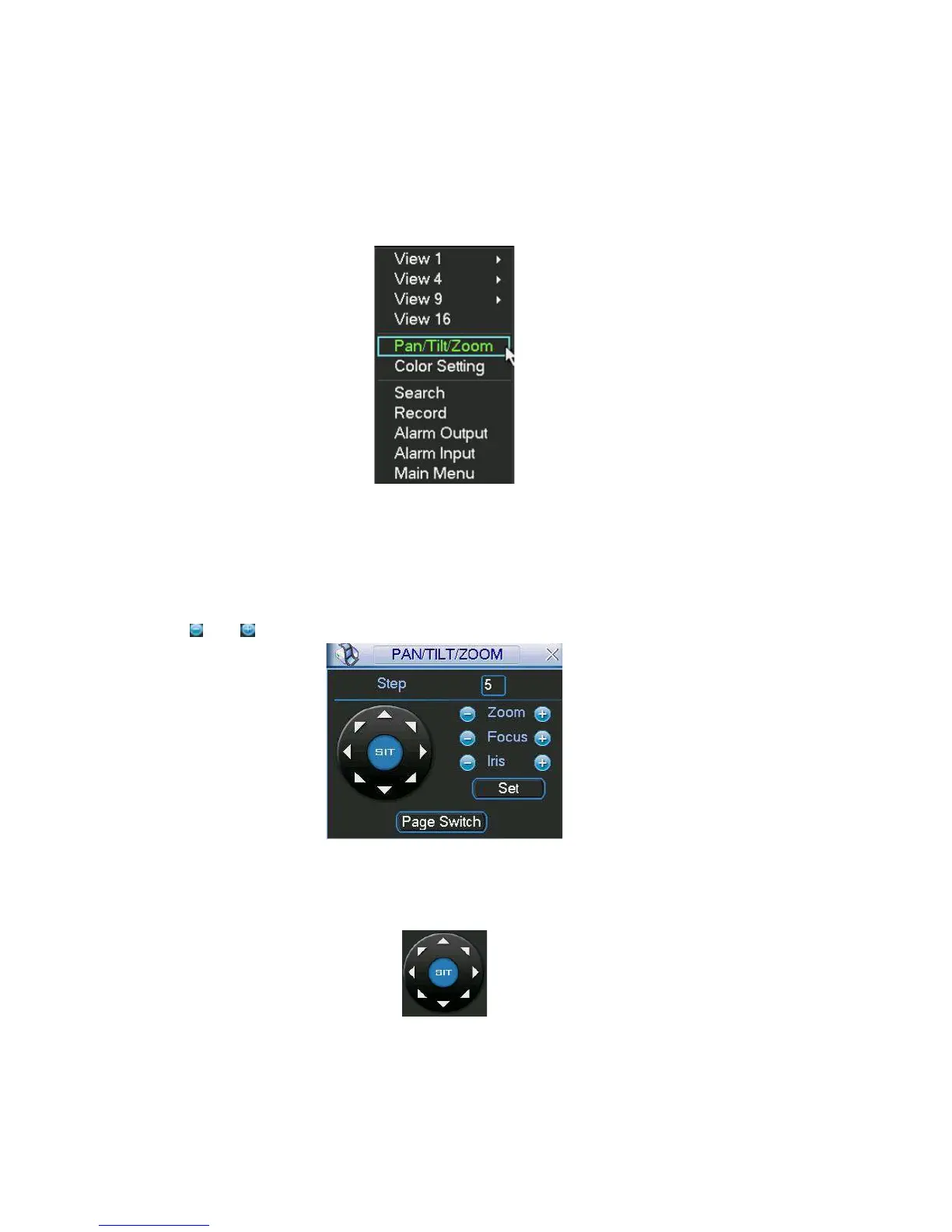
e, right click mouse (click “fn” Button in the front In the one-window surveillance mod
panel or click AUX key in the remote control). The interface is shown as below: See
Figure 6-1.
Figure 6-1
Click Pan/Tilt/Zoom, the interface is sh igure 6-2. own as in F
Here you can set the following items:
Zoom
Focus
Iris
Click icon
and to adjust zoom, focus and Iris.
Figure 6-2
In Figure 6-2, please click direction arrows (See Figure 6-3 ) to adjust PTZ position.
There are totally eight direction arrows. (Please note there are only four direction
arrows in DVR front panel.)
Figure 6-3
6.1.1 3D Intelligent Positioning Key
87



 To Next Page