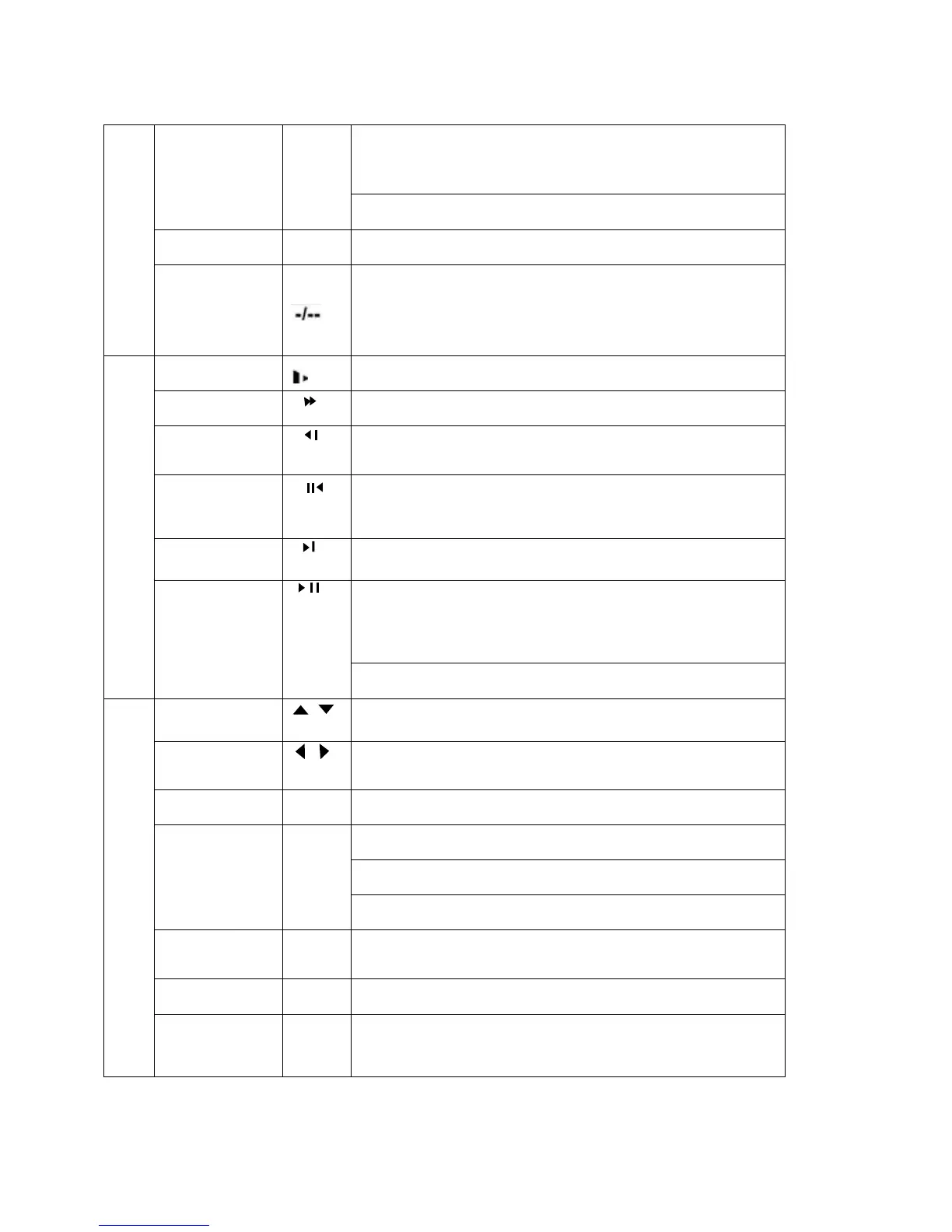
In textbox, click this button to switch between numeral,
English(Small/Capitalized),donation, Chinese
and etc.
Open/close tour
numeral keys 0-9 0-9 Input password, switch channel and input numeral.
Input numeral
more
than10
When you need to input numeral more than 9. You can follow the
steps below: click the first key number and then the next.
For example, input 123, click numeral 1 and then 2 and click
3(continuous
y).
Slow play
Multiple slow play speeds or normal playback
Fast play
Various fast speeds and normal playback.
Play previous
In playback mode, playback the previous video
In menu setup, go to upper ward of the dropdown list.
Reverse/Pause
In normal playback or pause mode, click this button to reverse
playback
In reverse playback, click this button to pause playback.
Play Next
In playback mode, playback the next video
In menu setup, go to down ward of the dropdown list.
Reverse playback or paused mode, click this button to realize
normal playback
In normal playback click this button to pause playback
In pause mode, click this button to resume playback
4
Play/Pause
In real-time monitor mode, click this button to enter video search menu
Up/down
、
Activate current control, modify setup, increase/decrease numeral,
assistant function such as PTZ menu.
Left/right
、
shift current activated control,
When playback, click these buttons to control playback bar.
Cancel ESC Close upper interface or controls.
confirm operation
Go to default button
Enter ENTER
Go to main menu
Record ●
Manually stop/start recording, working with direction keys
or numeral keys.
Window switch MULT Switch between one-window and multiple-window display modes.
5
Assistant Fn
One-window monitor mode, click this button to display assistant
function:
PTZ control and image color.
In PTZ menu, shift PTZ control menu.
17



 To Next Page