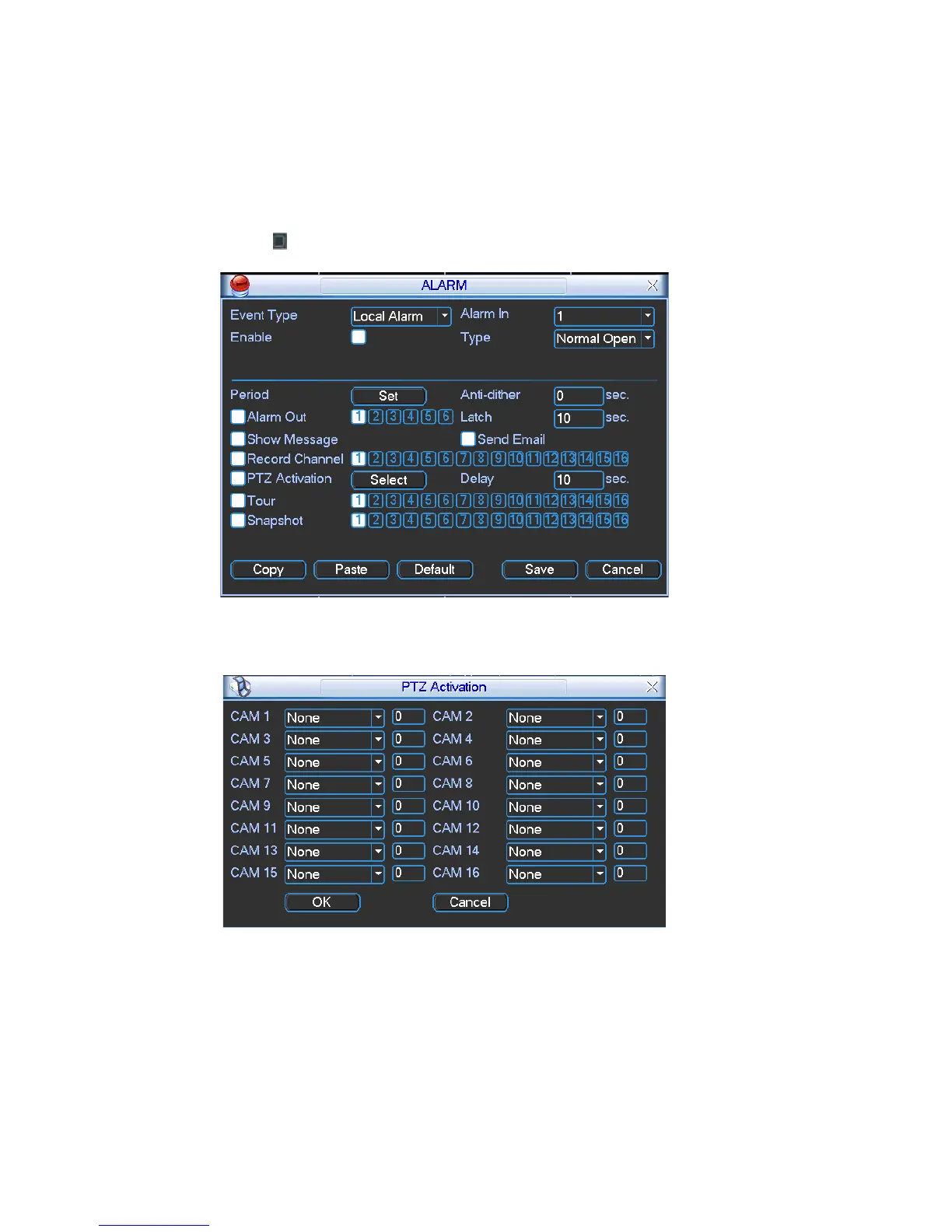
Latch: Here is for you to set proper delay duration. Value ranges from 10 to 300
arm occurs. It is a one-window
seconds. System automatically delays specified seconds in turning off alarm and
activated output after external alarm cancelled.
Tour: Here you can enable tour function when al
tour: Please go to chapter 5.3.9 Display for tour interval setup.
Snapshot: System can snapshoot when alarm occurs.
Please highlight icon
to select the corresponding function. After all the setups
please click save button, system goes back to the previous menu.
Figure 4-21
Figure 4-22
48



 To Next Page