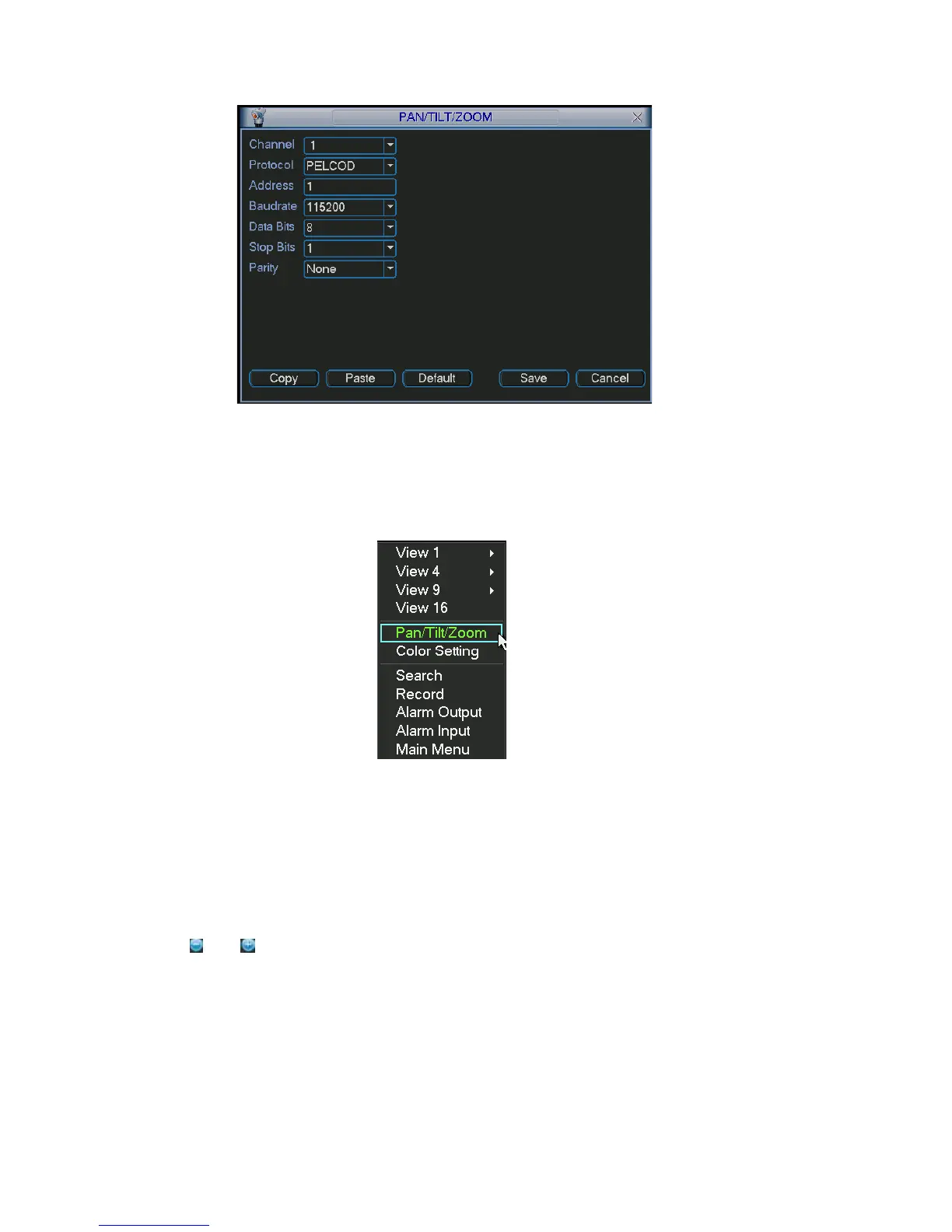
Figure 4-28
After all the setting please click save button
e (click “Fn” Button in the front panel
.
In one window display mode, right click mous
or click “Fn” key in the remote control). The interface is shown as in Figure 4-29.
Figure 4-29
Click Pan/Tilt/Zoom, the interface is shown as below. See Figure 4-30.
Here you can set the following items:
Step: value ranges from 1 to 8.
Zoom
Focus
Iris
Click icon
and to adjust zoom, focus and iris.
52



 To Next Page