American Mountain Time(M.T) GMT-7
American Central Time(C.T) GMT-6
American Eastern Time(E.T) GMT-5
Atlantic Time GMT-4
Brazil GMT-3
Middle Atlantic Time GMT-2
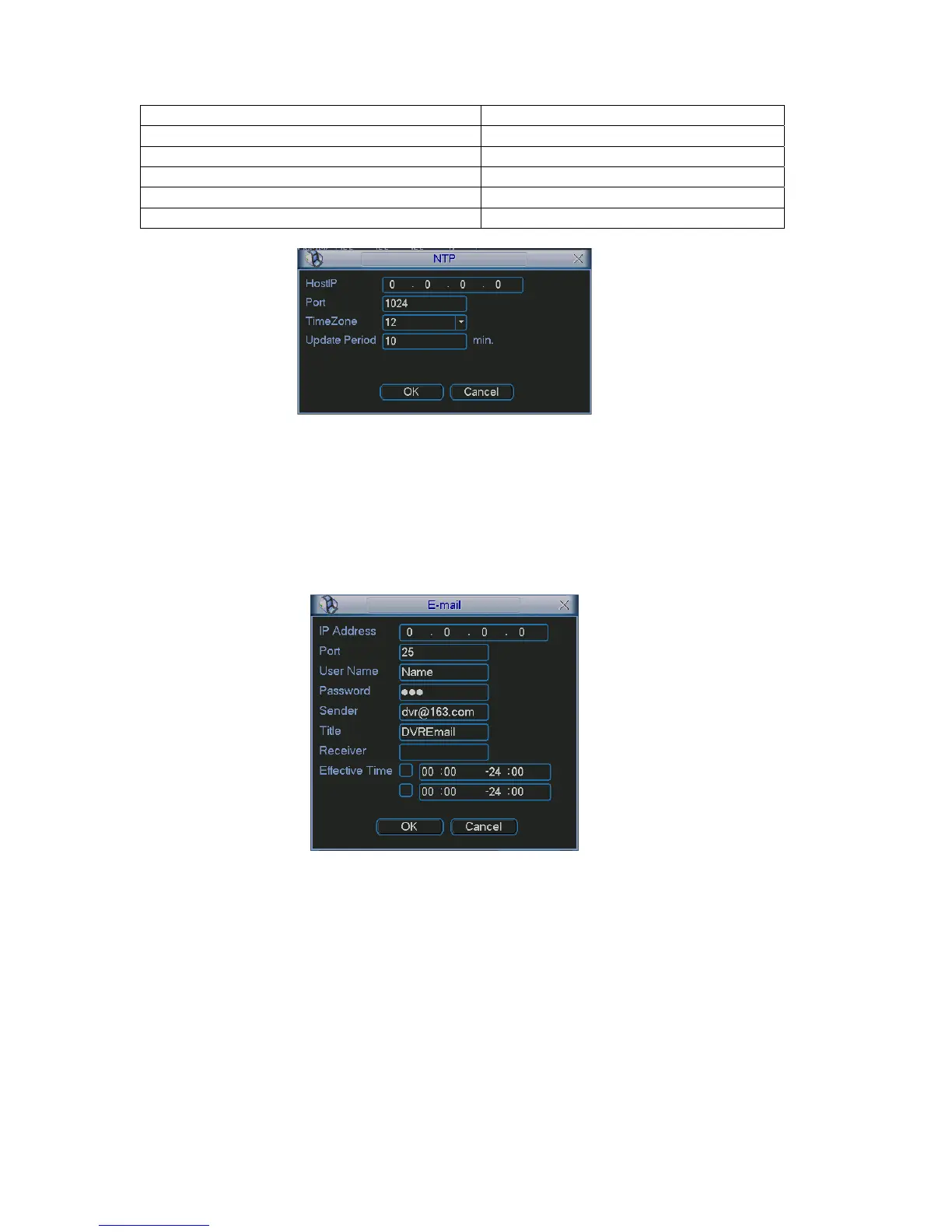
Figure 5-15
5.3.5.6 Email Setup
is shown as in Figure 5-16. Here you can set email server
ed to get the email address from your email service provider first.
Email setup interface
information.
Note:
You ne
Please use semicolon to separate the addresses.
Figure 5-16
5.3.5.7 DDNS Setup
is shown as in Figure 5-17.
is the DDNS software running in
nd server IP (PC
setup activated.
ttp://(DDNS server IP)/(virtual directory name)/webtest.htm
DDNS setup interface
You need a PC of fixed IP in the internet and there
this PC. In other words, this PC is a DNS (domain name server).
In network DDNS, input your PPPoE name you get from you IPS a
with DDNS ) . Click save button and then reboot system.
Click save button, system prompts for rebooting to get all
After rebooting, open IE and input as below:
h
67



 To Next Page