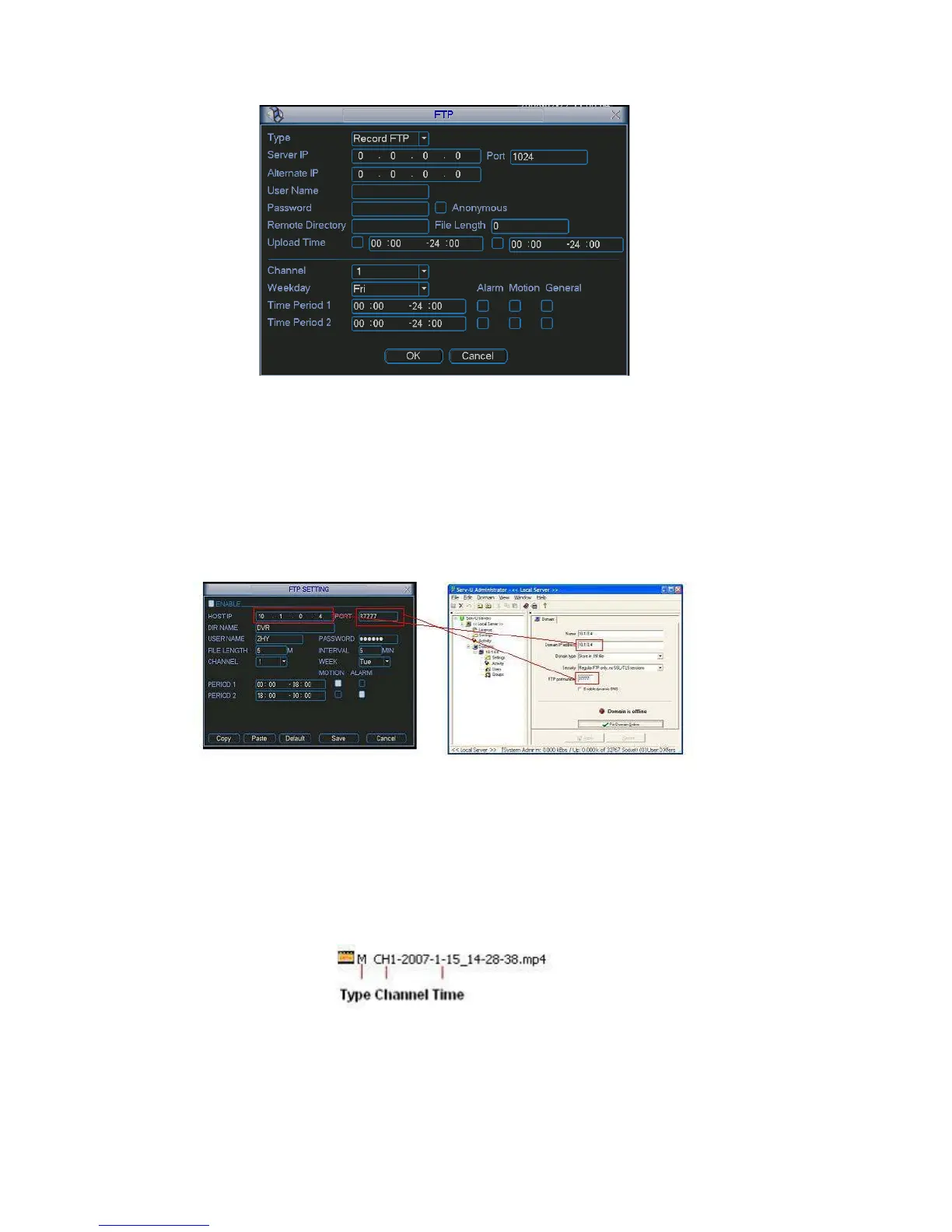
Figure 5-21
Please highlight the icon in front of Enable to activate FTP function.
note, when Now FTP can upload alarm video and motion detection video. Please
you are using this function, please make sure current upload channel is in motion
detection or alarm record status and there is video available.
Here you can input FTP server address, port and etc.
Figure 5-22
File length: upload file length. Whe
e
nel.
n setup is larger than the actual file length,
system will upload the whole file. When setup here is smaller than the actual fil
length, system only uploads the set length and auto ignore the left section.
When interval value is 0, system uploads all corresponding files.
Period 1 and period 2: you can set two periods for one each chan
System file name is shown as in Figure 5-23.
Figure 5-23
70



 To Next Page