5-31
3550 LCR Meter Instruction Manual Programming and Interfacing
The GPIB Interface
Front Panel Status Display LEDs
On the front of the main unit, there are 4 LED's displaying the interface status of GPIB.
They light up under the following circumstances:
[SRQ]: An SRQ (service request) is being sent from the 3550 to the GPIB bus line.
[LTN]: The 3550 is set to be the Listener
[TLK]: The 3550 is set to be the Talker
[RMT]: The 3550 is being controlled remotely. When the GPIB bus line receives the commands
REN, MLA "REN", and enters remote mode.
LOCAL Key Switch
Pushing the LOCAL key-switch changes the machine to front panel operation.
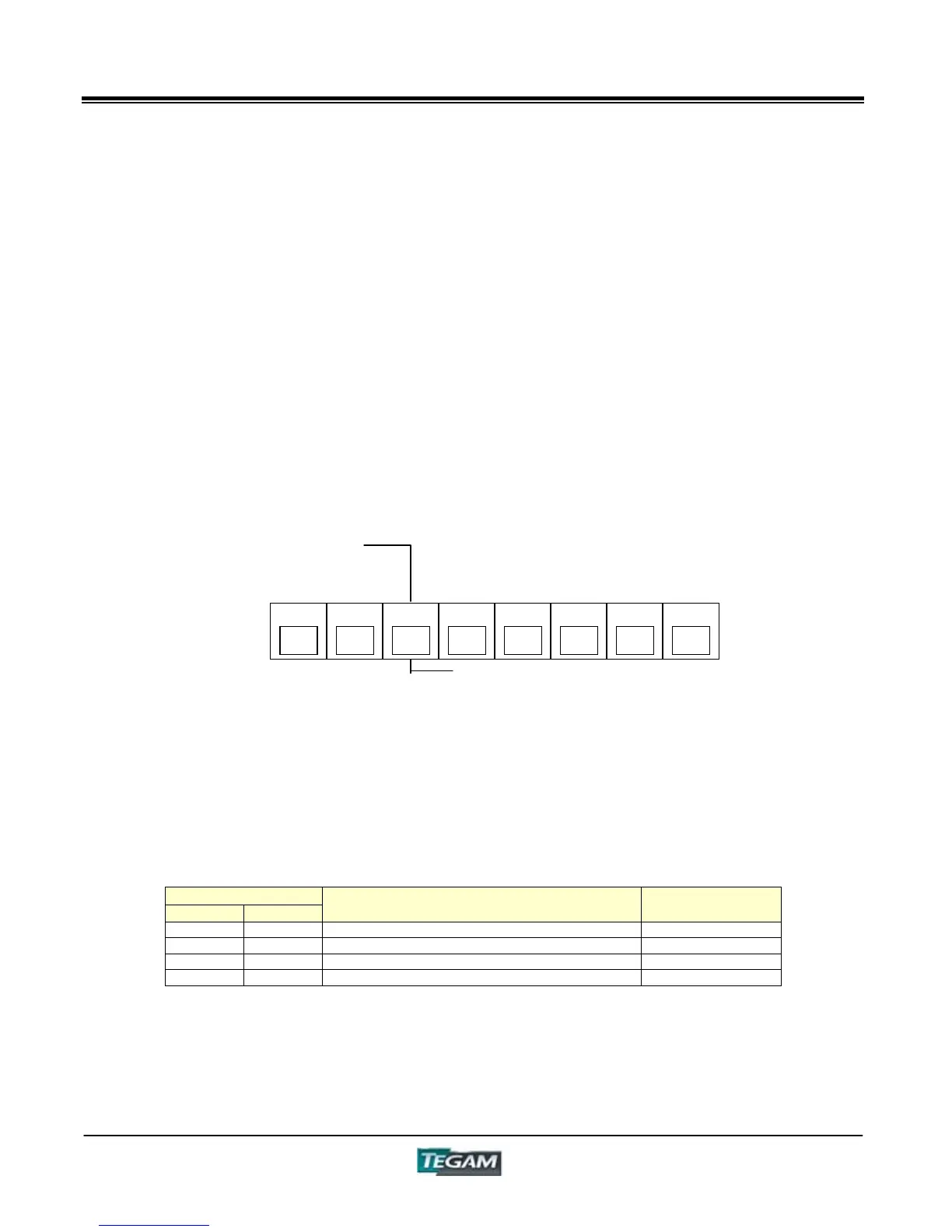
GPIB Switches (Delimiter, Talk-Only, Address Switch)
The optional GPIB board has switches for setting the Delimiter and Address.
When setting the GPIB address exercise caution not use the same address as other GPIB devices
on the same bus. Please set the "TALK ONLY/ADDRESSABLE" switch to the "ADDRESSABLE" side,
and establish different addresses for each device. On the "TALK ONLY" side, a GPIB interface may
be installed, or the Listen-only Mode Printer may be used.
Delimiter Output Format
Four output format choices are available using switches A & B of the “DELIMITER", as shown below
in chart 9-4.
DELIMITER
A B
Content
(Added to last line of data)
Output Code
0 0 Return+New Line( also EOI) CR+LF
0 1 Return only CR
1 0 New Line only LF
1 1 EOI line is LOW
The Address switches (A5 through A1) can be set within the binary range of (00000~11110) and
decimal range of (0~30). In binary “11111” and in decimal ‘31’ cannot be set.
3550 LCR Meter Instruction Manual
Programming and Interfacing
B
DELIMITE
TALK
ADDRESSABLE
A5 A1
***
ADDRESS
ON
OFF



 To Next Page