4-13
Model 3550 LCR Meter Instruction Manual Operating Instructions
Front Panel Description cont’d:
[SHIFT] ĺ [5]: Comparator Buzzer Function
Press the [SHIFT] ĺ [5] keys to enter the Buzzer Settings Mode. The active setting, 0~2
will blink in DISPLAY B.
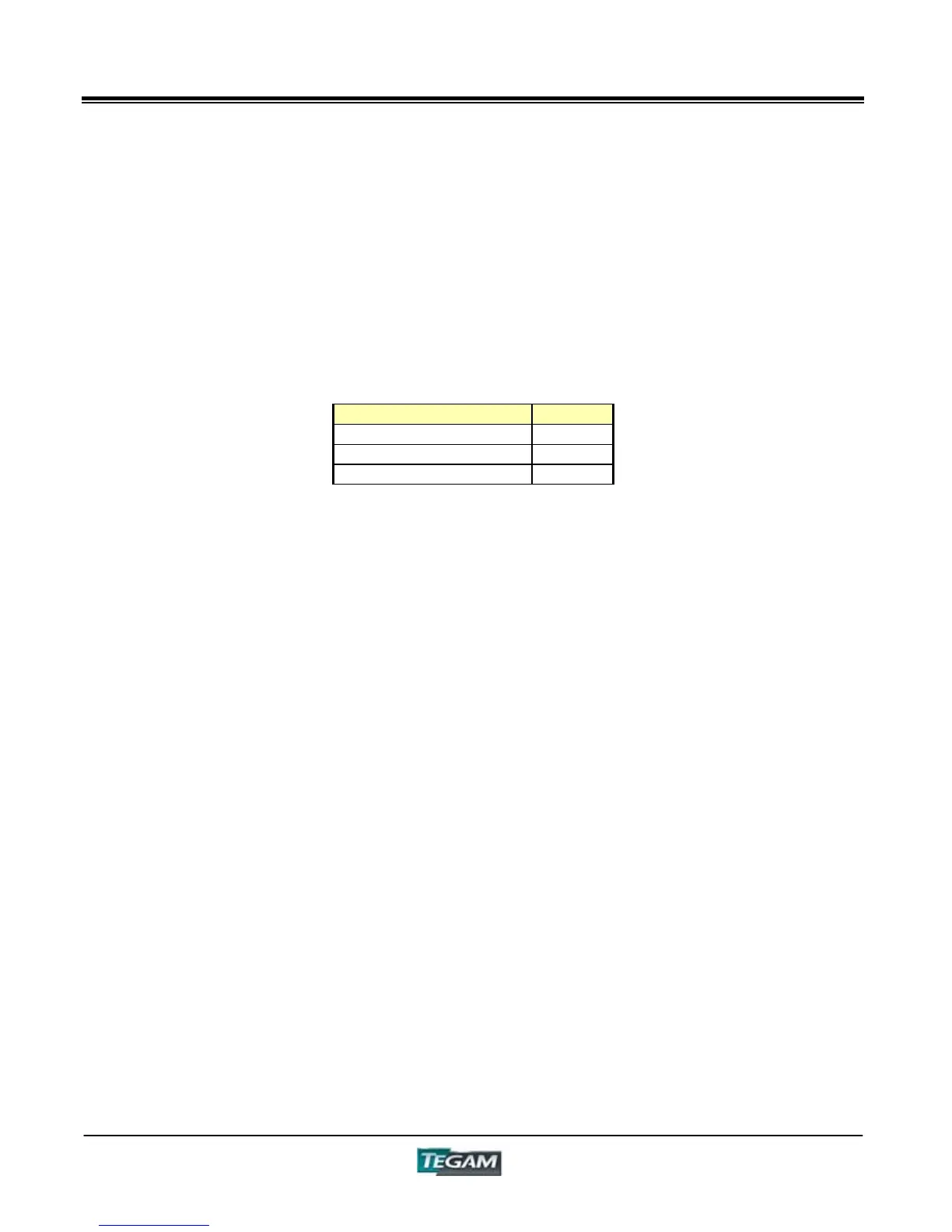
Buzzer Function Value
Buzzer OFF 0
GO = Buzzer ON 1
NO-GO = Buzzer ON 2
Press either [0], [1] or [2]. The new entry will appear in DISPLAY B. Press [ENTER] to
finalize the setting and to return to the measurement mode.
[SHIFT] ĺ [6]: Trigger Delay Time
The trigger delay time is programmable from 0~10,000 milliseconds (10s). It is used to
add a time delay immediately after the detection of a trigger signal from either the
[MAN/EXT] key, external control device (I/O Control Connector), RS-232C or GPIB
Interfaces.
In the Trigger Delay Time Settings Mode, the active setting for the trigger delay time will
appear flashing on DISPLAY B. The default setting for the Trigger Delay Time is “00000 ms”
The active flashing number can be changed by highlighting the active digits by pressing the
[CURSOR Ź] or [CURSOR Ż] keys and entering a new value by pressing the [0]~[9] keys.
When all the necessary digits have been changed press the [ENTER] Key to finalize the
settings and return to Measurement mode.



 To Next Page