4-21
Model 3550 LCR Meter Instruction Manual Operating Instructions
Front Panel Description cont’d:
Test Signal Modes - [CV/CC]
Model 3550 is capable of three different measurement modes. These are Open Circuit Test
Voltage Mode, Constant Voltage Mode, and Constant Current Mode. The active
measurement mode can be confirmed by looking at the [V], [I], and [CV/CC] LED Keys in
the DISPLAY C panel.
The relationship between the operation modes and the LED displays are as follows:
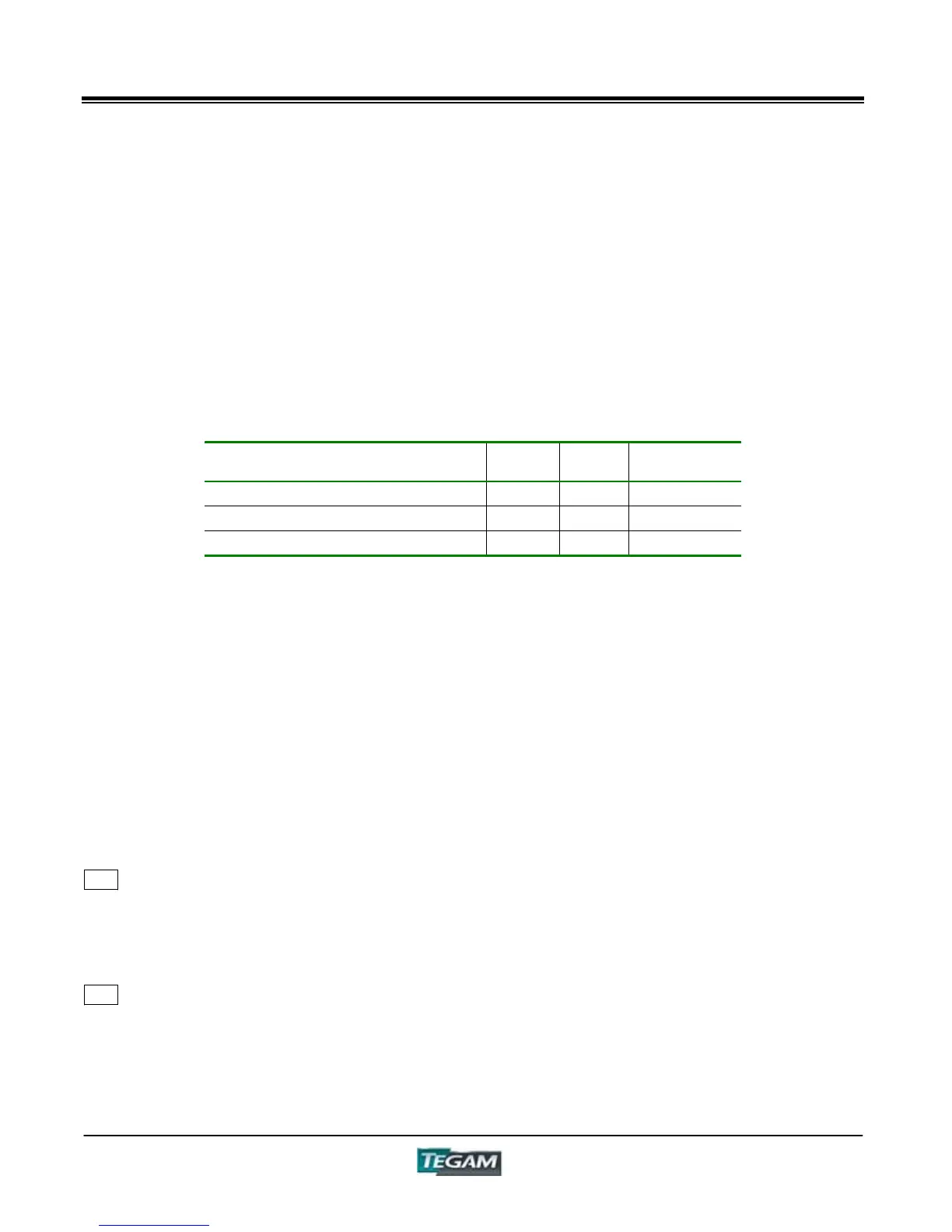
Table 4.4 – CV/CC Indicators
Measurement Mode
[V]
LED
[I]
LED
[CC/CV]
LED
Open Circuit Test Voltage Mode ON OFF OFF
Constant Voltage Mode ON OFF ON
Constant Current Mode OFF ON ON
Set Voltage Mode
Measurements are taken using the open circuit Test Voltage. The test voltage varies with
current. Use this mode for ordinary test objects that possess an overall impedance value
with real and imaginary components.
Constant Voltage Measurement Mode
This makes the measurement while keeping the voltage of the measurement terminals at a
fixed level. For example, this mode can be used for testing inductors where terminal
voltage will vary. Using Constant Voltage mode can help stabilize a reading.
Constant Current Measurement" Mode
This makes the measurement stable by keeping the current passing through the DUT at a
fixed level. For example, this mode can be used for testing capacitors where test current
continuously varies with applied voltage.
22 "DISPLAY C"
Displays Frequency (Hz, kHz, and MHz), Open Circuit Test Voltage (V), Terminal Voltage (Constant
V), and DUT Test Current (Constant mA) based on the settings of the DISPLAY C Measurement
Panel. The measurement values are displayed with 4
1
/
2
- digit resolution. Units of measure are
annunciated beside the display for reading convenience.
23 ENTER Key – [ENTER]
Used in the various programming modes to finalize user-defined instrument settings. For example,
the [ENTER] key is pressed to finalize any of the [SHIFT] ĺ [0~9] commands and to return back
to the measurement mode.



 To Next Page