Model 3550 LCR Meter Instruction Manual
Appendix
Setting the Constant Current Mode
To Enable the Constant Current Mode
1. Check and confirm that the [CV/CC] button is not illuminated.
2. Push the [I] button until Display C indicates current.
3. Press the [CV/CC] button.
4. Check and confirm that both the [CV/CC] and [I] button are illuminated.
The 3550 is now operating in Constant Current Mode.
Calculating the Maximum Allowable Constant Current Setting
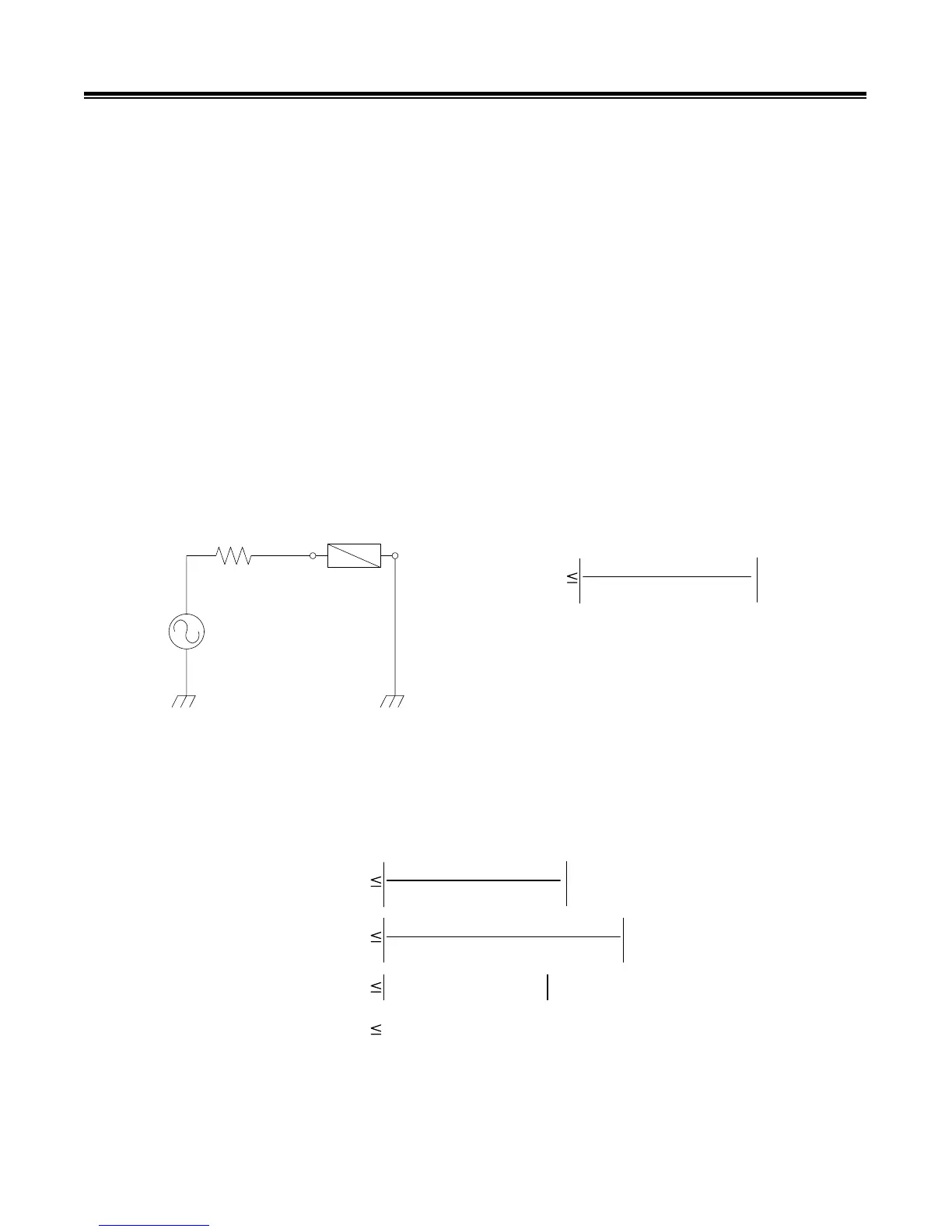
The figure bellow is an equivalent circuit of the Output Oscillator of the 3550. When connected to a
DUT of a known impedance, |Z| and known phase angle, theta; the constant current maximum
limit may be determined by using formula 2.
NOTE: The absolute maximum allowable constant current setting (regardless of DUT impedance) is
limited by the instruments sourcing capability. This maximum amount is 35.74mA.
DUT
|Z|
50
:
OSC
CC
V
50+( Z cos
T
+ j sin
T
Formula 2
Where:
CC = Constant Current Setting Limit
V = Maximum Oscillator Voltage Setting
Sample Calculation:
For a test frequency of 1 kHz, |Z| = 100ƻ, and theta (LJ) =45º, the maximum constant current
setting is calculated as follows:
CC
5
50+( Z cos
T
A.4
+ j Zsin
T
CC
5
50+(100cos45º + j 100sin45º
CC 0.03083 - j 0.01806
CC 0.03573 A



 To Next Page