4-39
Model 3550 LCR Meter Instruction Manual Operating Instructions
The Comparator cont’d:
BIN Operation
Comparator operation may be disabled for DISPLAY A or DISPLAY B by pressing the [IGNORE] key
while in the high or low limit set mode. A disabled DISPLAY is indicated by “-----“ in place of the
limit value being shown on the display.
Sequenced Sorting Configuration
There are two common multi category BIN settings for sorting components. The first is Sequenced
Sorting as illustrated in Figure 4-5. In this setting, the 3550 comparator will sort components
based on their limit values where each BIN# will define a unique range of measured values. Any
number of bins may be used for Sequenced Sorting. If there is no matching BIN found for the
component value to fall under, then the component will be placed in BIN 0.
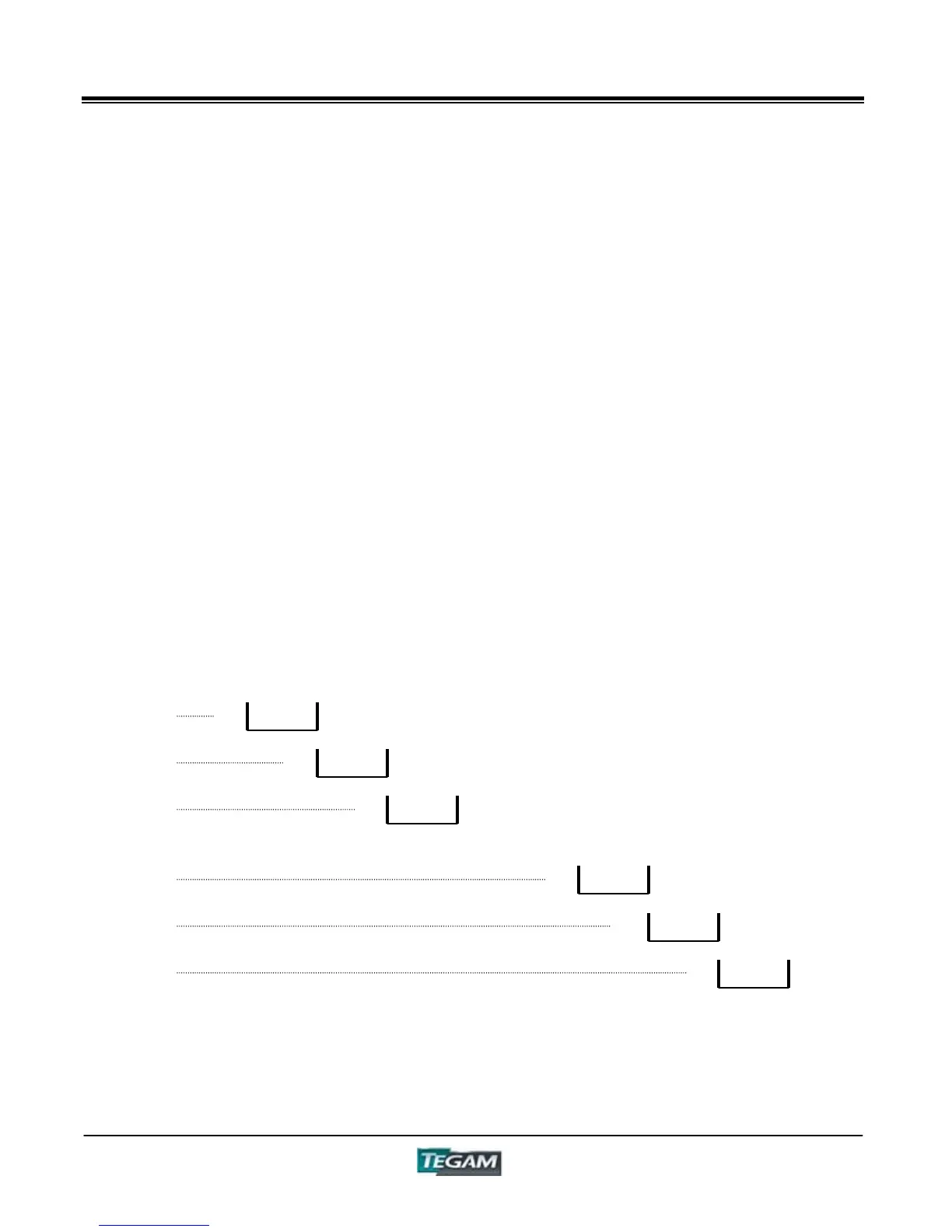
Figure 4.5 Sequenced BIN Sorting
LOWBINHIGH
L1
L2 H2
1
H1
L3 H3
2
3
L7
L8 H8
7
H7
L9 H9
8
9
BIN 1
BIN 2
BIN 3
BIN 7
BIN 8
BIN 9



 To Next Page