3-3
Model 3550 LCR Meter Instruction Manual Quick Start Instructions
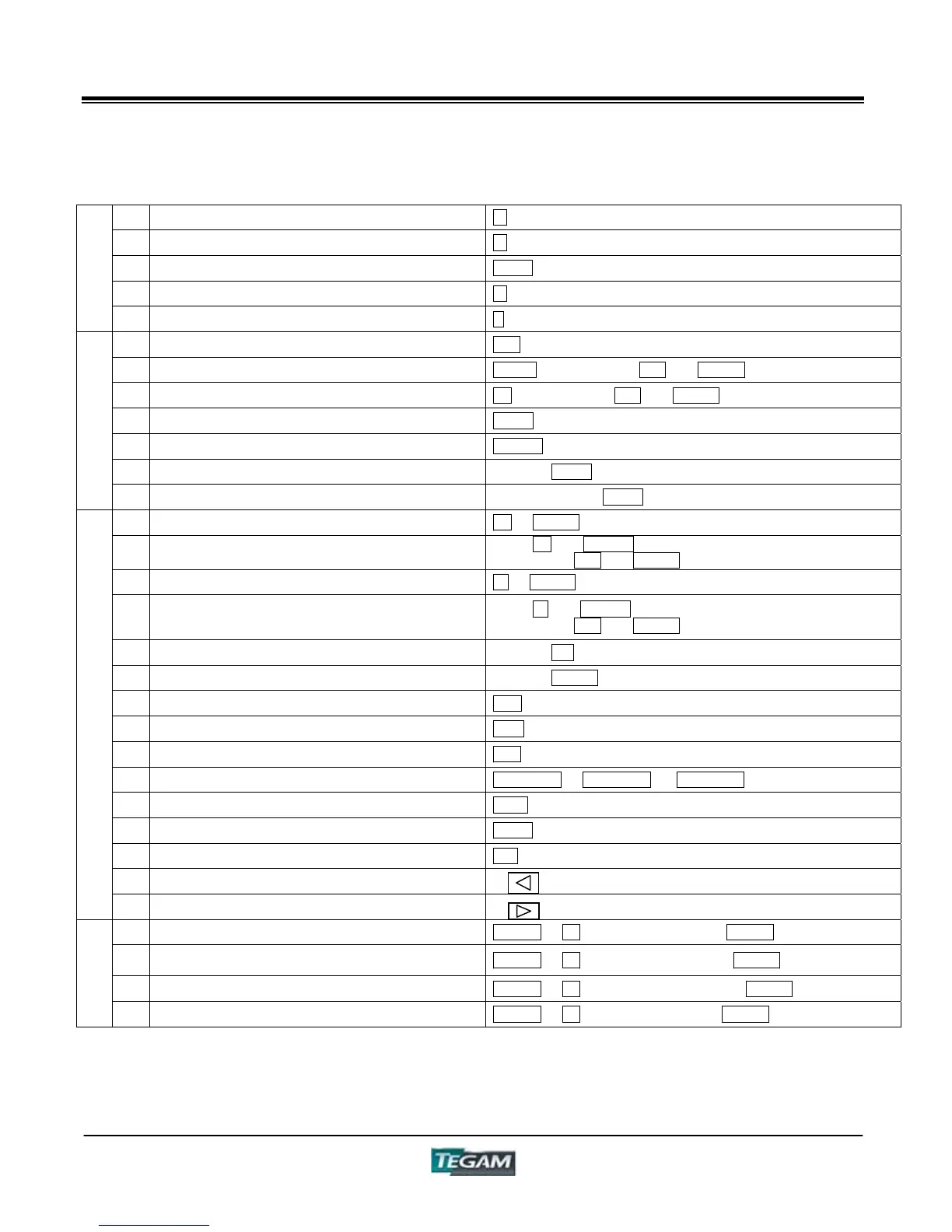
Table 3.2a – Control Command Summary
1 Change measure item of DISPLAY A A
2 Change measure item of DISPLAY B B
3 Show measure frequency on DISPLAY C FREQ
4 Show terminal voltage on DISPLAY C V
Display
Commands
5 Show measure. current on DISPLAY C I
6 Change panel number 0-9
7 Change measurement frequency FREQ ĺ DISPLAY C's UP and DOWN
8 Change measurement voltage V ĺ DISPLAY C's UP and DOWN
9 Carry out open correction OPEN
10 Carry out short correction SHORT
11 Change to auto range RANGE's AUTO
Basic Commands
12 Change to auto circuit mode CIRCUIT MODE's AUTO
13 Change to fixed voltage mode V ĺ CV/CC
14 Change the fixed voltage setting
When V and CV/CC LED are flashing,
DISPLAY C's UP and DOWN
15 Change to fixed current mode I ĺ CV/CC
16 Change the fixed current setting
When I and CV/CC LED are flashing
DISPLAY C's UP and DOWN
17 Raise the range RANGE's UP
18 Lower the range RANGE's DOWN
19 Parallel equivalent circuits mode PRL
20 Serial equivalent circuits mode SER
21 Measure with continuous trigger INT
22 Measure with manual (single shot) trigger MAN/EXT ĺ MAN/EXT ĺ MAN/EXT ĺ
23 Set comparator lower limit LOW
24 Set comparator upper limit HIGH
25 Turn comparator on ON
26 Move cursor forward in setting mode
Applied Commands
27 Move cursor backward in setting mode
28 Set measurement frequency SHIFT ĺ 0 ĺ Frequency Value ĺ ENTER
29
Set voltage for measurement or fixed voltage
mode
SHIFT ĺ 1 ĺ Voltage Value (V) ĺ ENTER
30 Set current for fixed current mode SHIFT ĺ 2 ĺ Current Value (mA) ĺ ENTER
Shift
Commands
31 Set number of measurements SHIFT ĺ 3 ĺ Number Setting ĺ ENTER



 To Next Page