Aligna
®
4D User Manual
41 / 84
10 Setting up the Aligna
®
System by Help of Kangoo
The alignment of the parameters of an Aligna
®
system is performed by visualization, control
and automatic alignment procedures in the Kangoo software.
(However you can control the system with other control software, like LabView, TestPoint, or
other programs, written in VisualBasic, VisualC, C++, C#, ...)
10.1 Some basic Kangoo features
"Kangoo" is a comprehensive measurement and controlling software system, which can be
adapted to control completely different applications. (Controlling an Aligna
®
system is just one
of a long list). Kangoo will not be described in complete detail here; just the basic use and the
configuration for use of Aligna
®
will be described.
In this chapter, we will describe very briefly some basic features and the basic common usage
of Kangoo. In a following chapter, we will describe the usage of configurations, related to
Aligna
®
systems.
10.1.1 Installation of Kangoo
When you insert the Kangoo installation CD and start "Install.exe" (if it is not automatically
started by the auto start option of your disk drive), follow the instructions. In most cases,
Kangoo will be installed without problems. (In the case problems occur, please refer to the
appendix "Installation of Kangoo")
10.1.2 Buttons and Devices
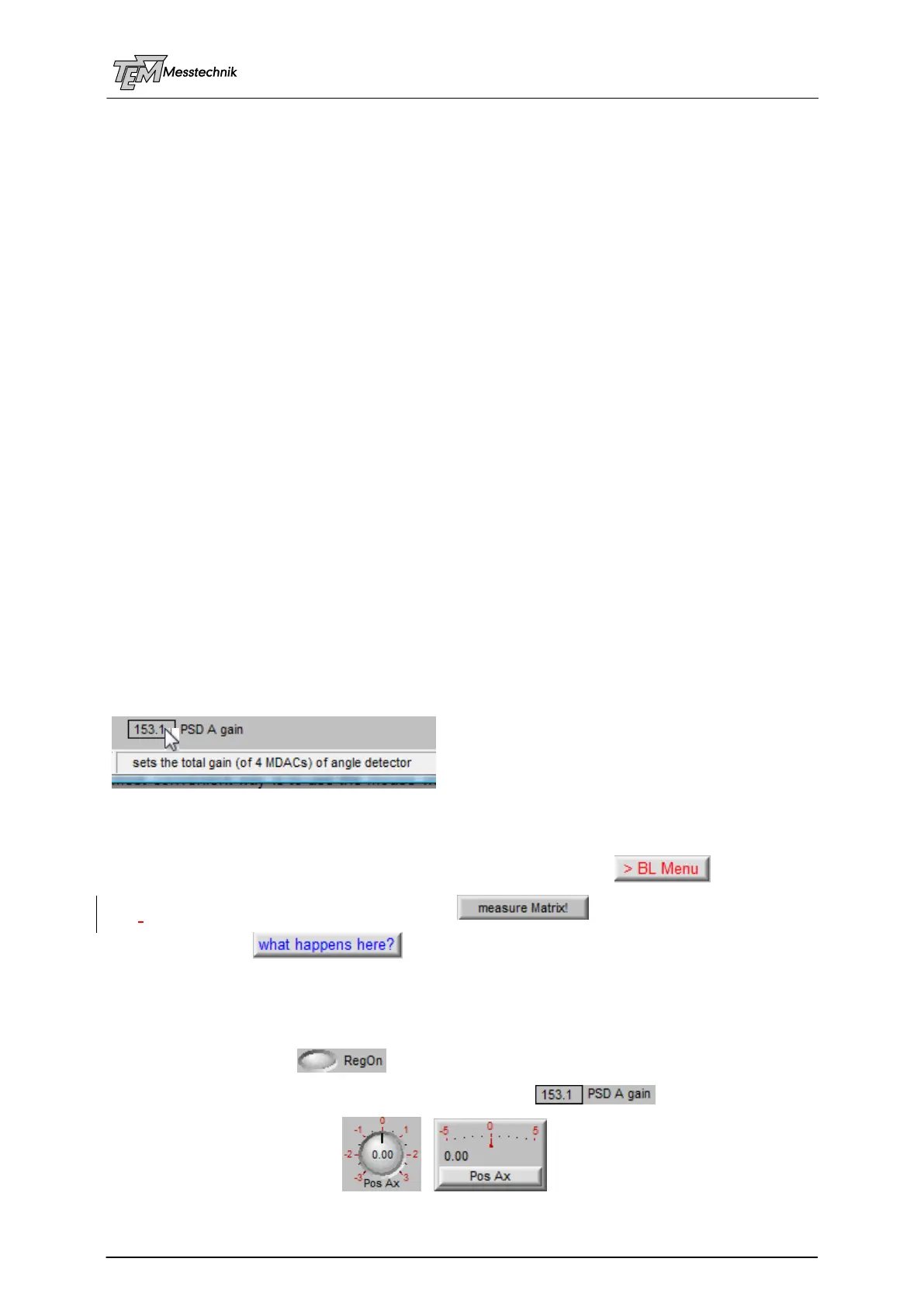
The interaction between the user and the program is (apart from the menu line) mainly real-
ized by "buttons" and "devices". A short explanation ("ToolTip") of the meaning and sense of a
button or device is displayed in the status line, when the mouse pointer is located over the
button or device position.
A "button" forces an activity. This may be the
loading of another configuration (application-specific user surface) ,
starting a measurement or analyzing process ,
display a help text , and many more.
A "device" may represent a parameter, either of the Kangoo program, or of the control soft-
ware inside the application's micro controller (µC) firmware.
The appearance of a device can be very different:
There are keys or LEDs ,
numerical parameters, displayed as simple digital value ,
a digital and/or analog display , , and many more.



 To Next Page