Aligna
®
4D User Manual
44 / 84
10.2 Main Aligna
®
Configurations
In the following, we will describe some of the main configurations, useful for Aligna
®
systems.
Depending on the individual hardware, there are special configurations, which control and
visualize the different features. (Thus, some of the described configurations will not fit to your
individual hardware combination.)
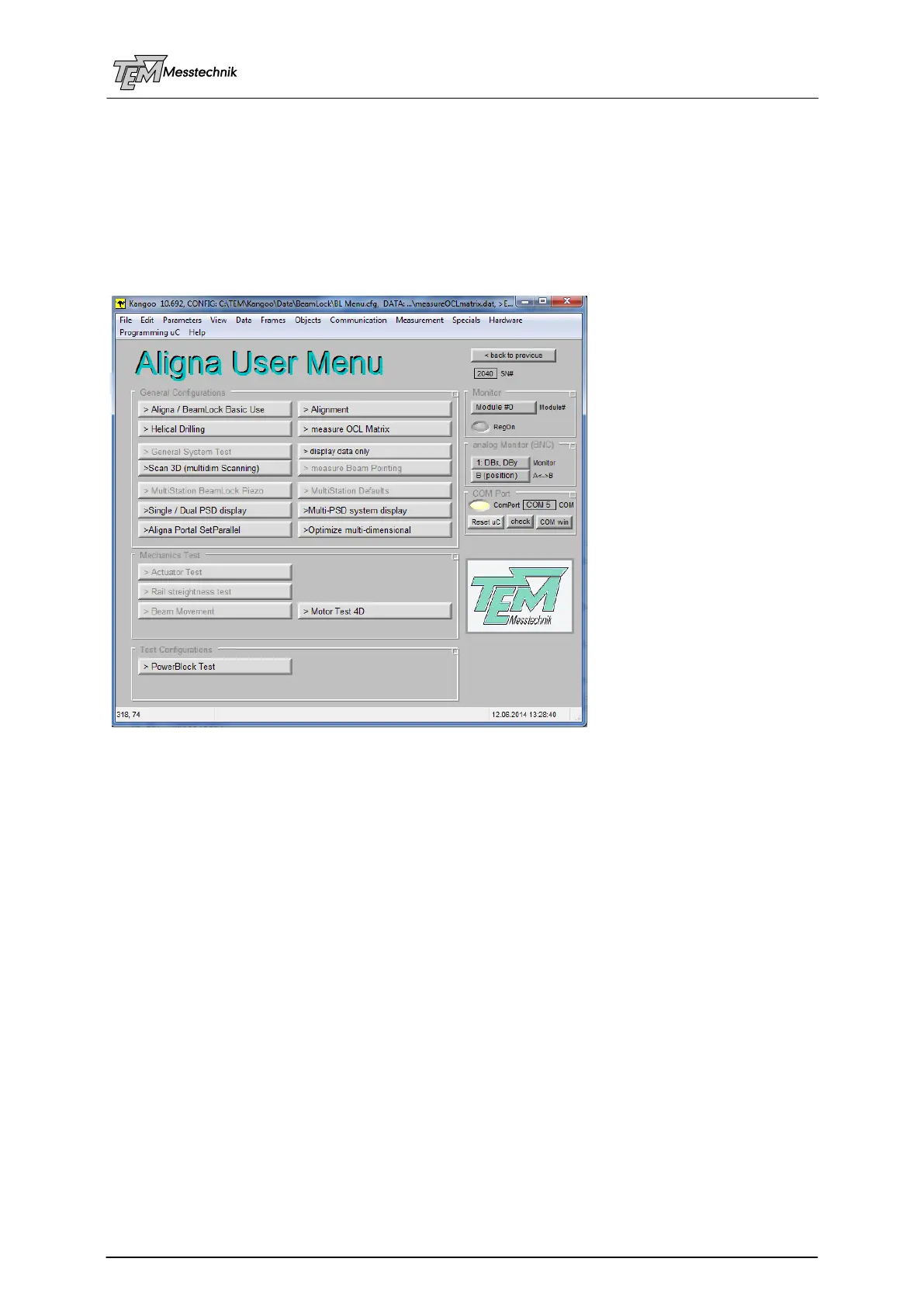
10.2.1 Configuration "Aligna User Menu" ("BL Menu")
The configuration "Aligna User Menu" leads to different user configurations.
A short explanation of each button (and the corresponding configuration) is given in the status
line, when the mouse pointer is located over the button. Some of the individual configurations
will be described in following sub-chapters.
BeamLock Basic use: General use of Aligna
®
systems or even PSD systems (without
actuator control or servo loops)
Grey buttons are pointing to a configuration which is not enabled with your software or
hardware version.
(Regarding the configurations, please refer to the individual sub-chapters!)



 To Next Page