3.3. Setting up section switching
14
3.3. Setting up section switching
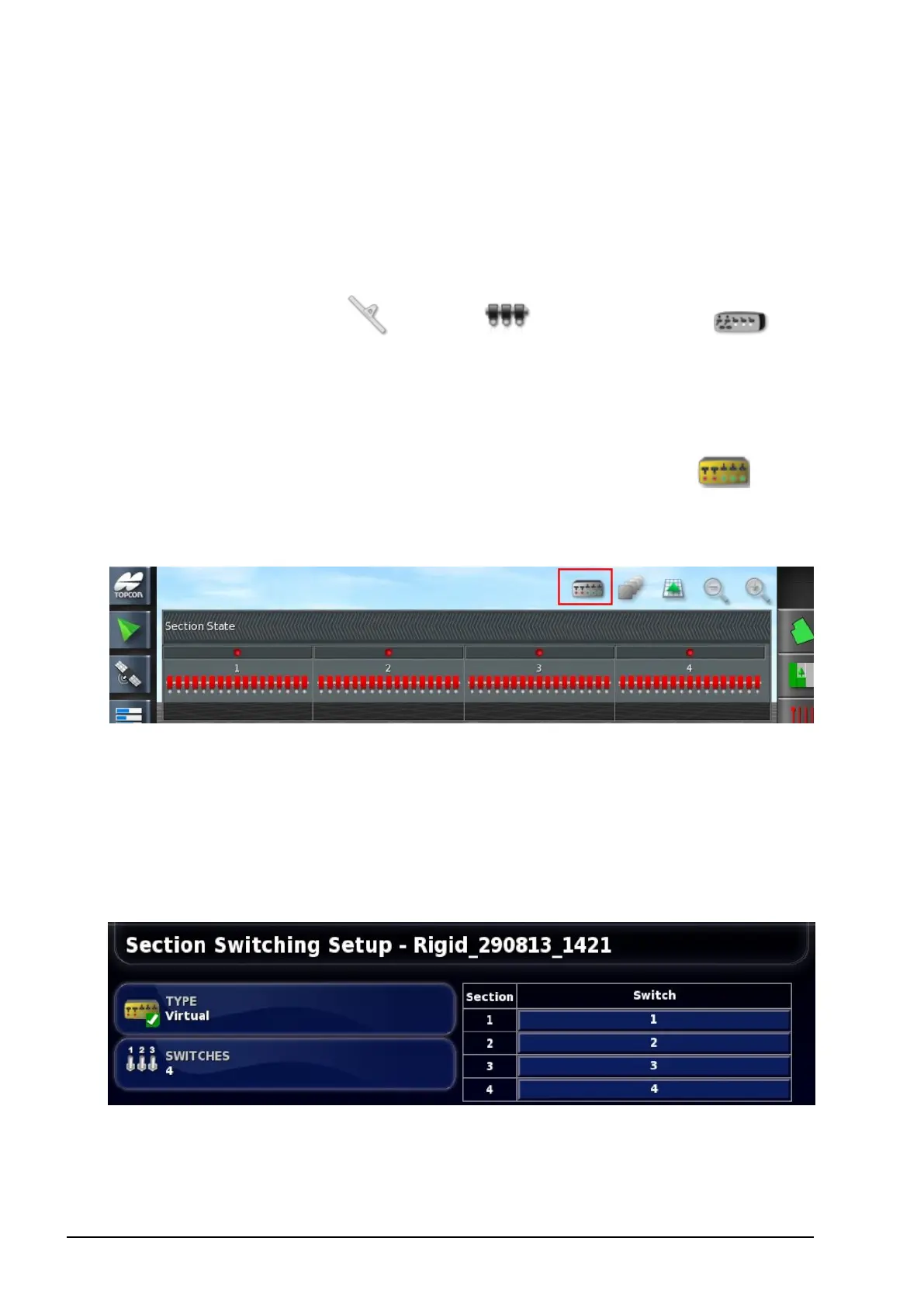
The section switch can be either virtual (on the console screen) or
external (a physical switch connected to the ASC-10 ECU).
To configure the switches:
1.
Select Implement / Boom / Section Switch .
2. Select TYPE.
Select Virtual to use a Virtual Switchbox on the Operation
screen. An additional option appears on the screen and a mini-
view icon is available in the navigation bar on the left .
Selecting the icon displays the section state display. Selecting
sections on the display will turn them on and off.
Select External ECU Sense to use an external switchbox that is
connected to the ASC-10 wiring.
Select None if boom switching is not required.
If Virtual or External ECU Sense is selected, the following options
display.
SWITCHES on the left is used to set how many section switches are
available. This may be a different number to the total sections entered



 To Next Page