Chapter 5 – Operation (X35/X30/X25)
57
5.7. Using the master switch
When Virtual has been selected in the Setup screen (Implement /
Master Switch), the Sprayer Master Switch on the Operation screen
turns the sprayer system on. This switch does not work if External ECU
Sense is selected as the Master Switch.
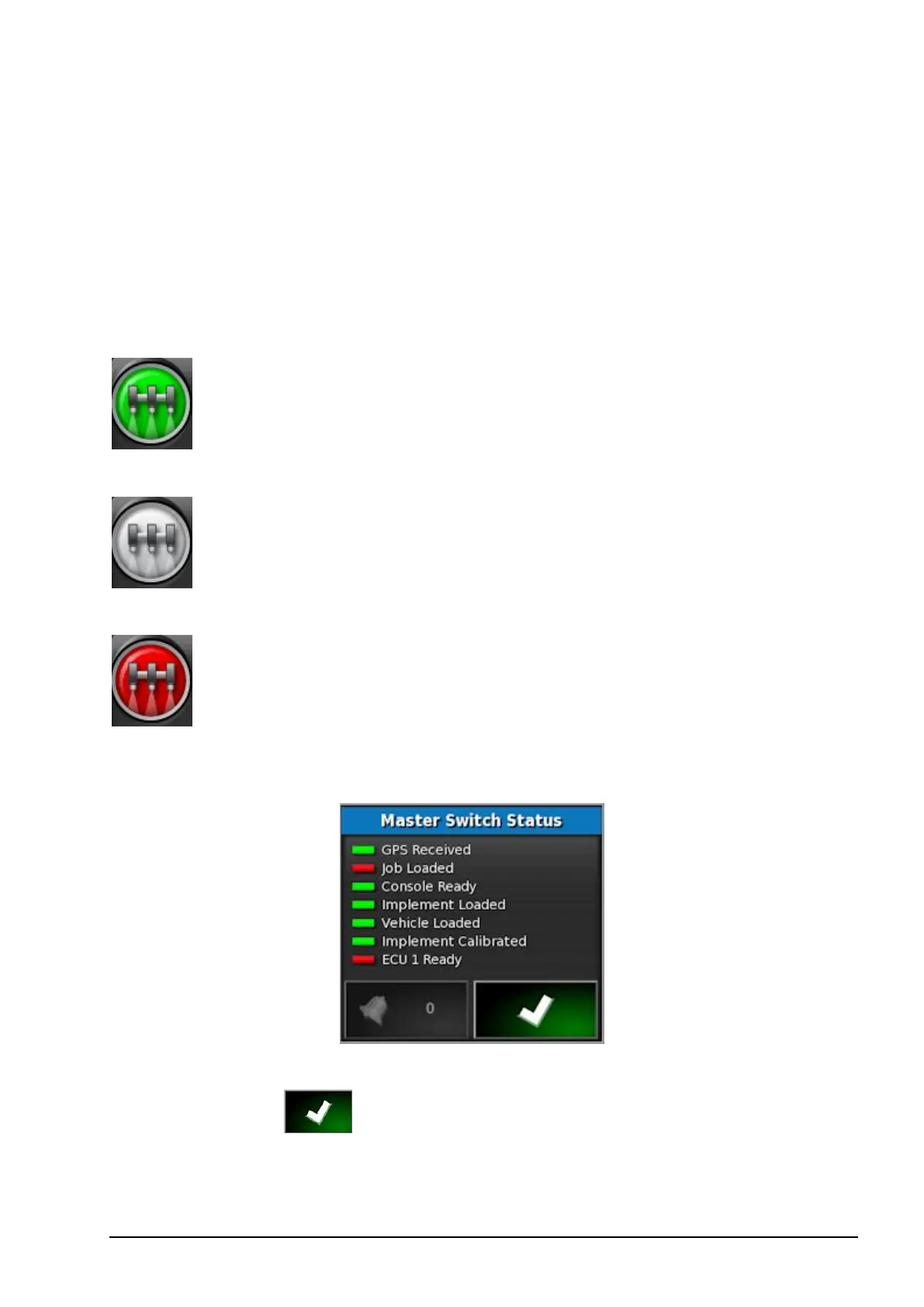
The switch also indicates the readiness of the system.
Green
Sprayer Controller is on and working.
Select the Master Switch to turn the
sprayer off.
White
Sprayer Controller is in standby.
Select the Master Switch to turn the
sprayer on.
Red
Sprayer Controller is off and cannot
be used. Select the Master Switch to
see possible causes of the problem.
See the example below.
Green indicates that the system is ready.Red indicates that the system is
not ready.Select to return to the main screen and complete the
necessary action.



 To Next Page