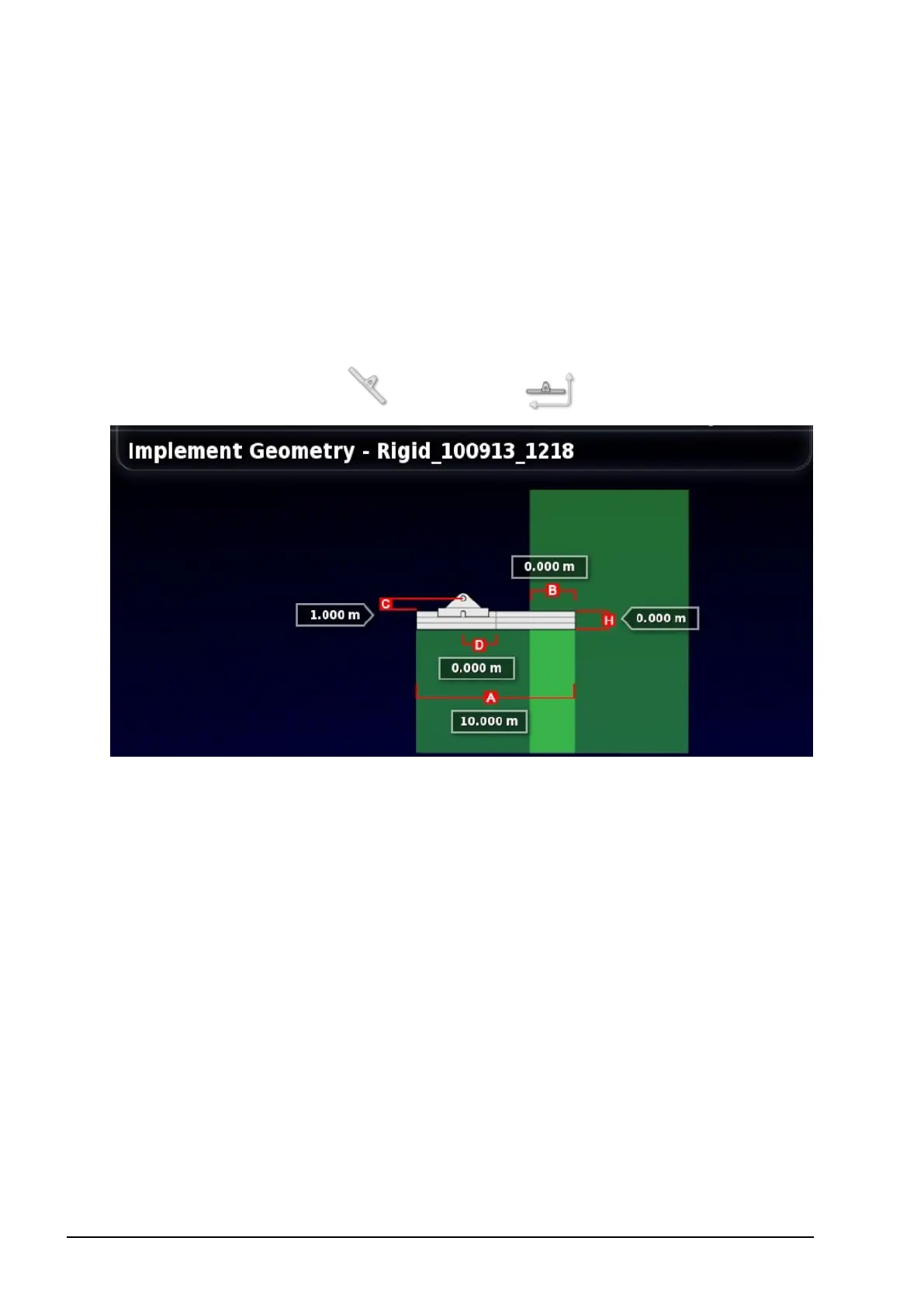
2.2. Setting the implement geometry
8
2.2. Setting the implement geometry
Sets the implement measurements so that guidance and product
application can work accurately.
Note: Measure the implement dimensions as accurately as possible.
The recommended tolerance is +/- 5 cm.
To set the implement geometry:
1.
Select Implement / Geometry .
2. Select an implement dimension. The name of the dimension
appears in the title bar.
Dimensions requested vary according to the type of implement
selected.
3. Add or adjust dimensions where needed and confirm.
The following measurements may be used:
l Swath Width: Measures the working width of the implement
(that is, the width of the area that is treated during one pass of the
implement).
l Working Length: Length from the start to the finish of the
working area of the boom. Together with swath width, it defines



 To Next Page