5.3. Opening sprayer controller
38
5.3. Opening sprayer controller
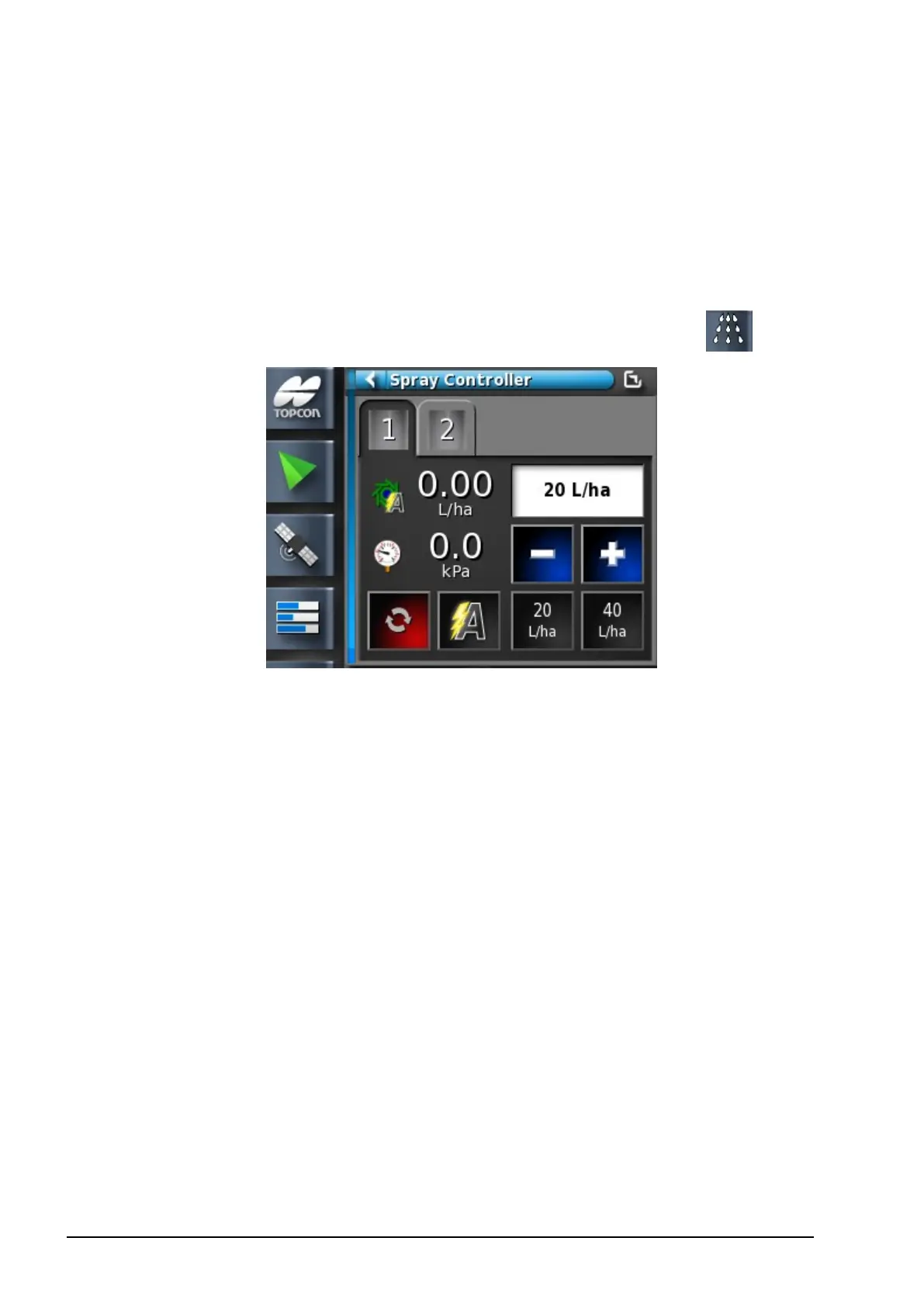
The sprayer controller interface can appear either in a mini-view or in
full screen. When the sprayer controller is in full screen, the guidance
view can appear as a mini-view, so that the operator can still monitor
the map.
1.
Select the Spray Rate Controller to open a mini-view .
Use the mini-view to monitor status, adjust rate or change tanks.
2. To move the mini-view to another position on the screen, slide up
or down.
3. To open the sprayer controller to full screen, touch anywhere in
the mini-view and slide left to right, or use the minimize /
maximize button (top right). The Guidance screen can remain as a
mini-view.
The sprayer controller full screen interface shows a number of
panels.



 To Next Page