6.3. Configuring tanks and application rates
64
6.3.2. Selecting / adding a product
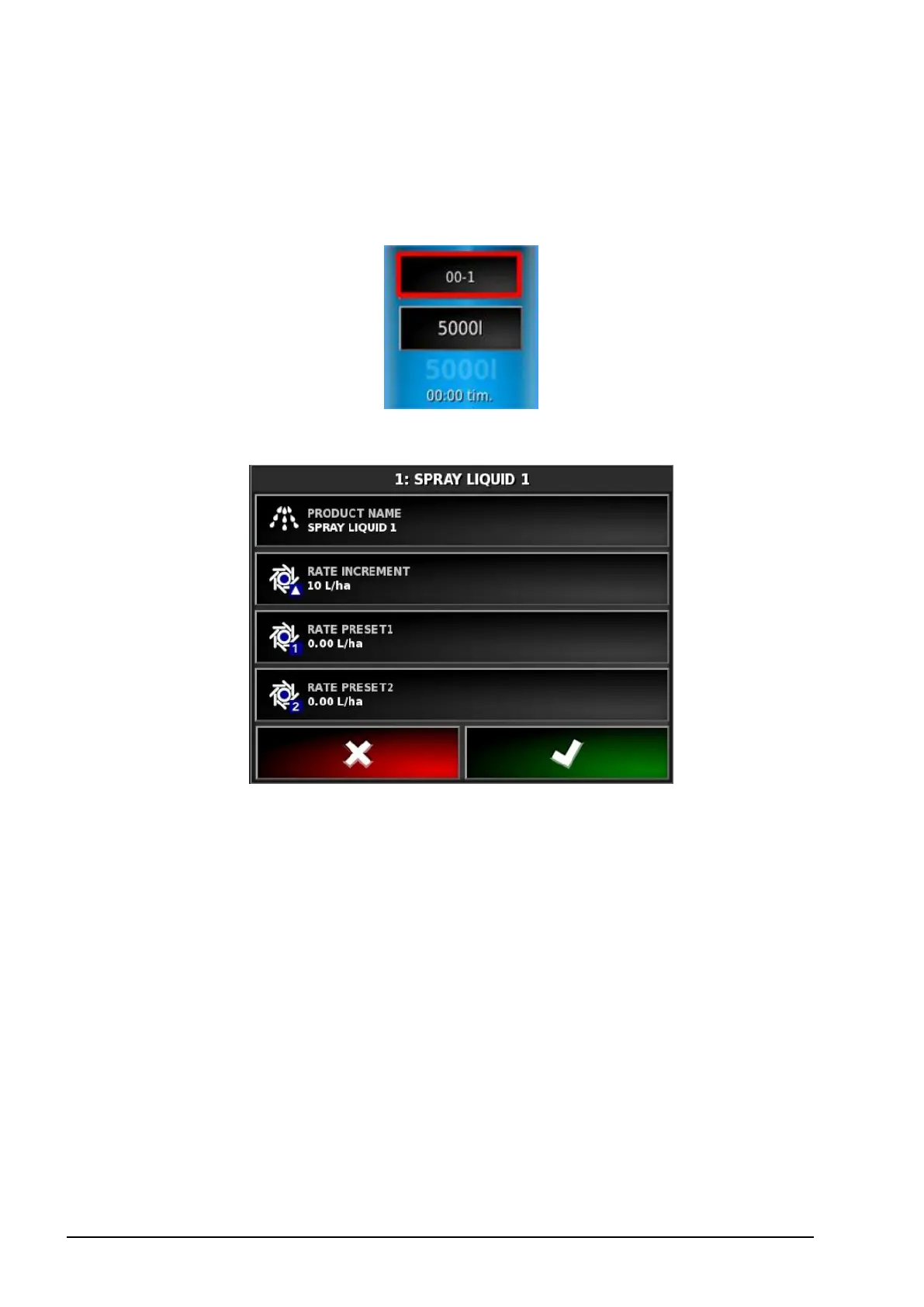
To select or add a new product:
1. Select the Product Configuration button.
The Product Configuration screen displays.
2. Select PRODUCT NAME to select a product from the list, or to
add a new product.



 To Next Page