11
Chapter 3 – Boom Setup
3.1. Setting up sections
The console can support up to 30 sections if using three ASC-10
ECUs (10 sections with one ASC-10 for the X14 console).
An ISOBUS ECU can identify up to 32 sections automatically. Make
any necessary changes on the ISOBUS ECU.
The maximum total width of all sections is 100 m, divided by the
number of sections.
To set up section control:
1.
Select Implement / Boom / Sections .
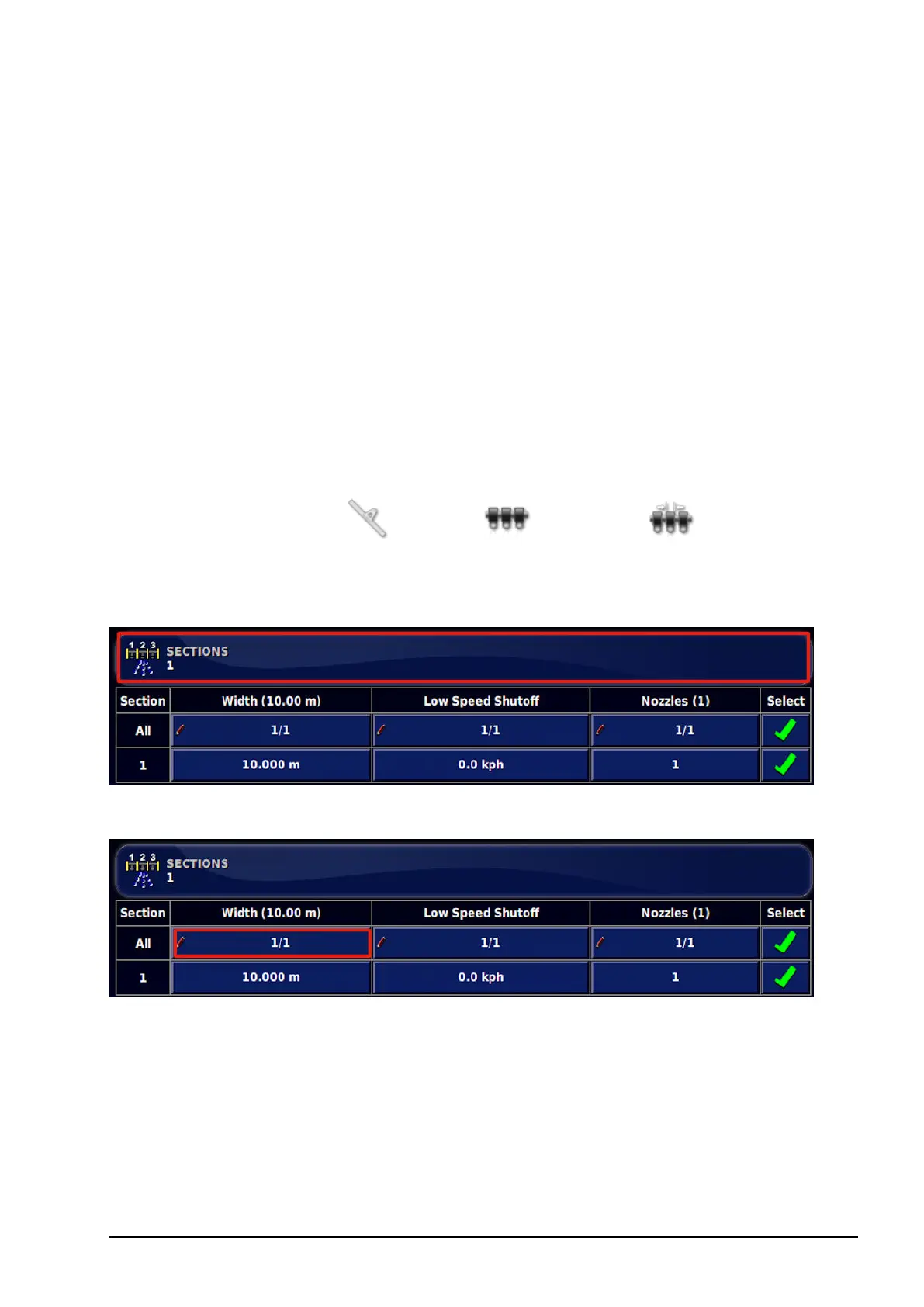
2. Select SECTIONS and use plus or minus to set the number of
sections, then confirm.
3. To set section width for all sections, select Width next to All.
4. Enter the section width for all sections and confirm.
5. Alternatively, to set individual widths for sections, select the
width next to a section, enter the width and confirm.
6. Repeat for each section.



 To Next Page