Chapter 6 – Operation (X14)
63
6
Product configuration. Opens the product configuration window
for the tank. Refer to Selecting / adding a product, page 64.
7
Requested application rate. Used to enter and display the
application rate. The control system uses the calibration factor to
adjust the product flow for the given product.
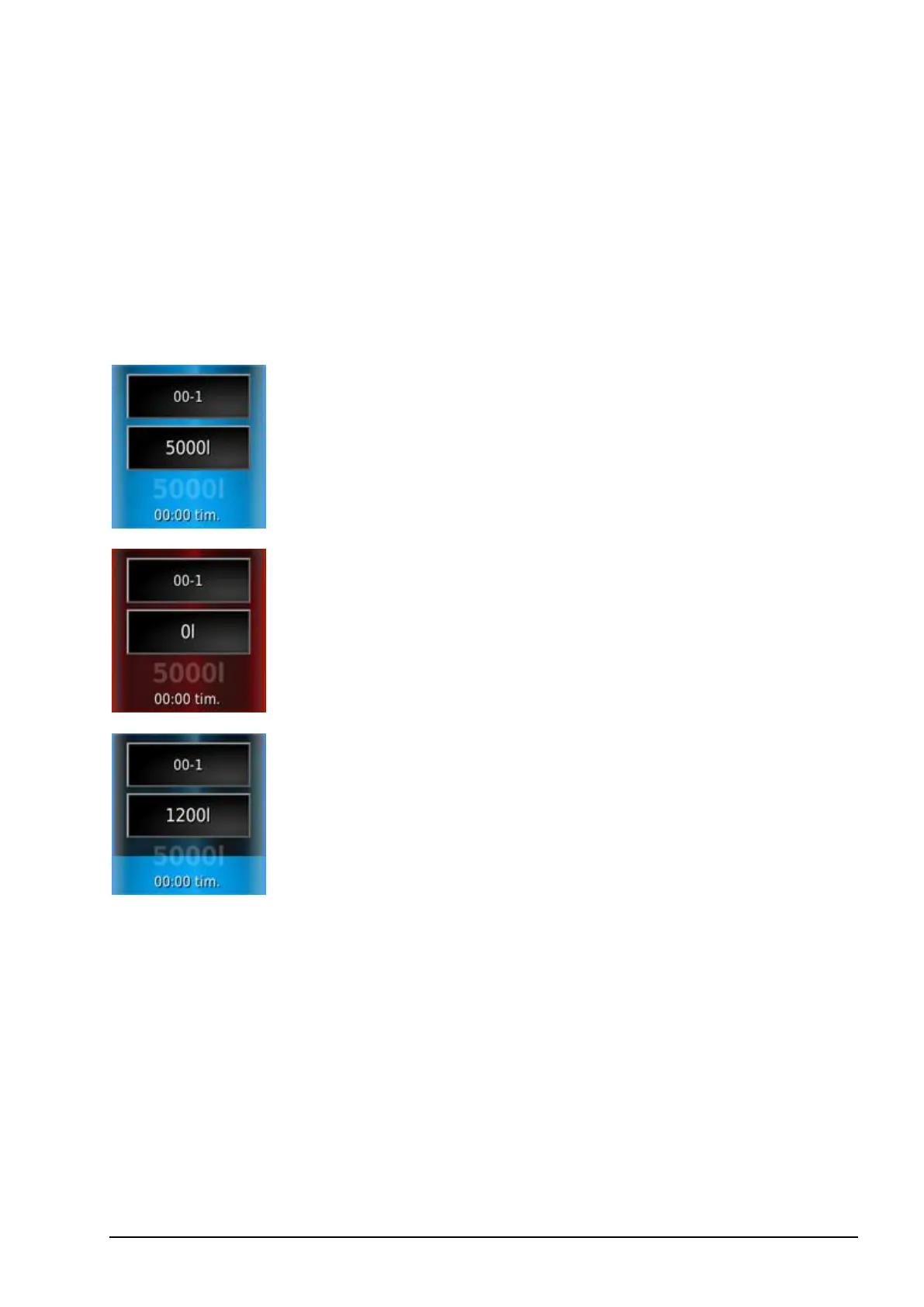
6.3.1. Tank colors
Blue tank. Tank is full.
Red tank. Tank is empty.
Blue color dropping shows approximate level of
product remaining.



 To Next Page