2.3. Setting up the master switch
10
2.3. Setting up the master switch
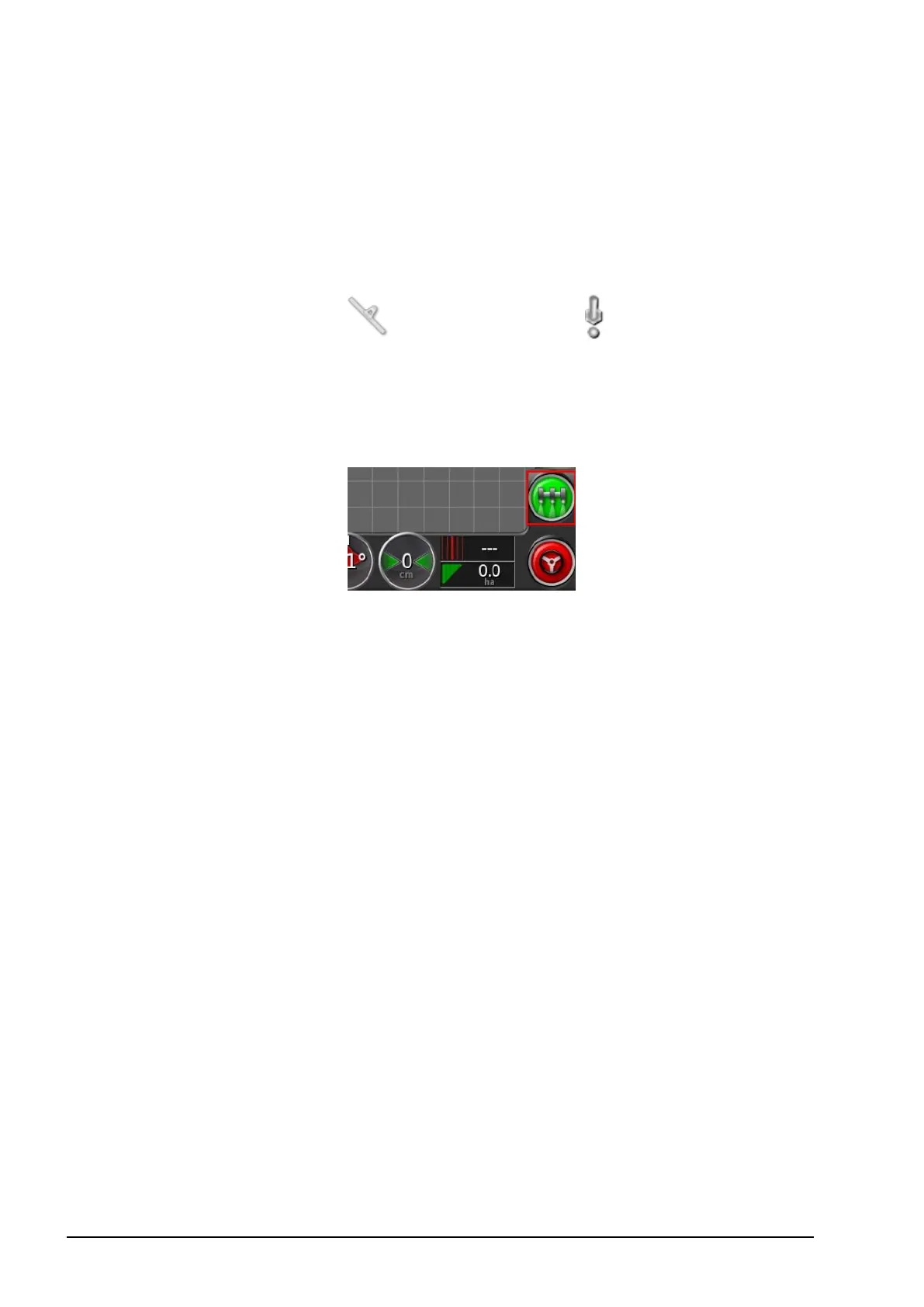
The master switch turns on the sprayer application control and also
enables the coverage map on the guidance screen.
To set up the master switch:
1.
Select Implement / Master Switch .
Virtual
Enables the master switch to be operated by selecting the virtual
master switch on the console Operation screen.
External ECU sense
Enables the master switch to be operated via an external switch (a
physical switch box / master switch connected to the ASC-10 ECU).



 To Next Page