4.1. Setting up tanks
20
4.1. Setting up tanks
To set up a tank and its capacity:
1.
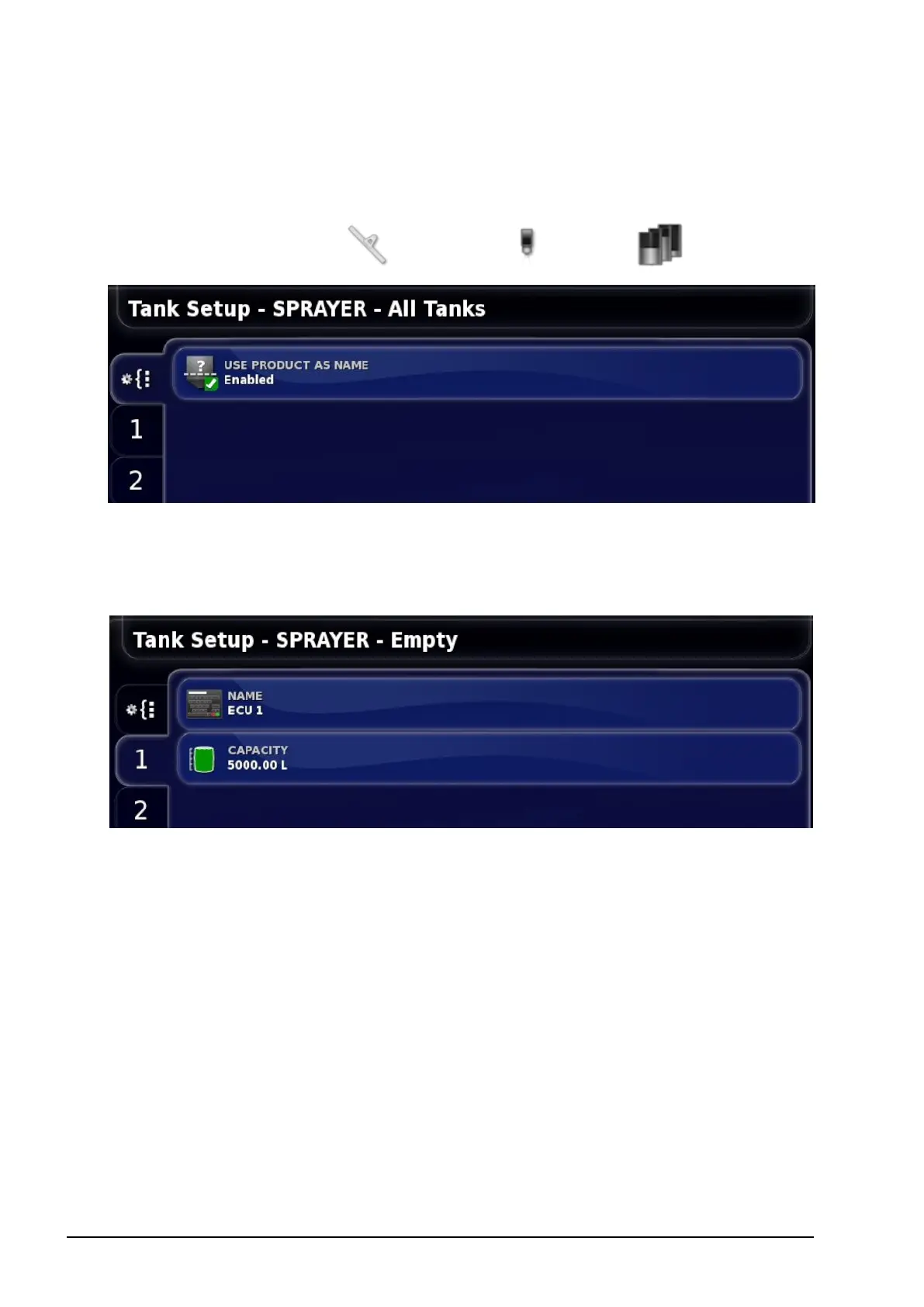
Select Implement / Sprayer / Tank .
l Use product as name: On the Operation tank panel (refer to page
40), the product is displayed as the tank name if this is enabled. If
disabled, the tank name entered in the step below is used.
The numbered tabs on the left show which tank is being viewed.
2. Select NAME to change the default name, or CAPACITY to set
the tank capacity.
3. Repeat for other tanks as needed.



 To Next Page