Chapter 4 – Sprayer Controller Setup
21
4.2. Setting up product flow
This section sets up the values that affect the flow of product. Check the
calibration factor on the tag on the flow meter of the sprayer.
Note that manually specifying the calibration factor on this screen
should only be performed if the flow factor is already known or has
previously been calculated via Flow meter calibration, page 50.
If the Calibration Factor is not known, this field should be left blank
and the Auto Flow Calibration wizard followed, refer to Flow meter
calibration, page 50.
1.
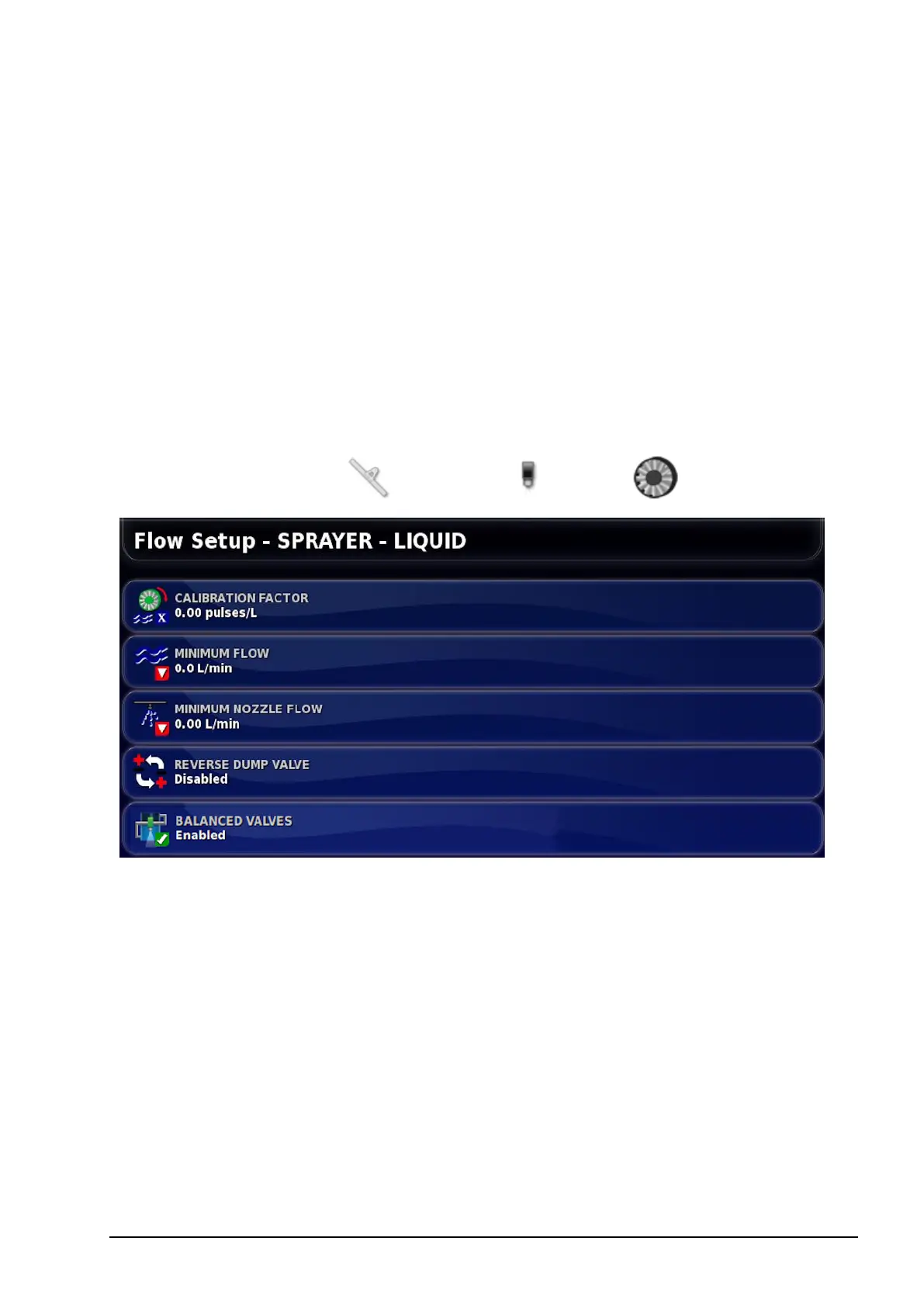
Select Implement / Sprayer / Flow .
l Calibration factor: The number of pulses from the flow meter per
liter of liquid.
l Minimum flow: This sets the minimum flow that the flow meter
can effectively measure. When in auto mode, the system will not
control below this value. This could cause over application of
product, but will ensure that stable control can always be achieved.
Refer to the flow meter manufacturer’s information.
l Minimum nozzle flow (all tanks): This sets the minimum flow
that will create an adequate spray pattern. When in auto mode, the
system will not allow control below the flow rate that is calculated



 To Next Page