3.4. Setting up nozzles
16
3.4. Setting up nozzles
Note: At least one nozzle must be correctly configured for the system
to be operational.
1.
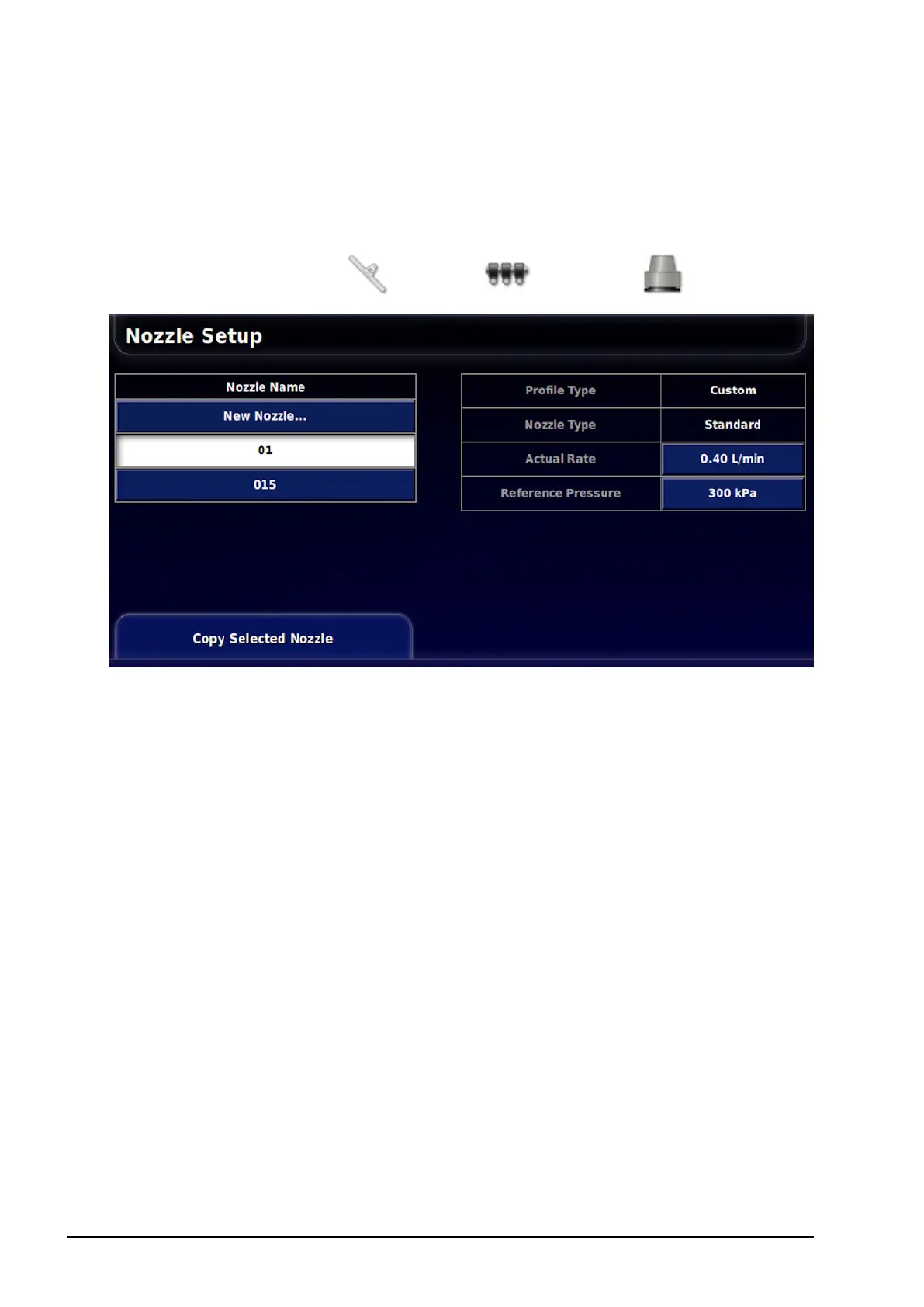
Select Implement / Boom / Nozzles .
2. Select New Nozzle in the Nozzle Name list.
A list of ISO standard default nozzles is supplied. Alternatively,
custom nozzles can be setup.
3. Select from the list of ISO standard nozzles, or select Custom
Nozzle.
4. Enter a new Nozzle Name.
5. Complete the following:
l Nozzle type:Standard or Fence jet. Note that fence jet nozzles
are not applicable for the ASC-10 ECU.
l Actual rate: The actual rate of flow at the Reference Pressure.
This value can be altered, if needed, to adjust for wear and tear.
If unsure, test the actual rate by collecting the flow over a
minute and measuring the amount collected.



 To Next Page