35
Chapter 5 – Operation (X35/X30/X25)
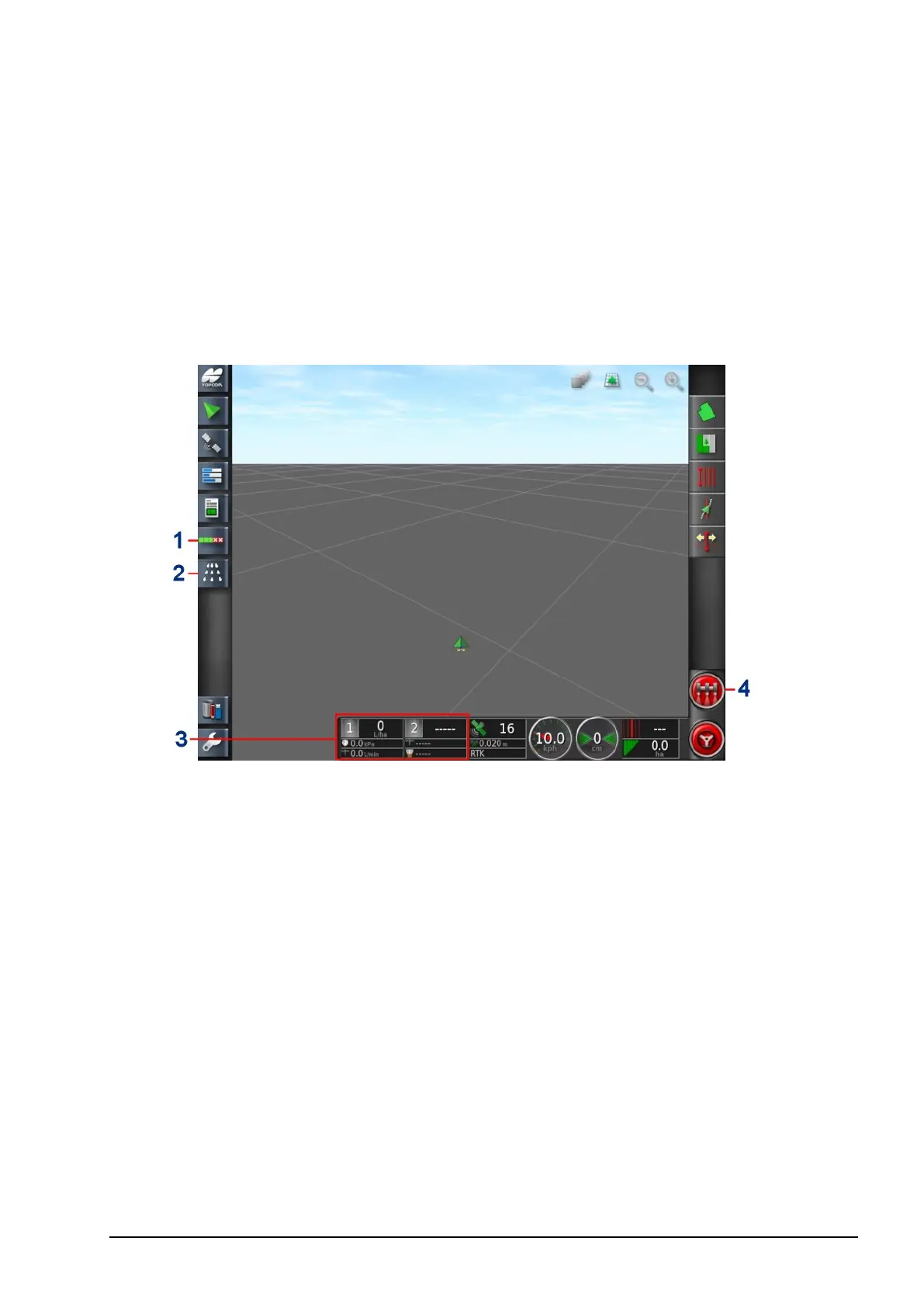
Once setup is complete and auto section control and sprayer
controller are enabled, the auto section control and sprayer controller
icons appear on the Navigation bar (left of screen).
Sprayer controller information is added to the dashboard and the
sprayer master switch appears bottom right.
1
Auto section control icon
2
Sprayer controller icon
3
Sprayer dashboard
4
Sprayer master switch



 To Next Page