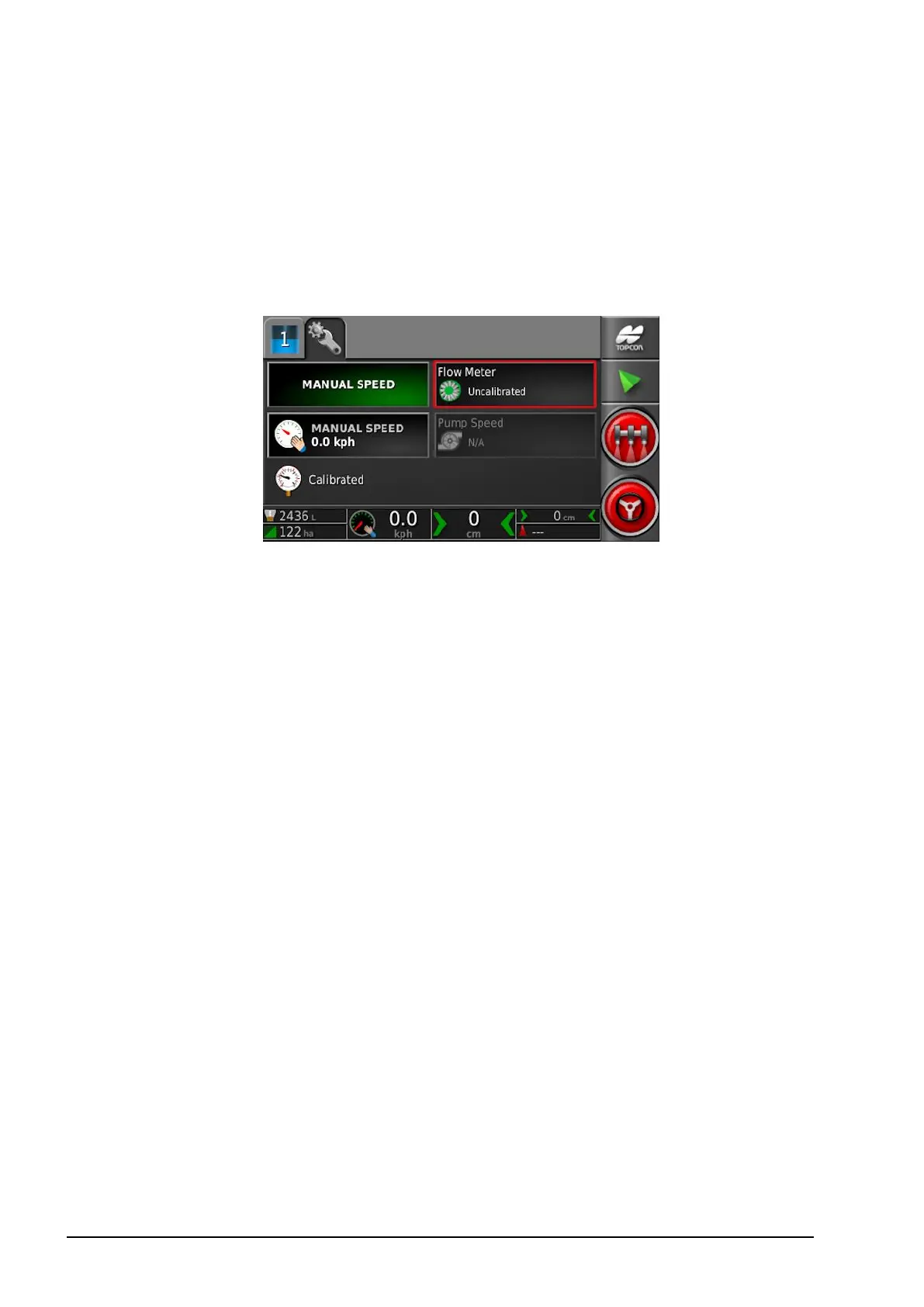
6.4. Configuring and calibrating
70
6.4.2. Flow meter calibration
Flow meter calibration determines the number of pulses from the
flow meter per liter of liquid.
To calibrate the flow meter:
1. Select Flow Meter from the sprayer configuration screen.
The Auto Flow Cal wizard displays.
2. Follow the wizard prompts to calibrate the flow meter.
At step 2, the larger the volume measured, the more accurate the
flow meter calibration will be. The + and – buttons may be used
to increase or decrease the flow and pressure.



 To Next Page