Chapter 5 – Operation (X35/X30/X25)
45
5.4.3. Filling tanks
To fill the sprayer tanks:
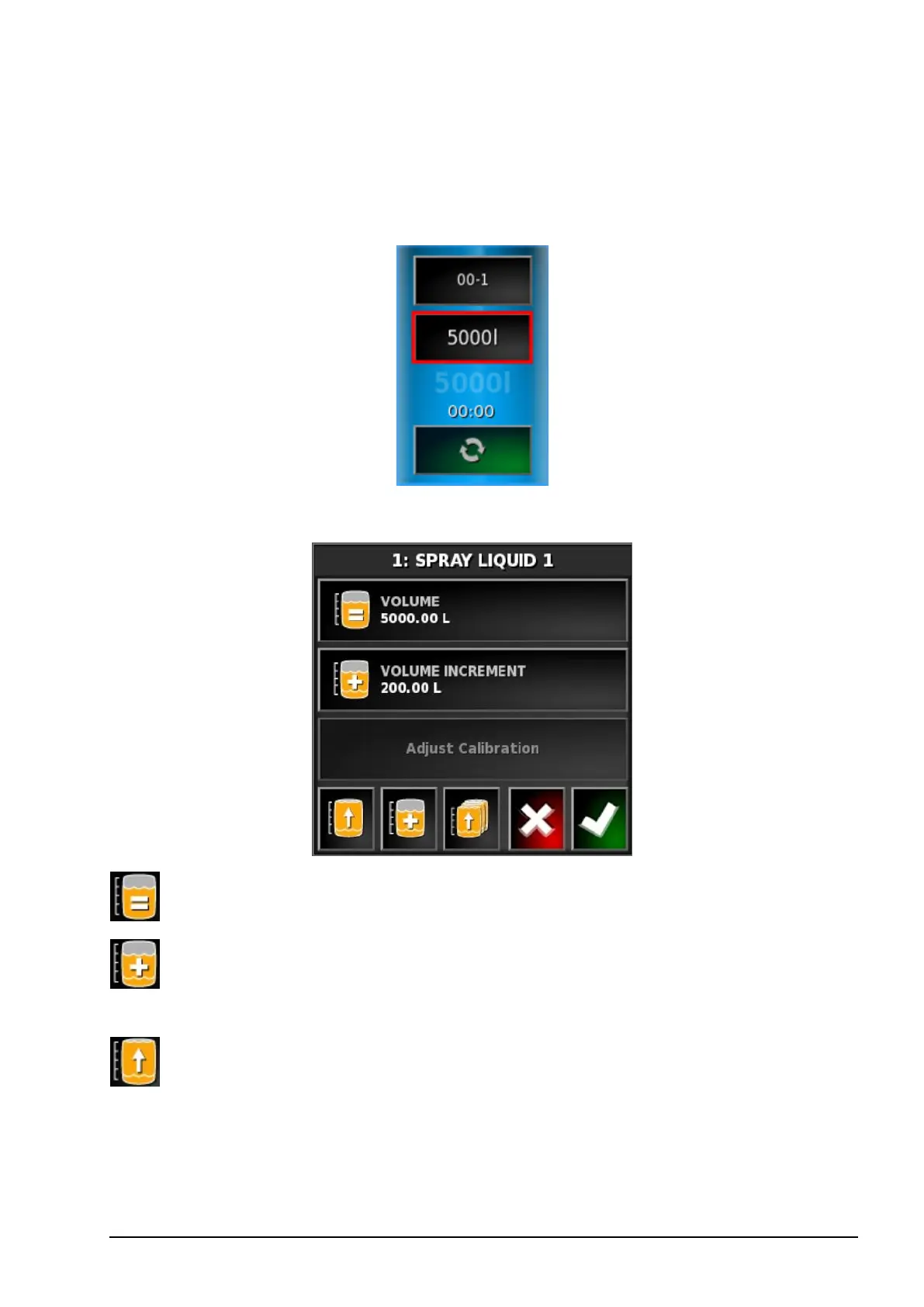
1. Select the Tank Fill button.
The Tank Fill screen displays.
Set volume: Set the volume of product in the tank.
Volume increment: Set the volume value to be used when
increasing volume in the tank by increments.
Fill tank to capacity: Fill the tank to the capacity entered on the
Setup screen (Implement / Sprayer / Tank).



 To Next Page