Chapter 5 – Operation (X35/X30/X25)
47
5.5. Configuring and calibrating
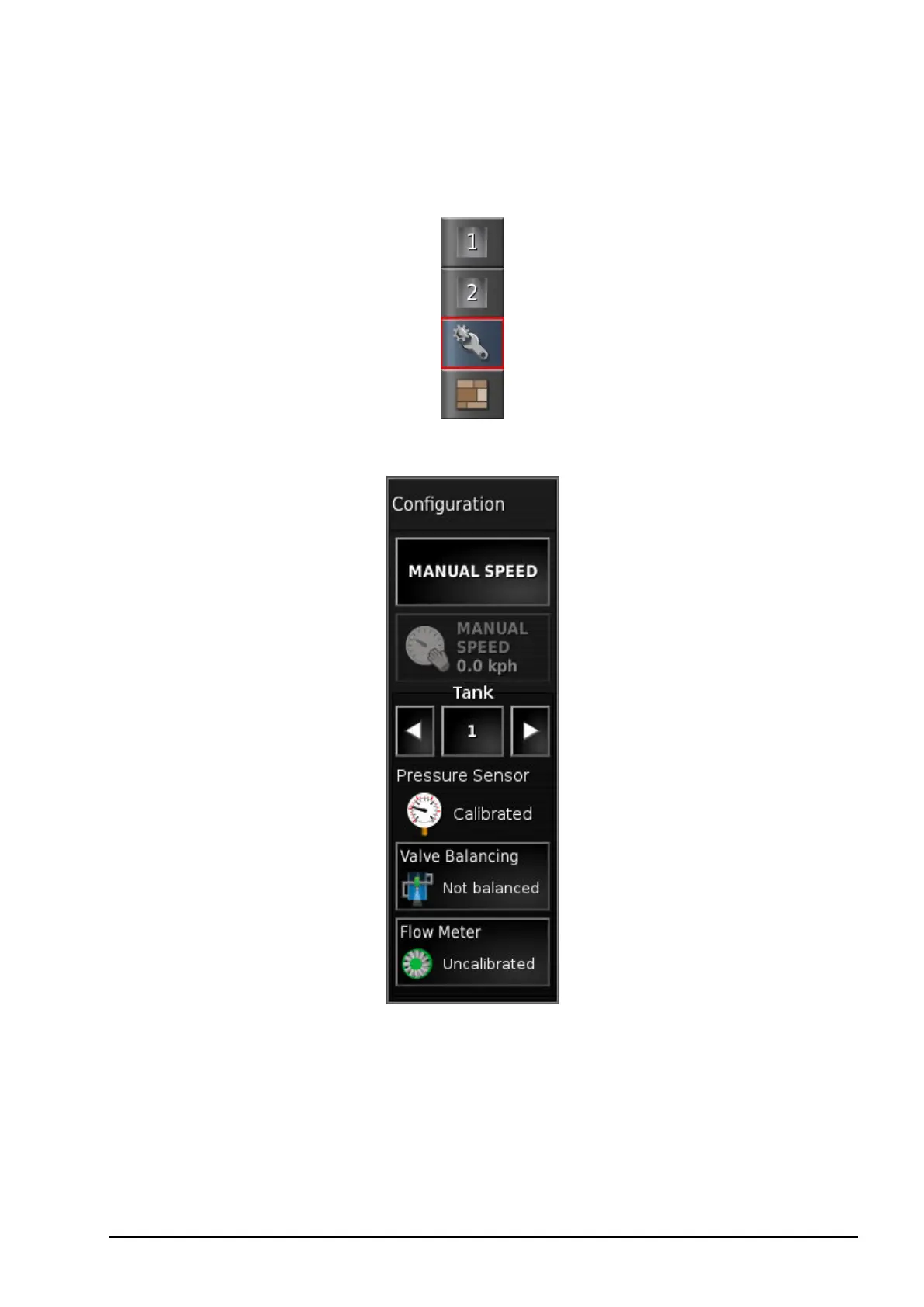
1. Select Configuration on the toolbar to the right of the screen.
The Configuration screen displays.
l Manual speed: Allows the user to select manual speed and override
the selection made in the Setup screen Implement / Sprayer /
Speed Source. This is only possible if the vehicle is stationary, or if
GPS is selected and the signal drops out. The speed is used to
calculate application rates.



 To Next Page