Chapter 4 – Sprayer Controller Setup
23
4.3. Setting up pressure
This section sets up pressure sensors and controls. Refer to the
specifications of the sprayer being used for correct settings.
1.
Select Implement / Sprayer / Pressure .
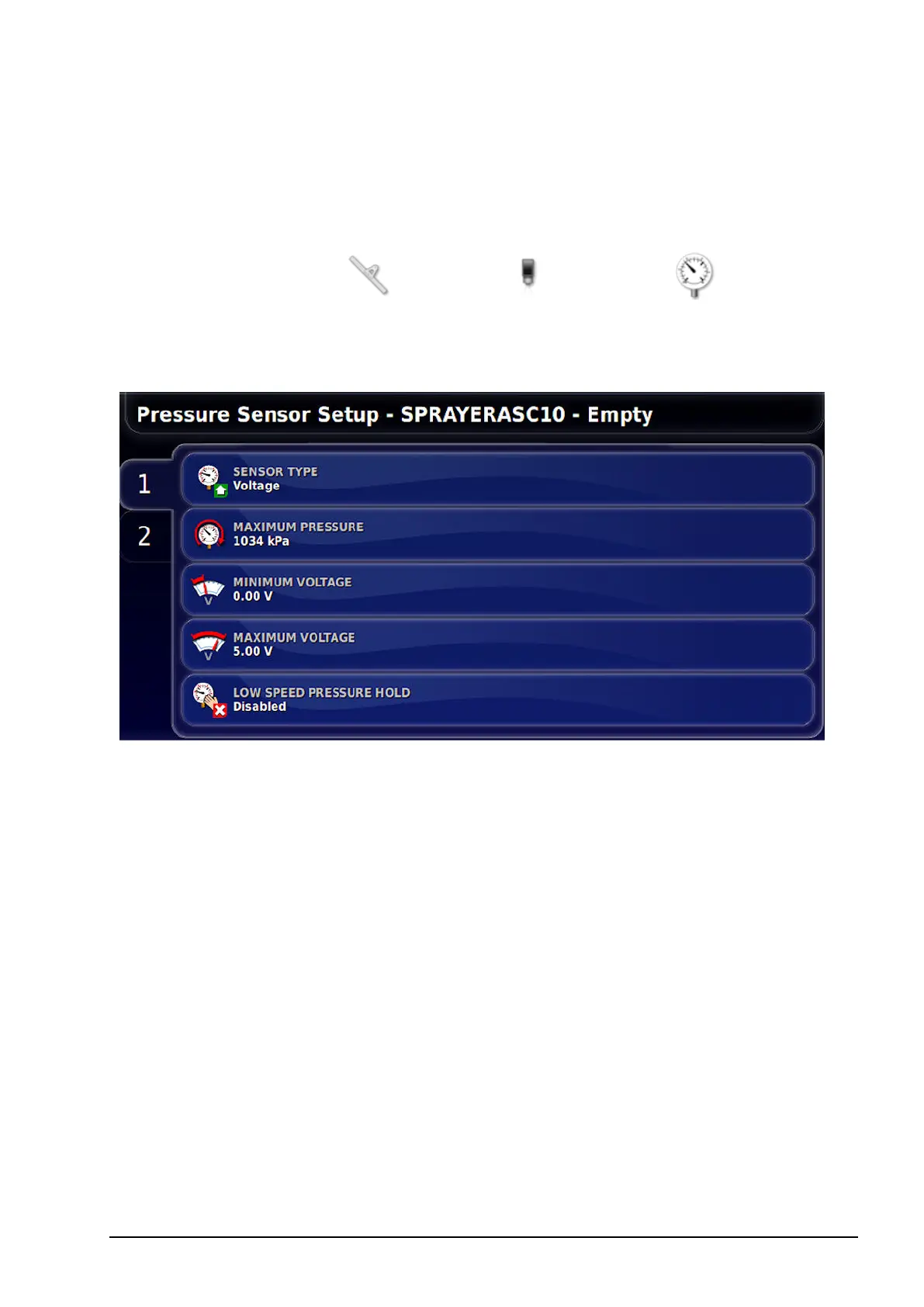
2. Select the tank from the tabs on the left and select SENSOR TYPE.
3. Select Voltage and confirm.
l Maximum pressure: The maximum pressure rating that the sensor
can read.
l Minimum voltage: The rated minimum voltage (0-5) for the
sensor.
l Maximum voltage: The rated maximum voltage (0-5).
l Low speed pressure hold: This allows the system to go into ‘low
pressure hold’ based on speed. If the controller is in auto and the
speed drops below the set value, the system will stop controlling to
the set application rate and go into manual mode. When the speed
goes back above this value it will go back into auto mode. The
speed threshold must be entered.



 To Next Page