5.4. Choosing/changing tanks
40
5.4. Choosing/changing tanks
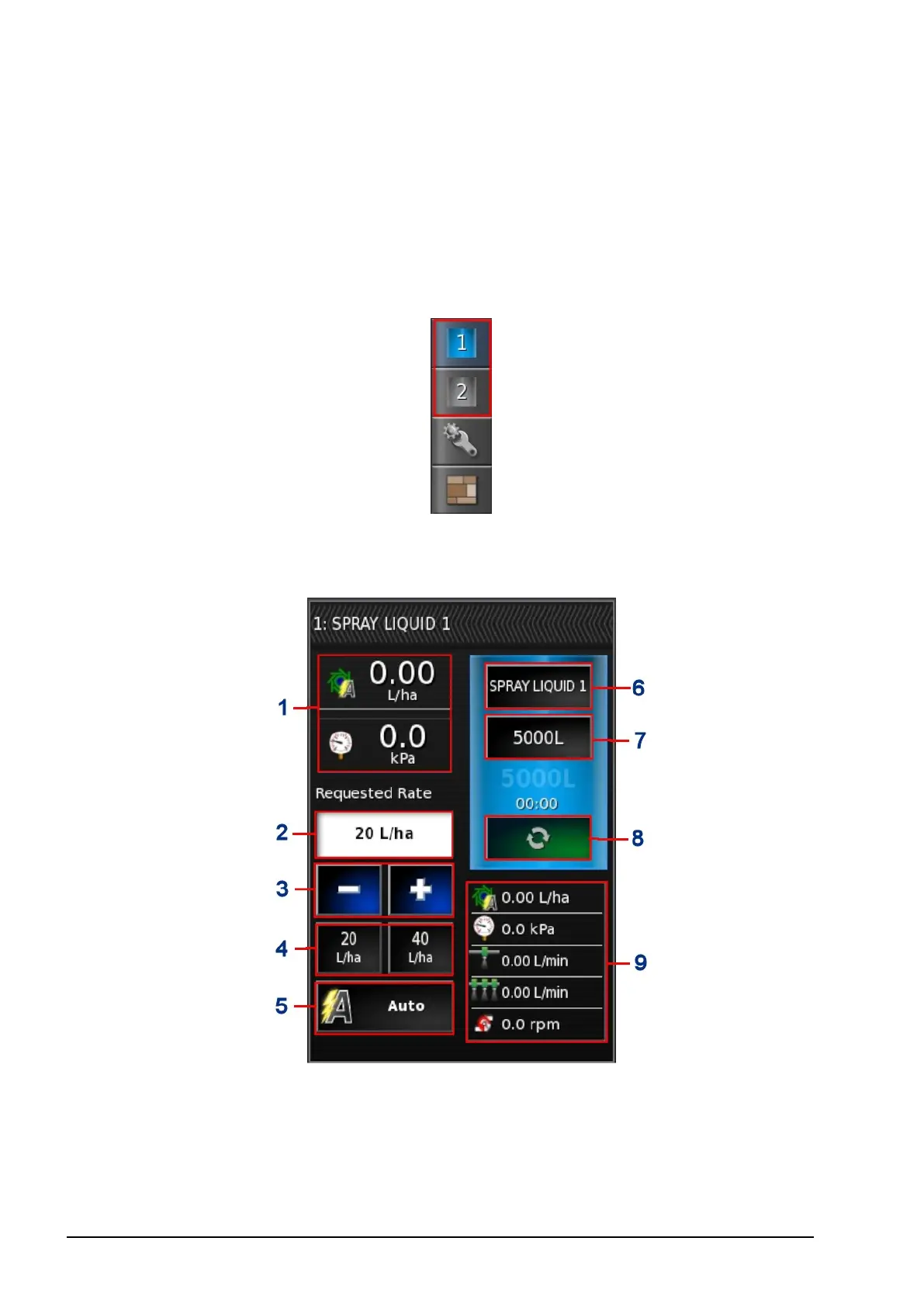
1. Select Tank on the toolbar to the right of the screen to open the
panel for the tank being used.
Note: If all panels are open, it may be necessary to slide some
panels to the left or right to see the required information.
2. Touch the Tank Panel title bar to expand the panel to show
product information.



 To Next Page