3
Chapter 2 – Implement Setup
This chapter explains how to setup and configure the console for use
with the Sprayer Controller and Auto Section Control features.
2.1. Setting up a new implement
2.1.1. X35, X30 and X25 consoles
Creates a new implement profile for the attached implement.
Note: Existing implement files can be imported from a USB. Refer
to the Guidance and Auto Steering manual.
To create a new implement:
1.
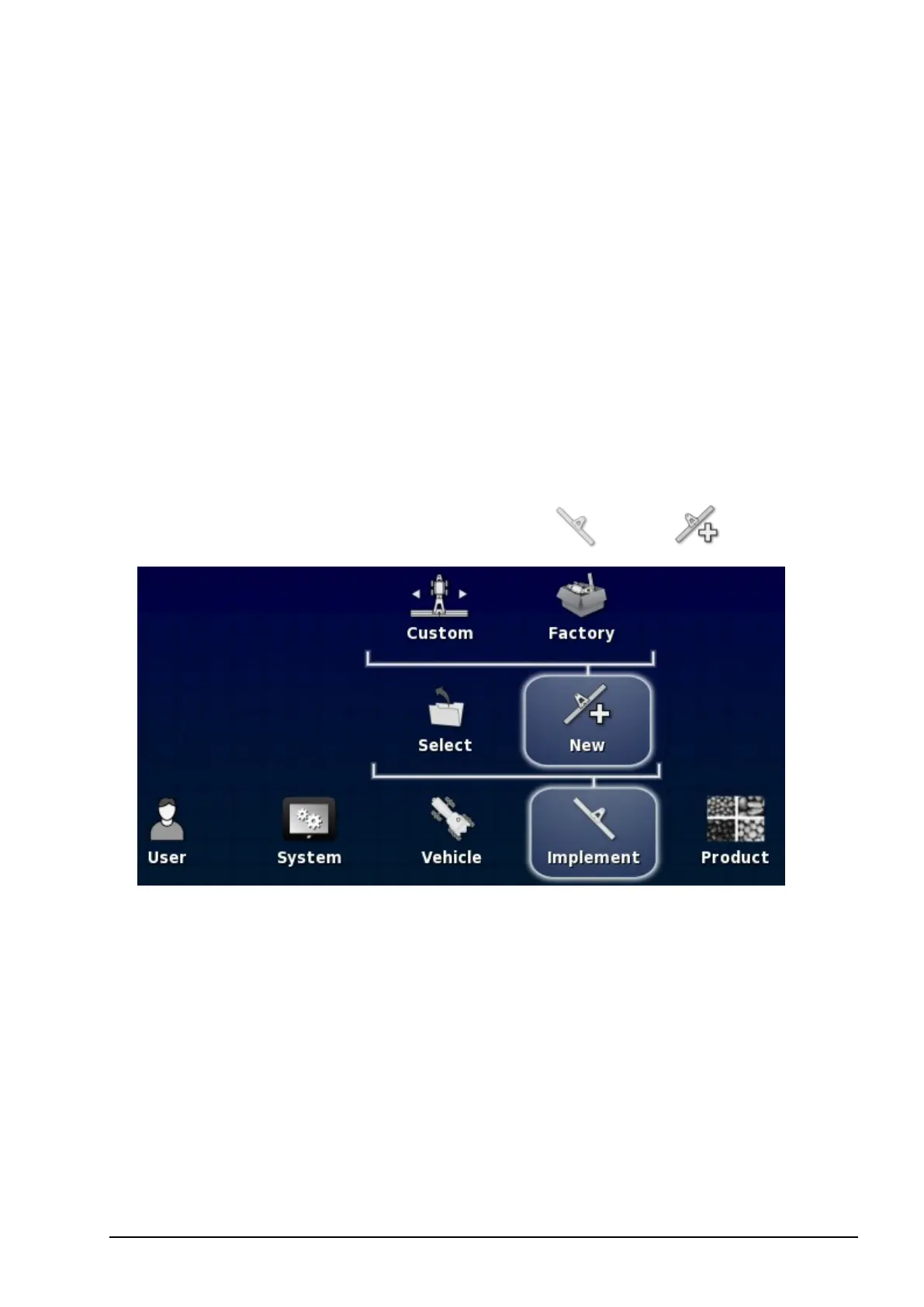
On the Setup screen, select Implement / New .
l Custom: Create a new implement profile.
l Factory: Select an implement template from a pre-defined list.
2. If the required implement is not available in the Factory
templates, select Custom.
3. Use the arrows to select the implement Type and confirm.



 To Next Page