6.4. Configuring and calibrating
68
6.4. Configuring and calibrating
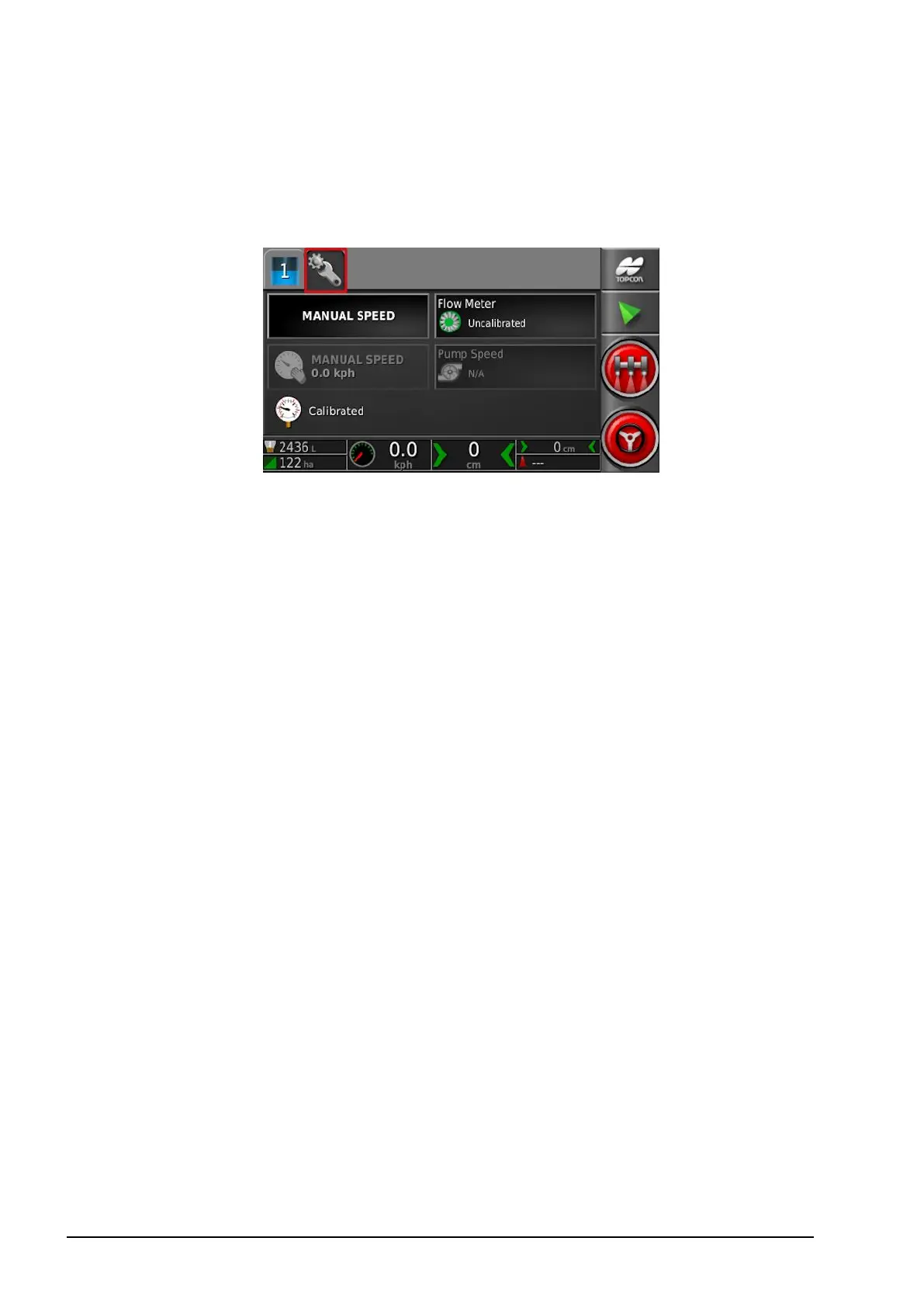
1. Select the Configuration tab on the sprayer controller screen. The
Configuration screen displays.
l Manual speed: Allows the user to select manual speed and
override the selection made in the Setup screen Implement /
Sprayer / Speed Source. This is only possible if the vehicle is
stationary, or if GPS is selected and the signal drops out. The
speed is used to calculate application rates.
Note that manual overrides a number of automatic features and is
not recommended for operations. It should be used for stationary
testing of nozzles only. It must be changed to the correct speed
source before operating the sprayer under normal conditions.
l Manual speed display: Enables the manual speed to be entered.
This indicator changes to Wheel Sensor if that is selected as the
speed source in the Setup screen Implement / Sprayer / Speed
Source, refer to Wheel sensor calibration, page 69.
l Pressure sensor: Shows the calibration status of the pressure
sensor. Refer to Setup screen Implement / Sprayer / Pressure.
l Pump speed: Shows the current status of the pump speed. Refer
to Setup screen Implement / Sprayer / Pump Speed.
l Flow meter: Displays the flow meter calibration wizard to be
used if the calibration figure for the flow meter is not known and
entered in the Setup screen Implement / Sprayer / Flow. Refer to
Flow meter calibration, page 70.



 To Next Page