Chapter 6 – Operation (X14)
67
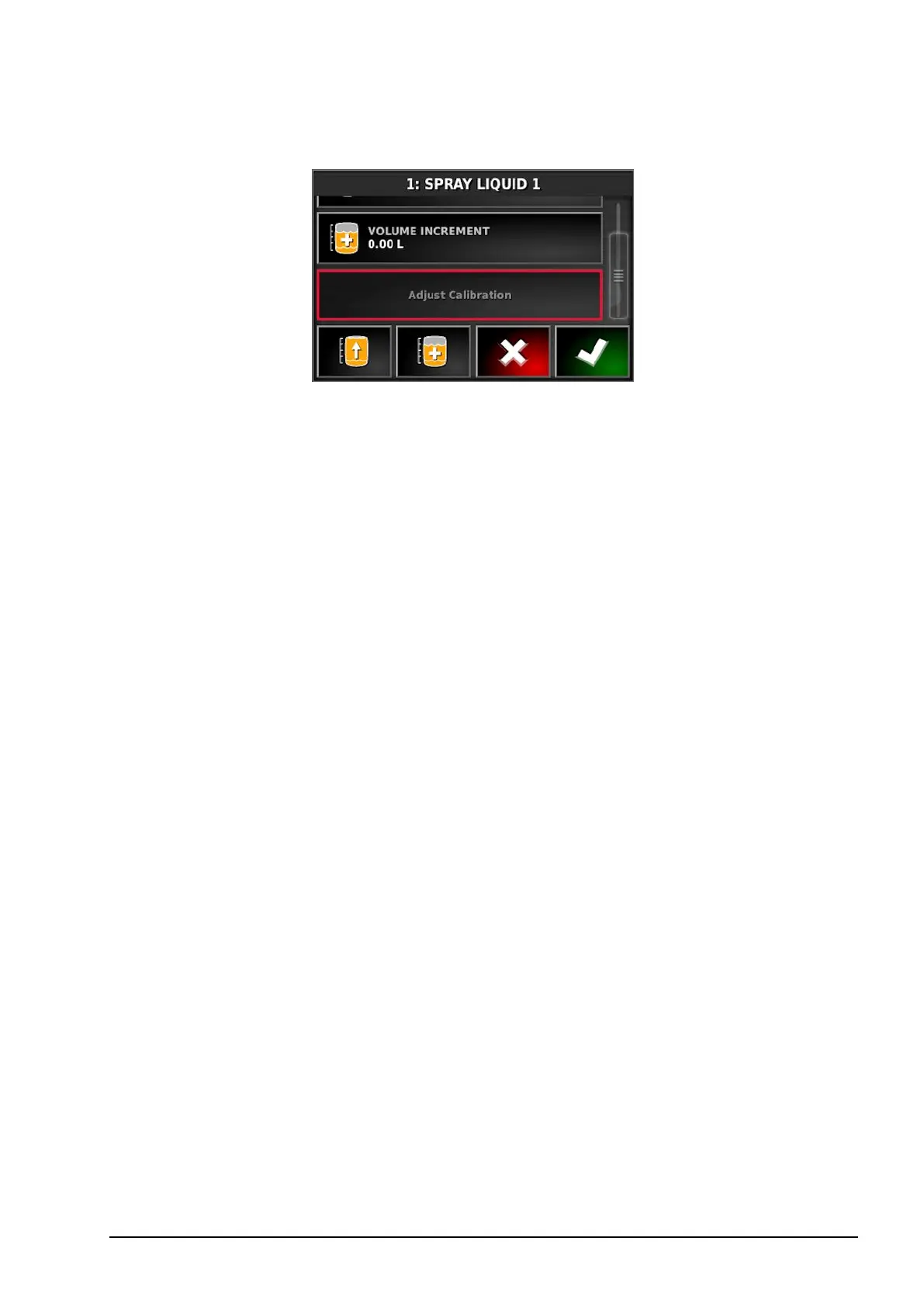
Adjust calibration
This option is used to adjust the calibration factor when there is a
known starting volume and a known error in the finishing volume. It
allows the calibration factor to be automatically recalculated based on
the percentage difference between the calculated and actual volume
remaining. This may be useful when there is an inconsistency between
the displayed and known product remaining.
1. Select Adjust Calibration.
2. Select Actual Volume Remaining.
3. Enter the volume of product remaining in the tank and confirm.
The Calibration Adjustment percentage is automatically calculated.



 To Next Page