4.10. Enabling section control
34
4.10. Enabling section control
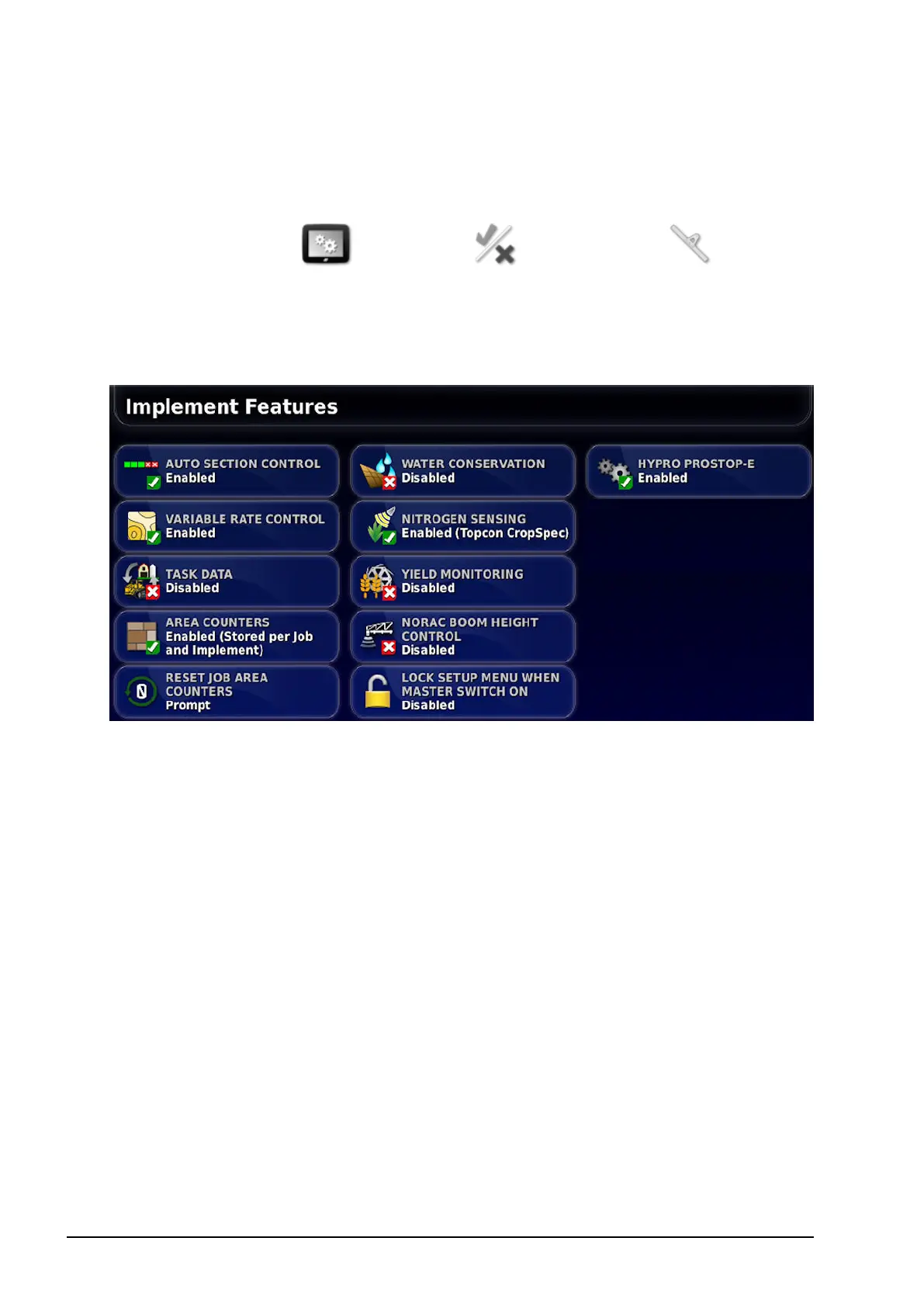
To use Auto Section Control, this must be enabled.
1.
Select System / Features / Implement and set
AUTO SECTION CONTROL to Enabled.
Note: Only the Auto Section Control and Lock Setup Menu
options are available on this screen if using an X14 console.
2. If using VRC prescription maps, select VARIABLE RATE
CONTROL, choose Enabled and confirm.
3. Repeat for each feature you wish to enable or disable.



 To Next Page