Chapter 4 – Sprayer Controller Setup
31
4.8. Setting up implement audio
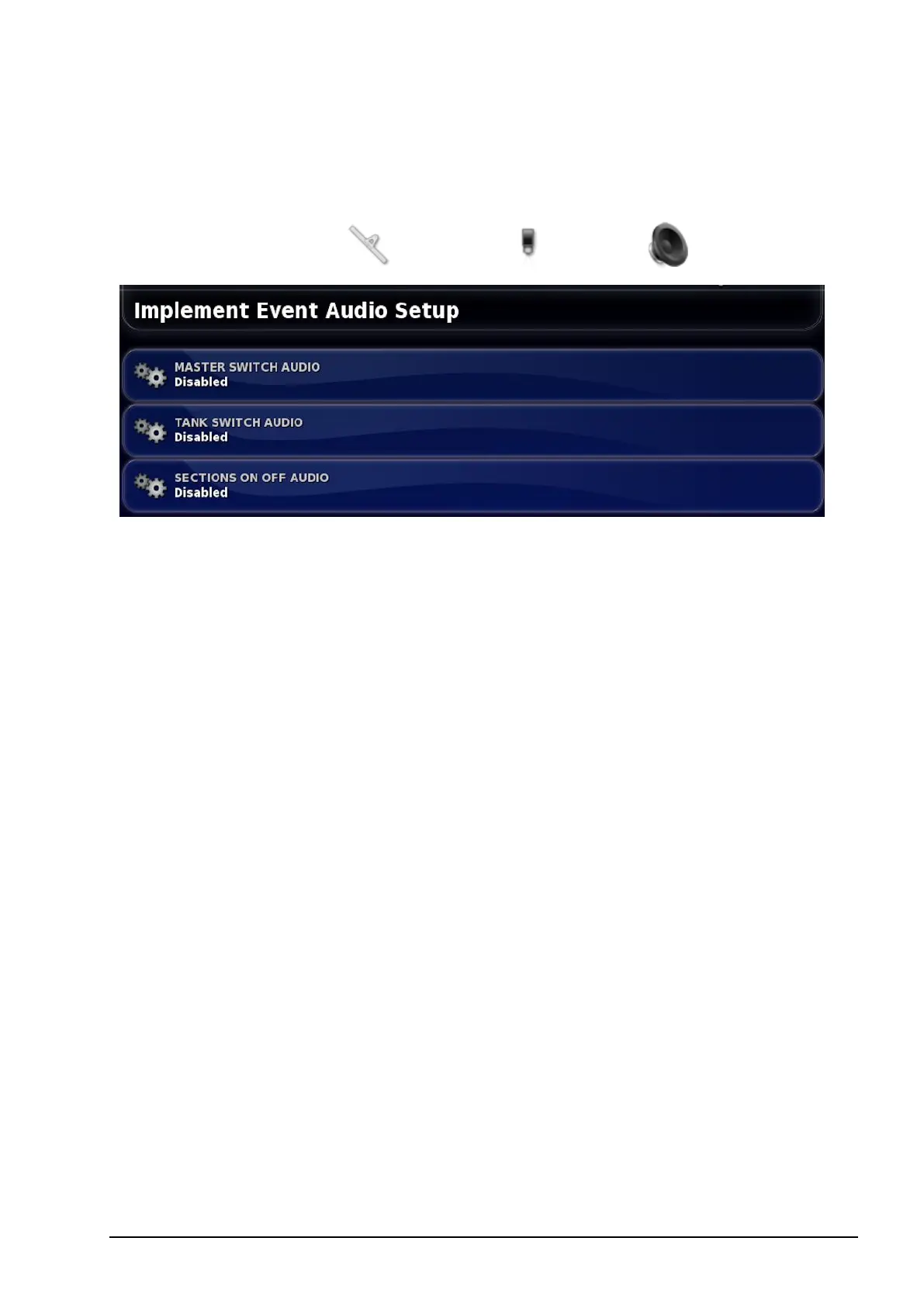
Sets the sound feedback for implement operations.
1.
Select Implement / Sprayer / Audio .
Sound can be enabled for the following operations: turning the master
switch on and off, turning a tank on and off and turning a section on
and off. Each sound is unique.



 To Next Page