4.4. Setting up pressure control
24
4.4. Setting up pressure control
Refer to the specifications of the sprayer and an ISO standard nozzle
rate chart for correct settings.
The console supports Pressure Only or Pressure Fallback control.
Pressure fallback control uses flow control unless the flow falls below
a set flow rate. It will then use pressure control until the flow
increases.
Note that this setting is disabled if Sensor Type is set to None under
Implement / Sprayer / Pressure.
1.
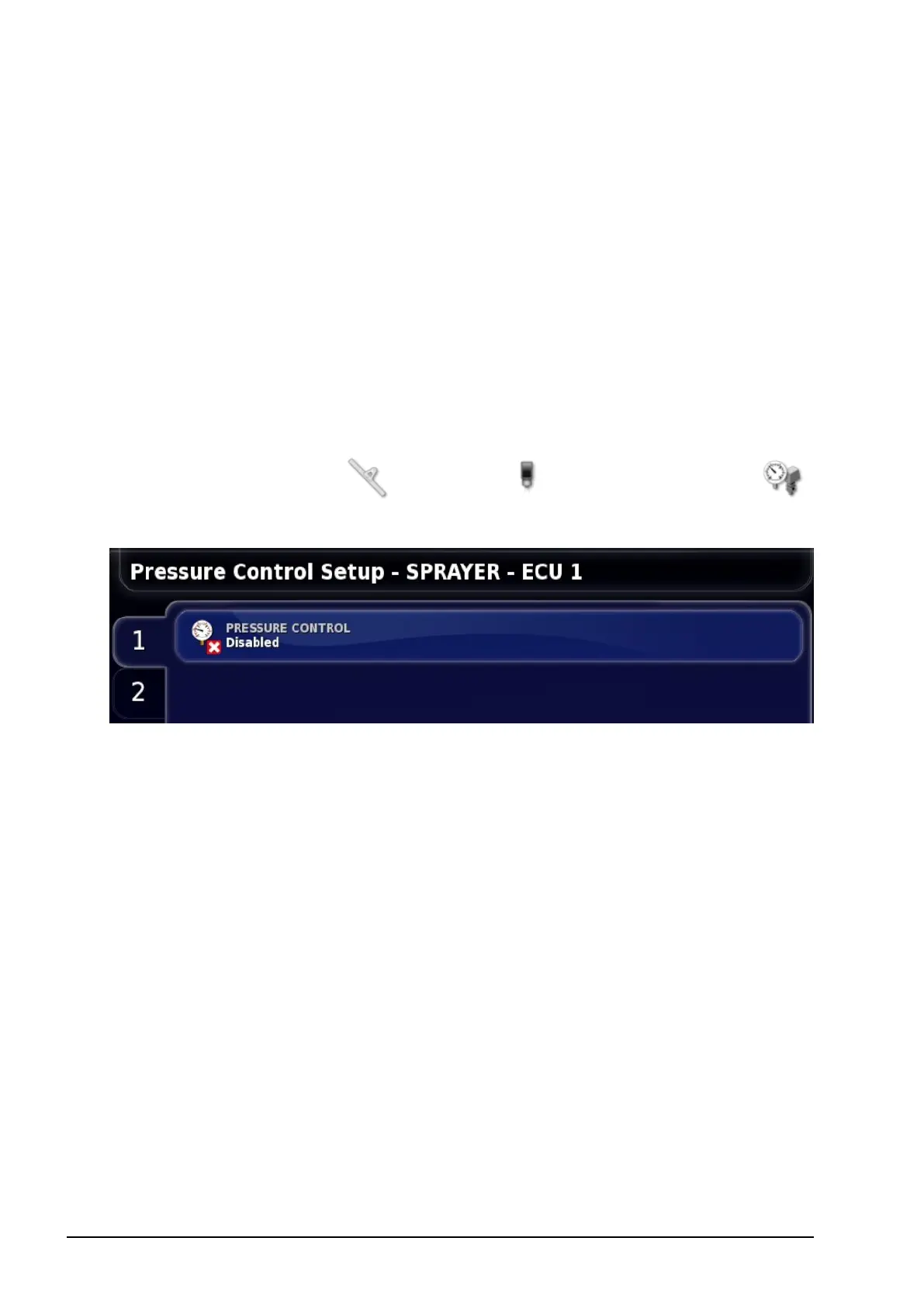
Select Implement / Sprayer / Pressure Control
.
2. Select the tank from the tabs on the left and select PRESSURE
CONTROL.
3. Select Pressure Only or Pressure Fallback. The following
screens and options will vary based on this selection. Confirm.
Pressure only
l Density: The density of the liquid (water = 1).
Pressure fallback
l Density: The density of the liquid (water = 1).
l Control switch point: The low flow rate that will activate
pressure control.



 To Next Page