Chapter 6 – Operation (X14)
65
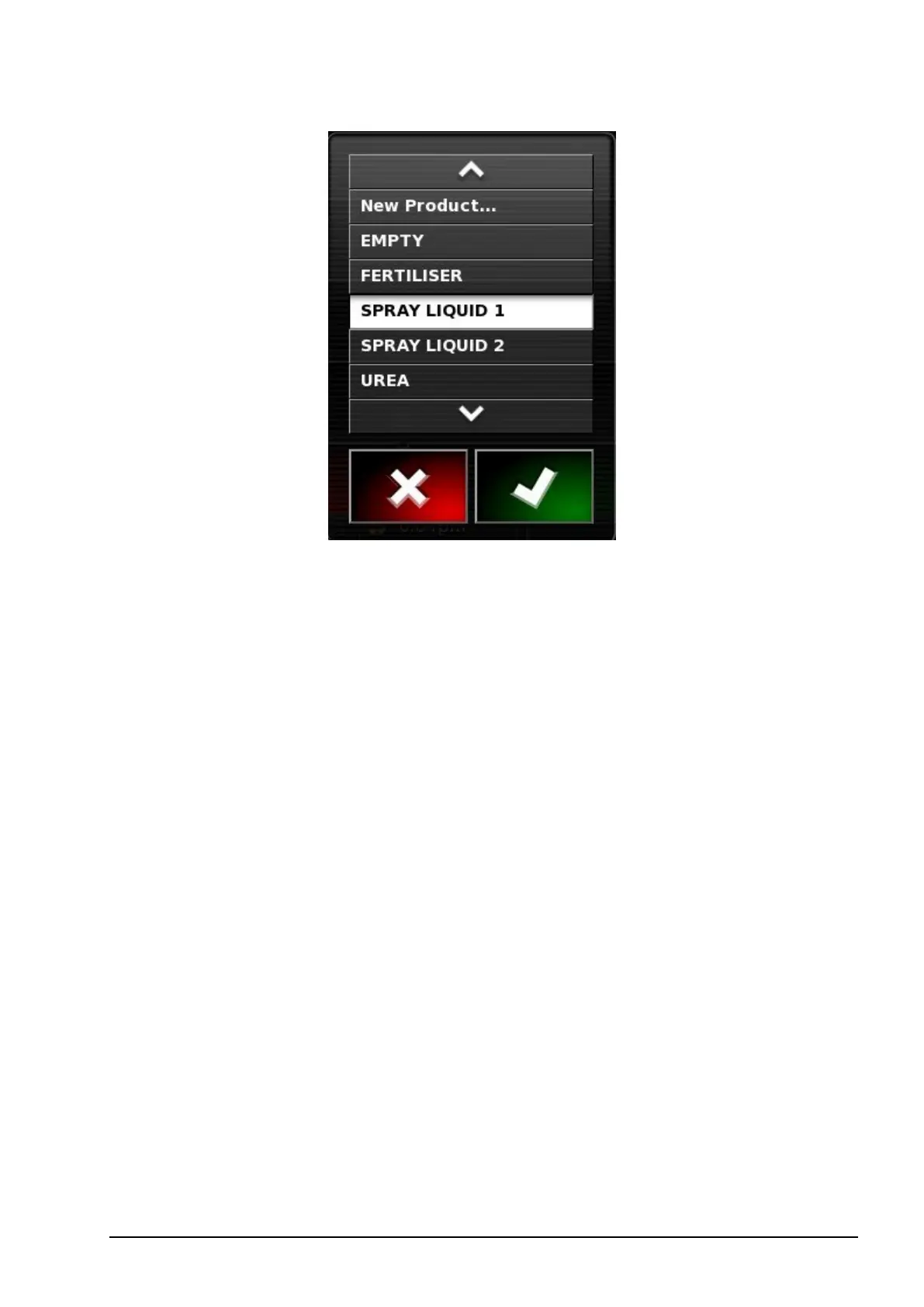
Selecting New Product opens the New Product Setup wizard.
Follow the wizard to add a new product.
l Rate increment: Defines how much the application rate will change
when the operator presses the application rate up/down button. The
rate can be changed by a fixed rate or by a percentage of the rate set
for Rate Preset 1. To change the rate increment type:
1. On the Setup screen, select User / Region / Units. The
APPLICATION RATE INCREMENT TYPE may be set to
Fixed rate or Percentage of Preset 1.
l Rate preset 1 / Rate preset 2: Defines preset application rates.



 To Next Page