5.6. Setting area counters
56
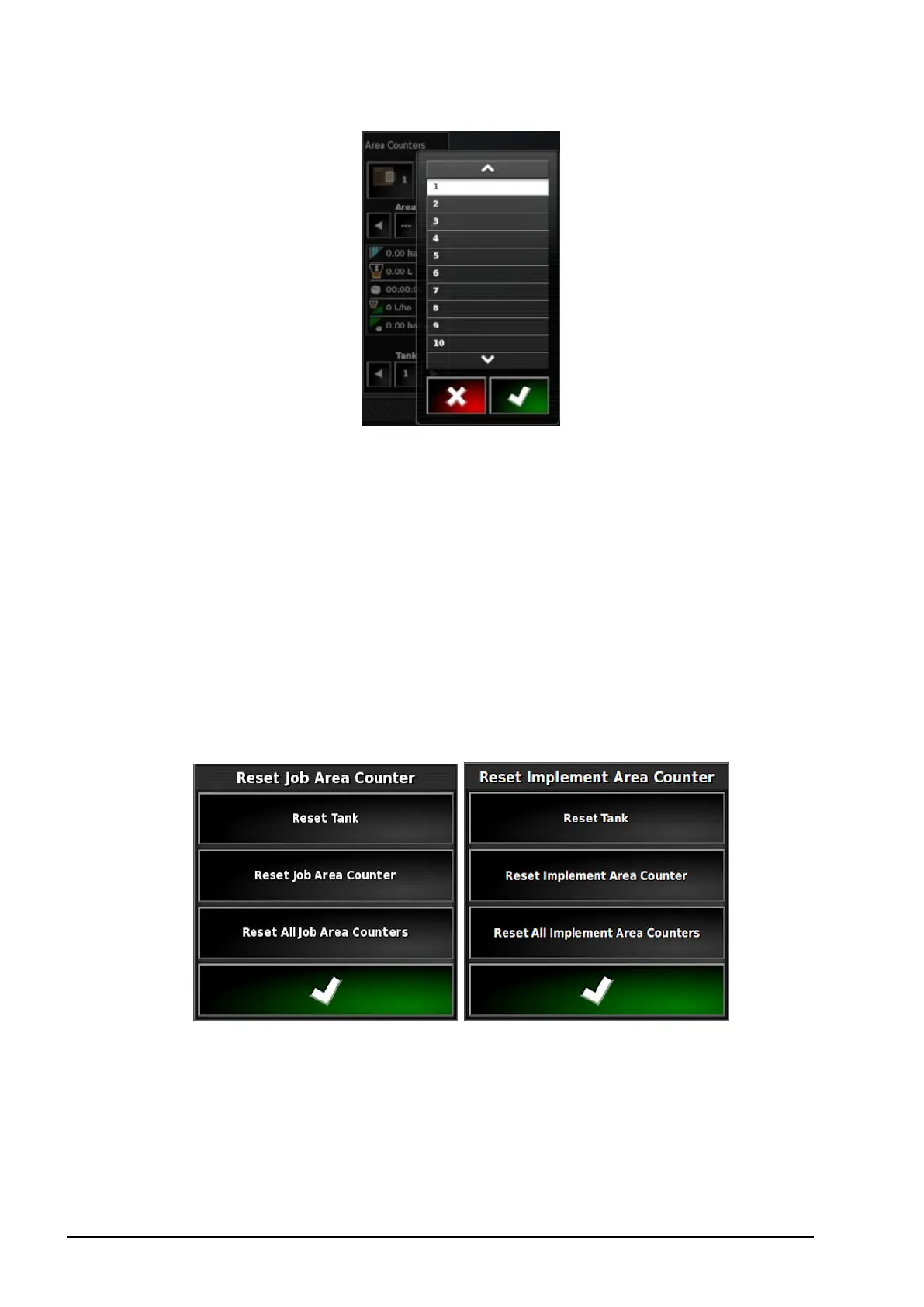
Data stored against the area counter is displayed in the lower half
of the window.
3. Use the arrows or select the middle Area button to view data
stored against each area counter.
4. Use the arrows or select the middle Tank button to view data
stored against each tank.
Reset area counter window
Select this option to reset data for a tank, the currently selected job or
implement area counter, or all job or implement area counters.



 To Next Page