Chapter 5 – Operation (X35/X30/X25)
55
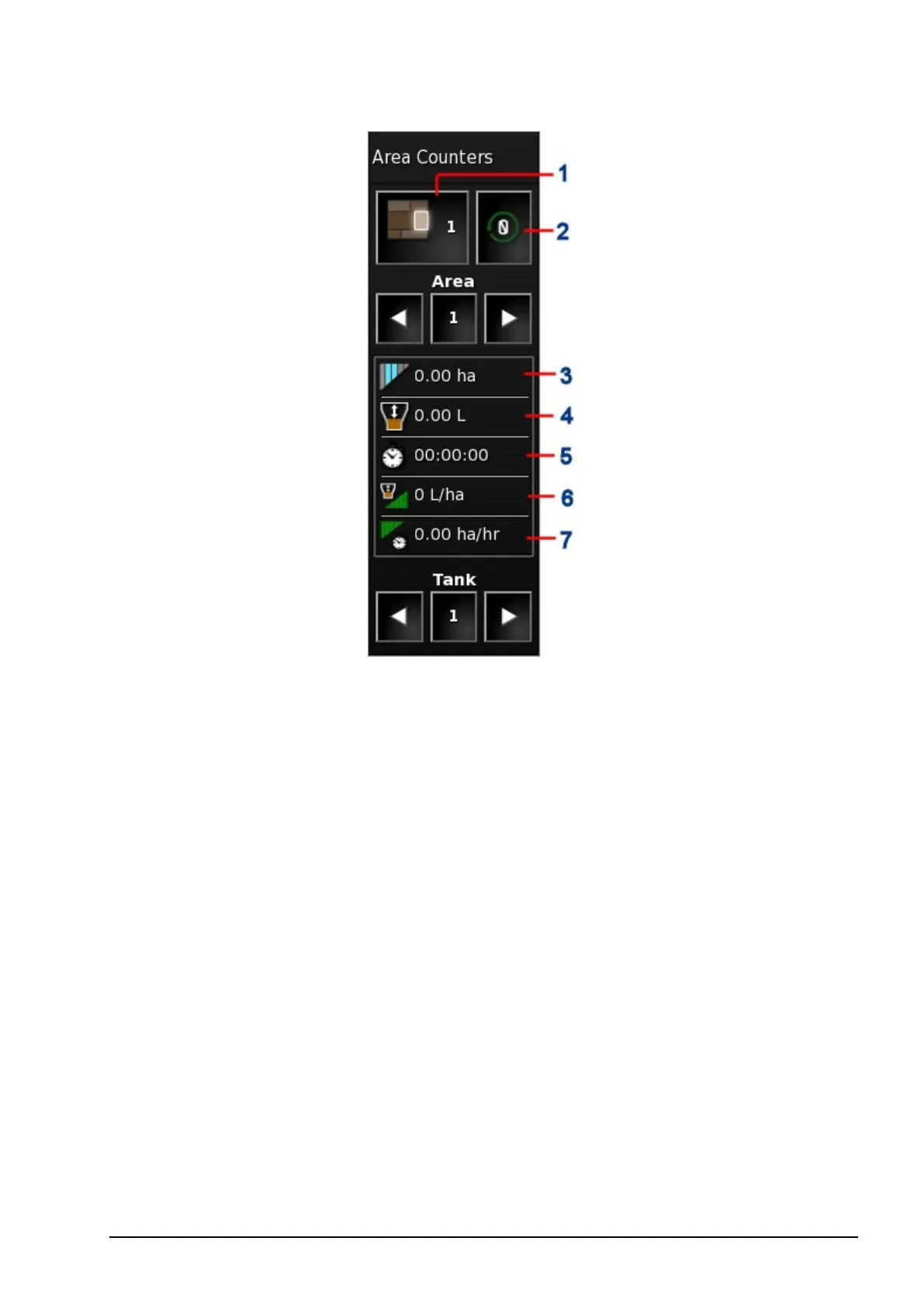
1
Set active area counter number
2
Reset area counter window
3
Treated area
4
Product used
5
Operating time
6
Average rate (area)
7
Productivity time
2. To select the area counter against which the data will be stored,
select Set Active Area Counter Number and select the required
counter.
The same area counter must be selected each time data on the same
topic is to be stored.



 To Next Page