5.5. Configuring and calibrating
52
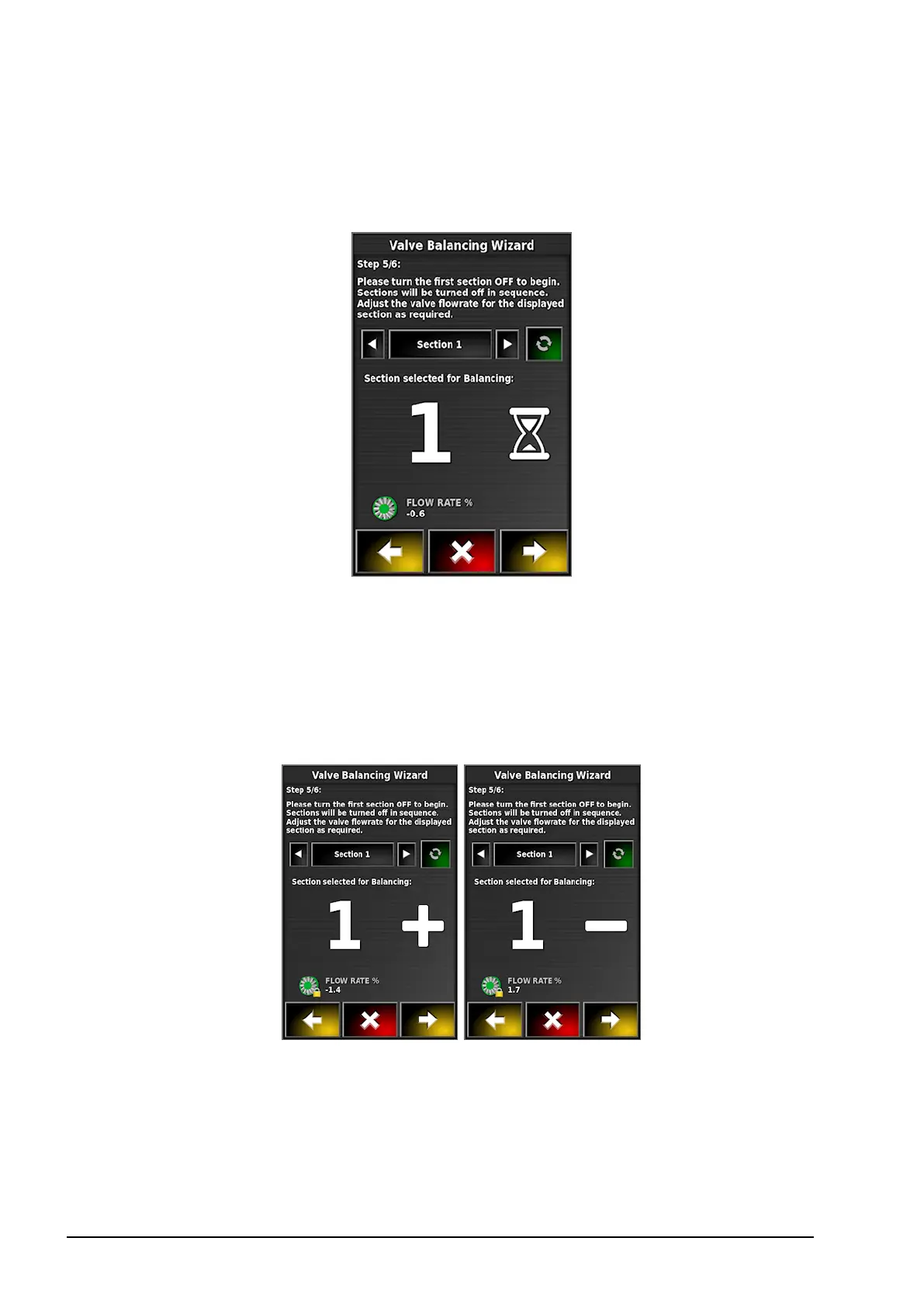
Section valves are then turned off incrementally and the valves
can be adjusted as required. Sections can be skipped if required
and the next section selected.
A + symbol next to the pressure reading indicates that the
pressure is too low on that valve. Turn the knob to increase the
pressure.
A - symbol indicates pressure is too high. Turn the knob to
decrease pressure.
Once the valve is balanced, an information screen is displayed and the
next section will turn off.
Once the flow rate is stable for each section, a lock is displayed next
to the reading.



 To Next Page