Performance Menu Settings
P/N 7010-0341 www.topconpositioning.com
4-33
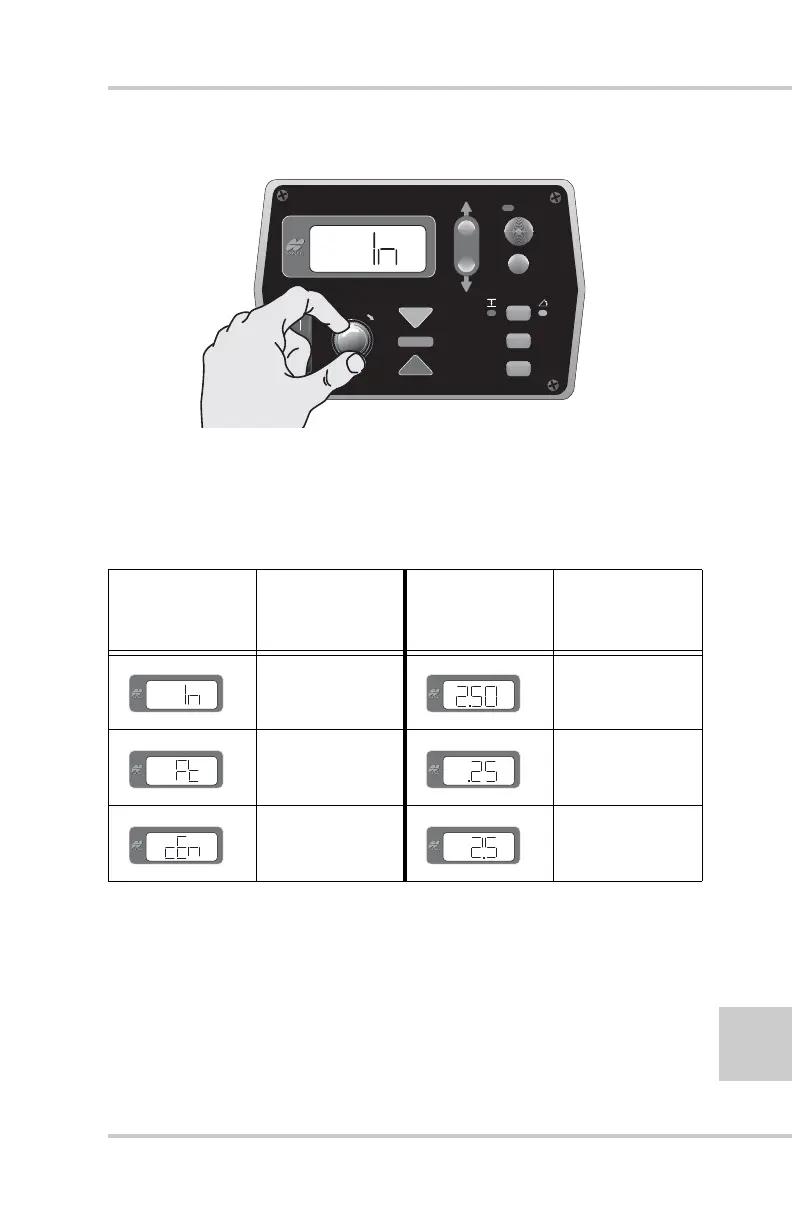
Figure 4-42. Select Measuring Unit
Table 4-4 displays and describes the three options available
for the Units menu.
3. Press the Auto button again to store the value.
4. Rotate the Grade Adjustment Knob to access another item
in the Performance Menu or press the Set/Menu button to
exit.
Table 4-4. Unit Measurement Descriptions
Measurement
Display
Description
Numerical
Display
Example
Description
Inches 2 1/2 inches
Feet 25 hundredths of
a foot
Centimeters 2 1/2 cm (25mm)
FiveSystem
AU
TO
S
UR
VEY
SET
(M
E
NU
)


 To Next Page