20
1.BEFORE USING FAX
1.DESCRIPTION OF EACH COMPONENT (Cont.)
1
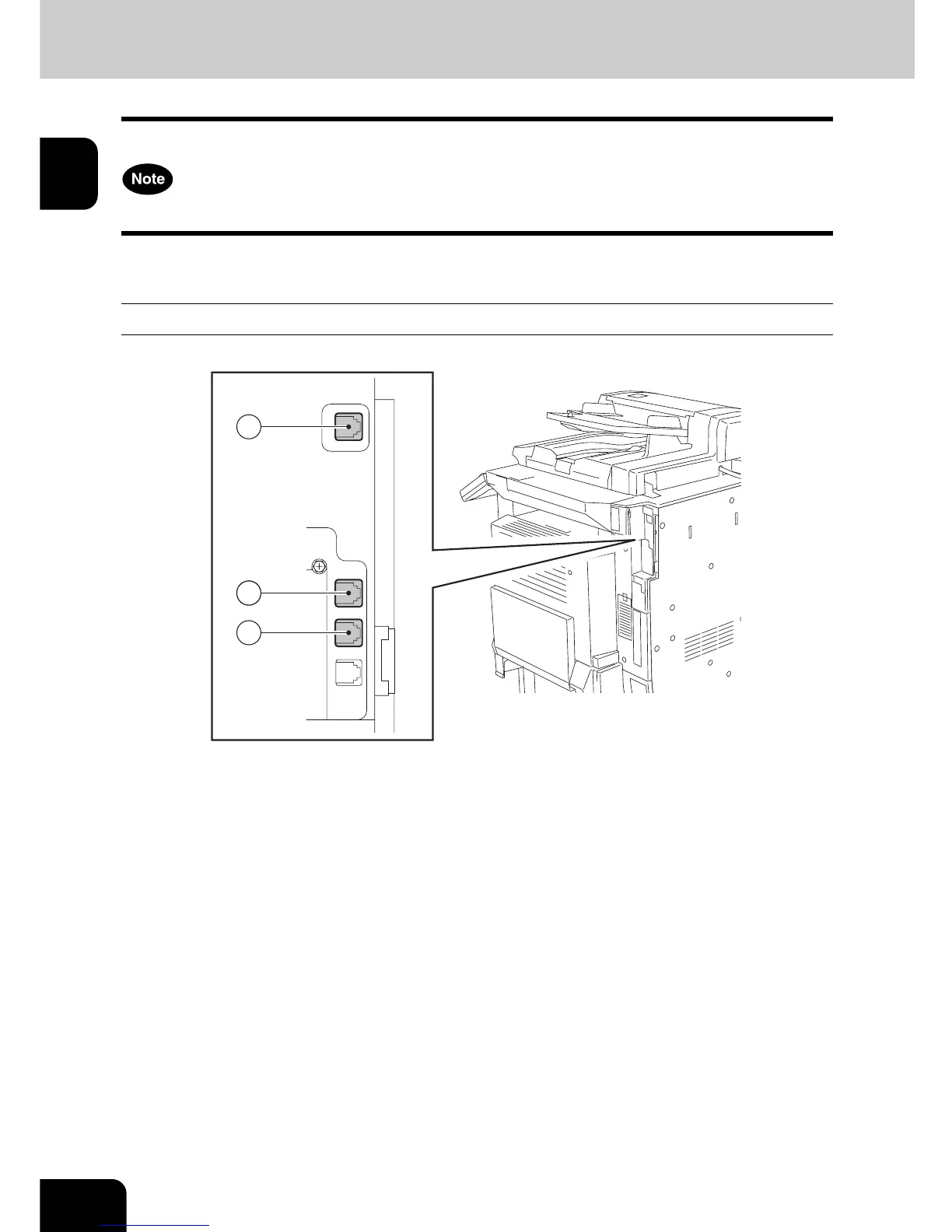
Connecting the Cables
Before you connect the cables, ensure that the power switch is OFF.
Do not connect this device and a telephone to a telephone connector in parallel.
e-STUDIO3511/4511/350/450
1: LINE2 Connect the telephone line (when the optional 2nd line board is installed).
2: LINE1 Connect the telephone line.
3: TEL Connect the external telephone (not available for the European version).
22
1
3



 To Next Page
 Loading...




