89
5
7
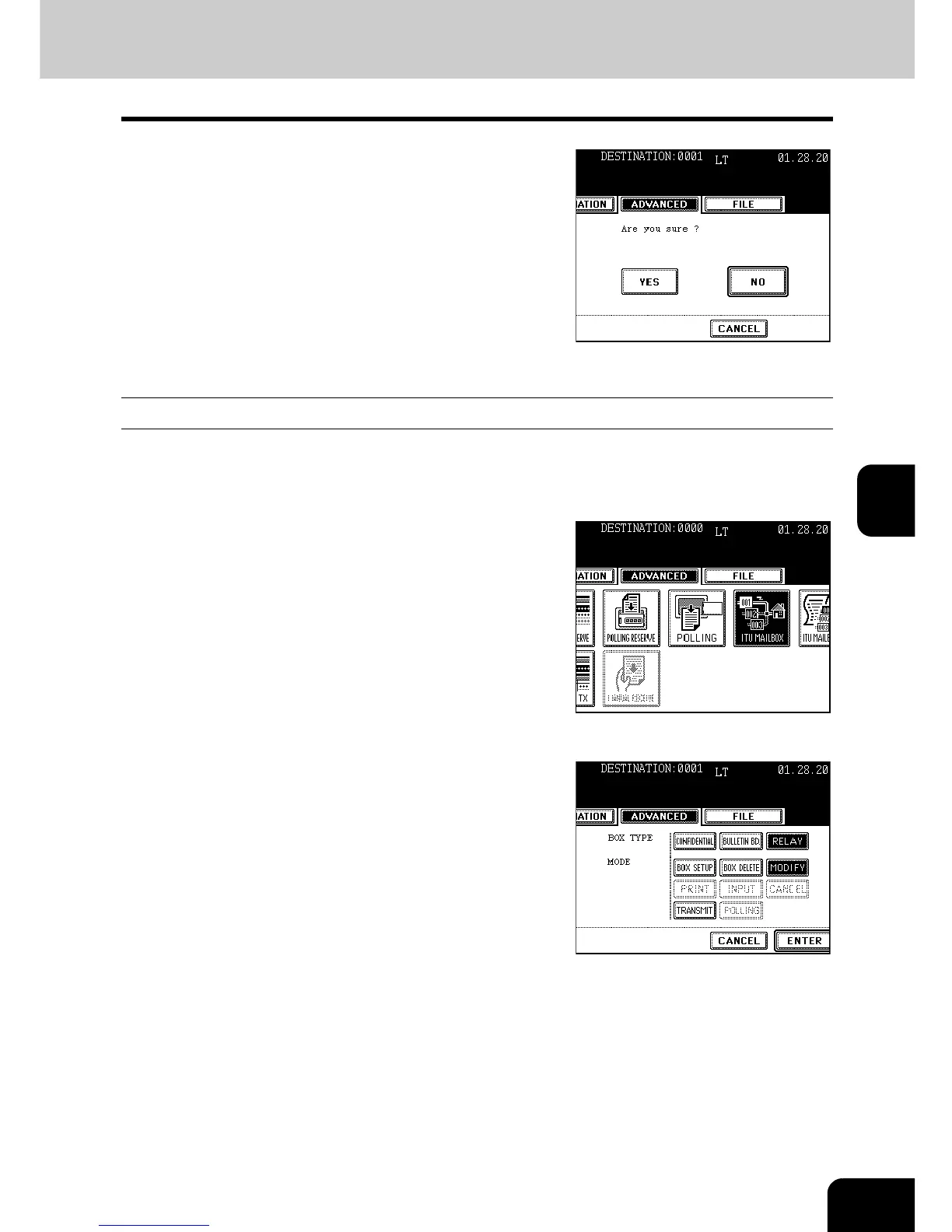
Press the [YES] button.
- When pressing the [YES] button with some files in the
[CONFIDENTIAL] or the [BULLETIN BD], “Not allowed now”
appears.
Modifying the Relay Mailbox
1
Press the [FAX] button on the control
panel.
2
Press the [ADVANCED] button to enter the
advanced menu, and then the [ITU
MAILBOX] button.
3
Press the [RELAY] button, and then press
the [MODIFY] button.
4
Press the [ENTER] button.
- If the box is not opened, “No entry” appears.



 To Next Page
 Loading...




