34
2.SENDING A FAX
4.SETTING THE TRANSMISSION CONDITIONS (Cont.)
2
Setting the Transmission Conditions
1
Place the original(s).
- "Setting Originals" Page 29
2
Press the [FAX] button on the control
panel.
3
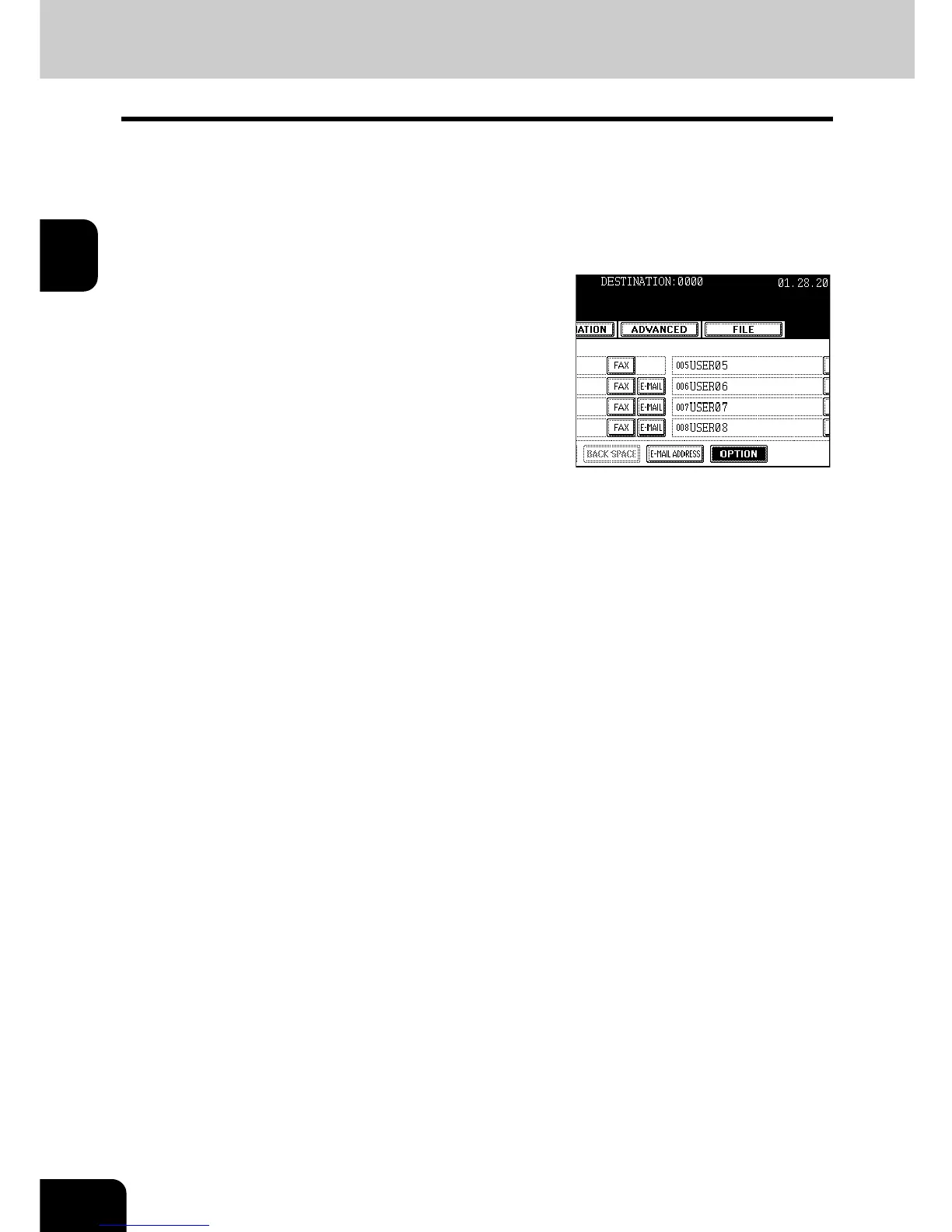
Press the [ADDRESS] button to enter the
address menu, and then press the
[OPTION] button.



 To Next Page
 Loading...




