File Navigator
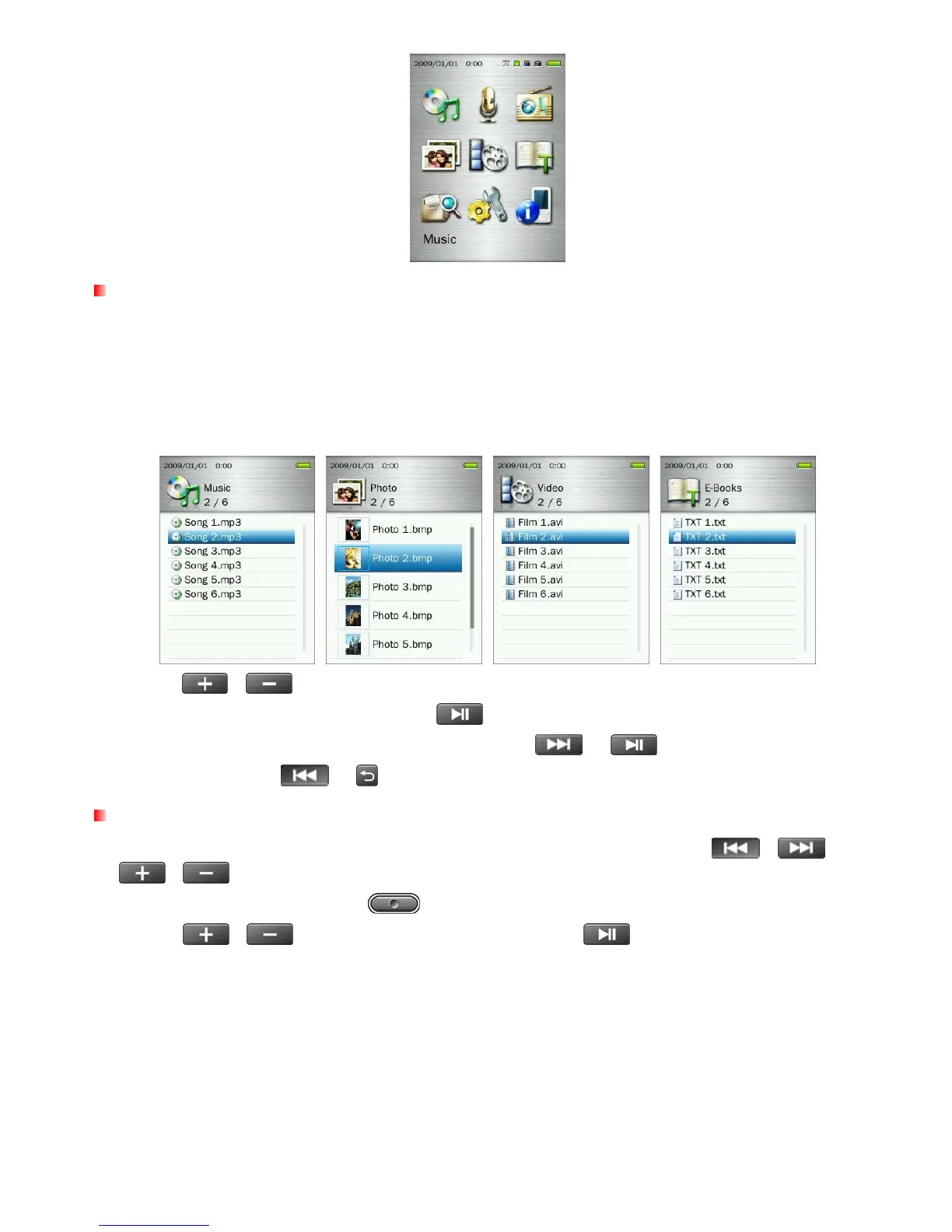
The File Navigator is a fast and convenient way of moving between tracks, files and folders.
1. Choose FILE MANAGEMENT from the Main Menu or select Internal Memory / microSD Card in the
MUSIC, VIDEO, PHOTO, or E-Books modes to open the File Navigator.
2. Once the source device is chosen (Internal Memory or microSD Card), a list of available files for the current
mode will be shown (except in FILE MANAGEMENT mode, which displays all files).
3. Use the / buttons to move up and down the list of files.
4. Highlight the file you want to play and press .
5. To enter a folder or subfolder, highlight it and press either or .
6. To exit a folder, press or .
Deleting Files
1. In the File Management mode, navigate to the file you want to delete with the / and
/ buttons.
2. With the file highlighted, press the
button to open Options menu.
3. Use the
/ buttons to highlight “Delete” and press . A “OK / Cancel” message will
appear.
15



 To Next Page