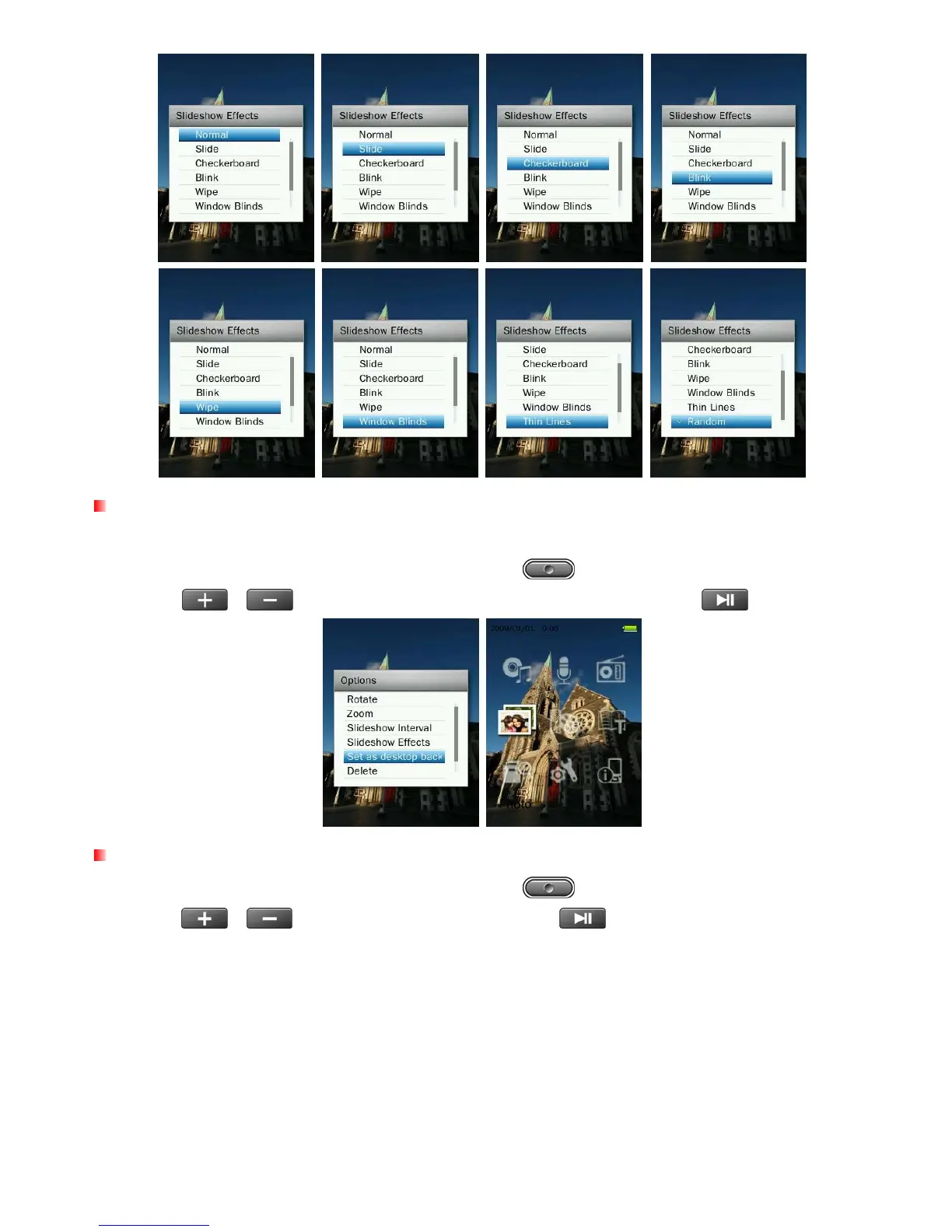
Set as Desktop Background
Sets current picture as the music player’s main menu background image.
1. When viewing an image in the PHOTO mode, press the
button to open the Options menu.
2. Use the
/
buttons to select “Set as Desktop Background”, press
to confirm.
Delete
1. When viewing an image in the PHOTO mode, press the button to open the Options menu.
2. Use the
/
buttons to select “Delete” and press
. A “Confirm File Delete” message will
appear.
43



 To Next Page